Free Code 39 Barcode Generator
Create Code 39 (Code 3 of 9) barcodes for asset tags, industrial, government and healthcare labels — right in your browser. Optional Mod 43 check digit. Download as PNG, SVG or PDF — free, no signup, no watermark.
Barcode settings
#000000
#FFFFFF
Preview
The free LabelInn app places your Code 39 barcode on a real label with the asset number, department and text, then prints directly to Zebra (ZPL) and TSC (TSPL) thermal printers — including bulk printing of asset tags from Excel.
01
What is a Code 39 barcode?
Code 39 — also written Code 3 of 9 — is a variable-length 1D barcode that encodes uppercase letters, digits and a handful of symbols. Each character is made of nine elements (five bars and four spaces), three of which are wide, which is where the "3 of 9" name comes from. Because Code 39 is self-checking, it needs no check digit to be read reliably, and it was one of the first symbologies that could encode letters as well as numbers. That combination is why it's still everywhere on asset tags and in industrial, government (LOGMARS) and healthcare systems decades after it was introduced.
Type your value into the tool above and a valid Code 39 barcode appears instantly. Everything runs locally with the bwip-js symbology engine — nothing you enter is uploaded. Need a different symbology? Use the full barcode generator for Code 128, EAN-13, GS1 and 17+ types, or the dedicated QR code generator.
02
The Code 39 character set
Standard Code 39 encodes exactly 43 characters. If your data only uses these, you're safe to scan on virtually any reader:
| Group | Allowed characters |
|---|---|
| Letters | A–Z (uppercase only) |
| Digits | 0–9 |
| Space | the space character |
| Symbols | - . $ / + % |
Lowercase letters and other punctuation are not part of standard Code 39. To carry them you need Extended Code 39, which represents each such character as a pair of standard characters (for example a lowercase letter is encoded with a + prefix). Only use Extended Code 39 if your scanner and software are configured to decode it, otherwise stick to the 43-character set above to avoid misreads.
03
The optional Mod 43 check digit
Because Code 39 is self-checking, a check digit is optional in most deployments. Some standards do require it: the Mod 43 check character is mandatory for HIBC (health industry) and used by parts of LOGMARS (US Department of Defense). If your scanning system expects a Mod 43 check character, turn it on so the printed data matches; if it doesn't, leave it off so the human-readable text stays clean and readable.
04
When to use Code 39 (and when not to)
- Great for: asset and equipment tags, fixed-asset inventory, ID badges, work orders, government and defense labels, and legacy healthcare systems that already scan it.
- Consider Code 128 instead when: you need to fit more data in less space. Code 39 barcodes are physically wider than Code 128 for the same data because each character uses more bars, so long values get long labels.
- Use a retail symbology instead when: you're labeling products for stores — that's EAN-13 or UPC-A, not Code 39.
05
How to generate a Code 39 barcode
- The tool above already opens on Code 39. Type your value — an asset number, part code or ID — using only the A–Z, 0–9, space, - . $ / + % characters.
- Set the size and bar height so the printed barcode is tall enough to scan (taller bars are more forgiving on curved or scuffed surfaces).
- Leave a generous quiet zone — Code 39 needs clear margins on both ends, or scanners may miss the start/stop characters.
- Download as PNG, SVG (best for scaling to any size without blur) or PDF.
06
Printing Code 39 to a thermal label printer
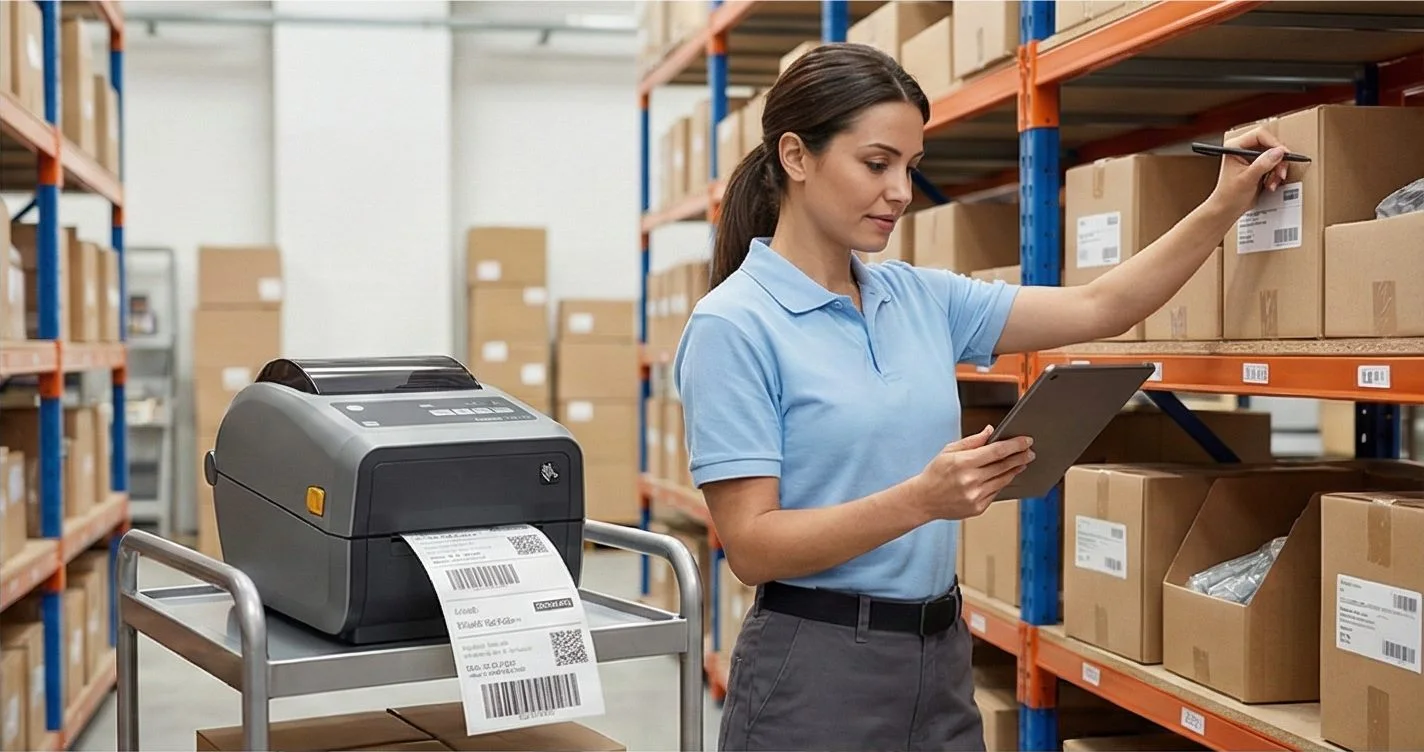
You can download the image and drop it into any document, but for real asset-tagging the cleaner path is a full label. The free LabelInn app places your Code 39 barcode on a complete label alongside the asset number, department and any text or logo, then prints driverlessly and directly to Zebra (ZPL) and TSC (TSPL) thermal printers over USB, network (TCP 9100) or Bluetooth. Because the barcode is rendered natively, the bars stay crisp at the printer's true resolution — and you can bulk-print a whole spreadsheet of asset tags from Excel in one run. LabelInn is cross-platform (Windows, macOS, Linux, iOS, Android and Web); see the thermal printer software page for the full printer list.
07
Embed this Code 39 generator on your site
Free to embed — just keep the attribution link. Handy for asset-management help centers, supplier portals and intranets.
Need other symbologies? Use the full barcode generator (Code 128, EAN-13, GS1 and 17+ types) or the dedicated QR code generator. Want to design and print full labels? Try the label maker, or explore all LabelInn features.
THE PROBLEM, THEN THE FIX
Code 39: it looks right on screen, so why will it not scan?
A code that is slightly too small, too tight or the wrong type is the usual reason a scanner refuses it.
The problemThe code is drawn at a size that suits the screen, not the scanner.
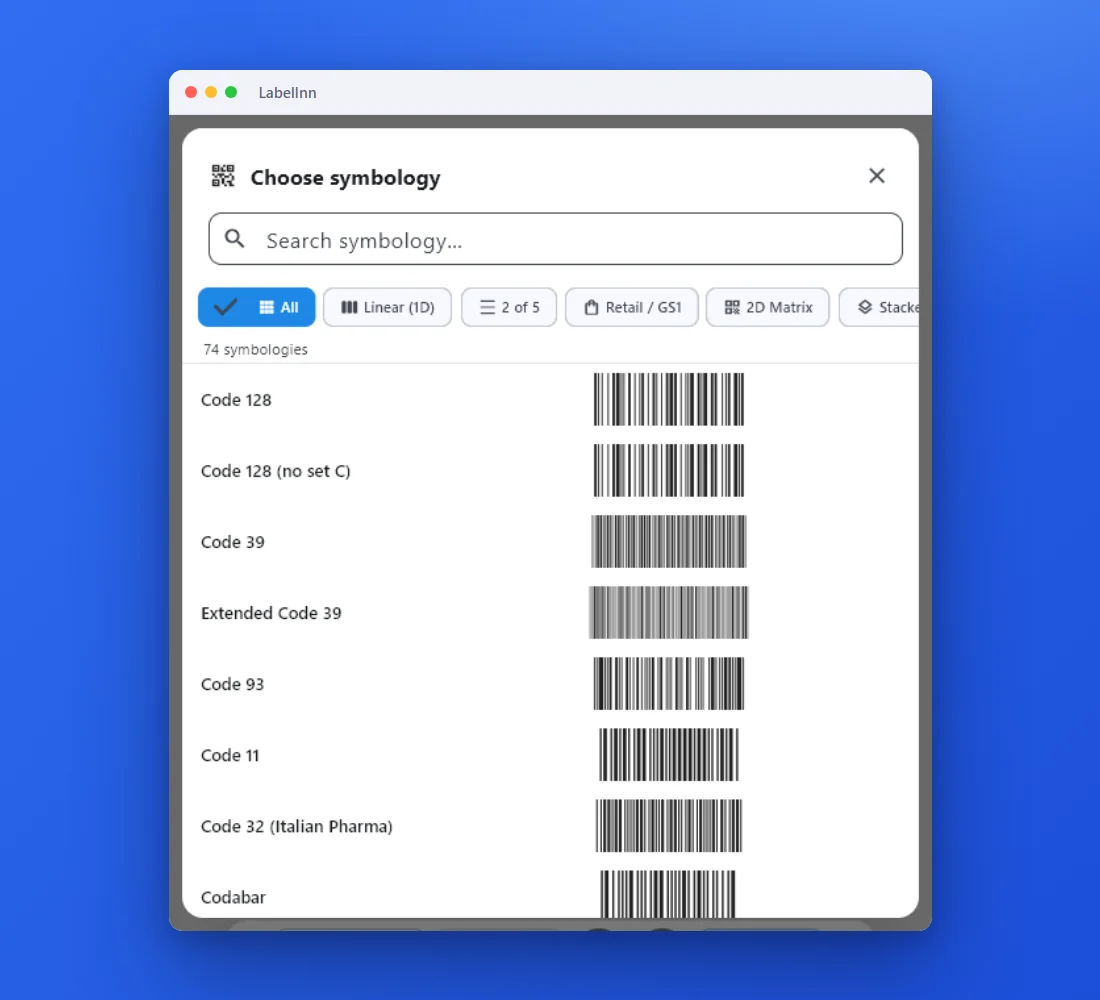 1Choose from 74 symbologiesEvery entry shows a live preview, so you pick the code by sight instead of by name.
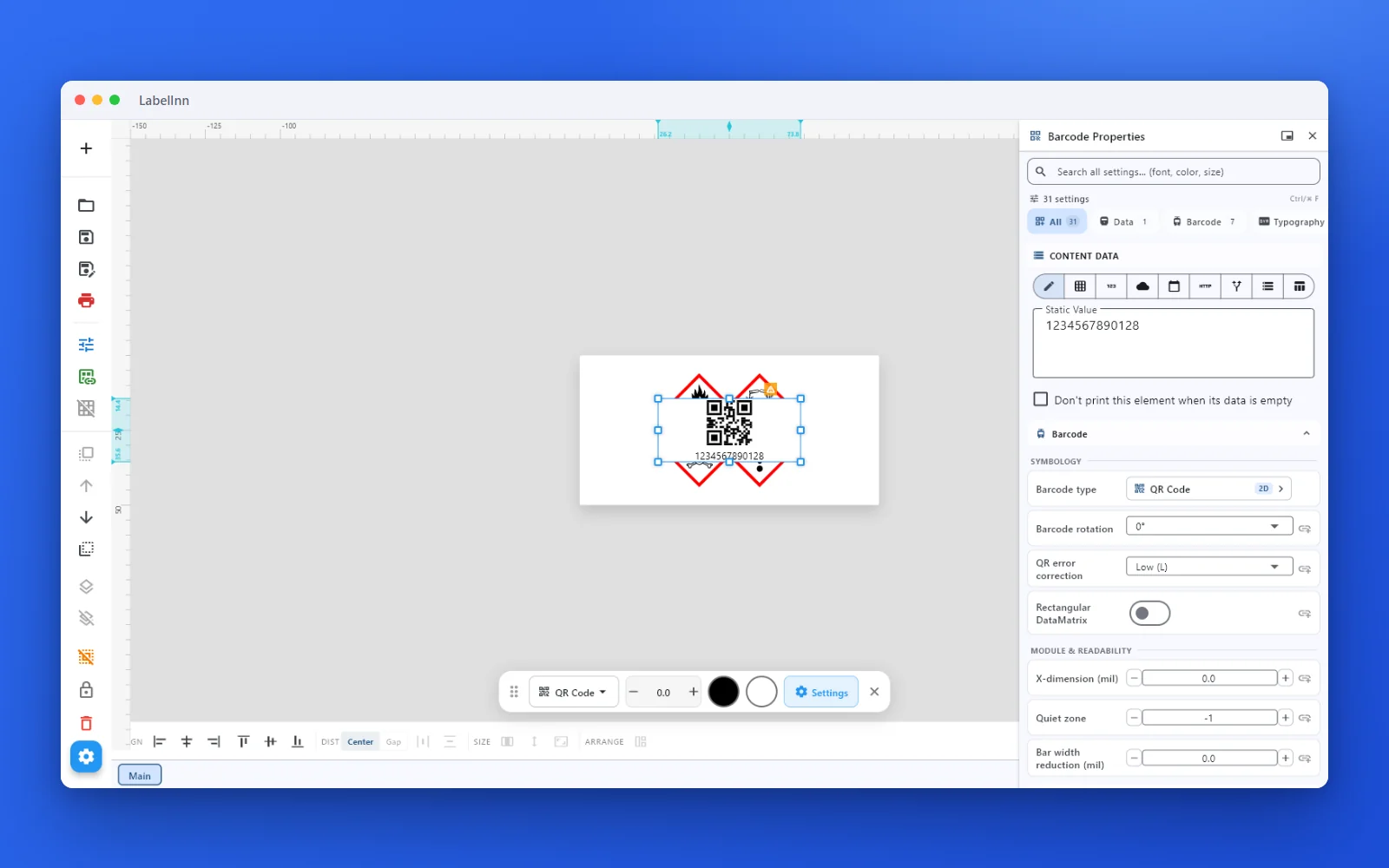 2Set the data and the readability rulesStatic value, spreadsheet column, database field or counter, plus X-dimension and quiet zone.
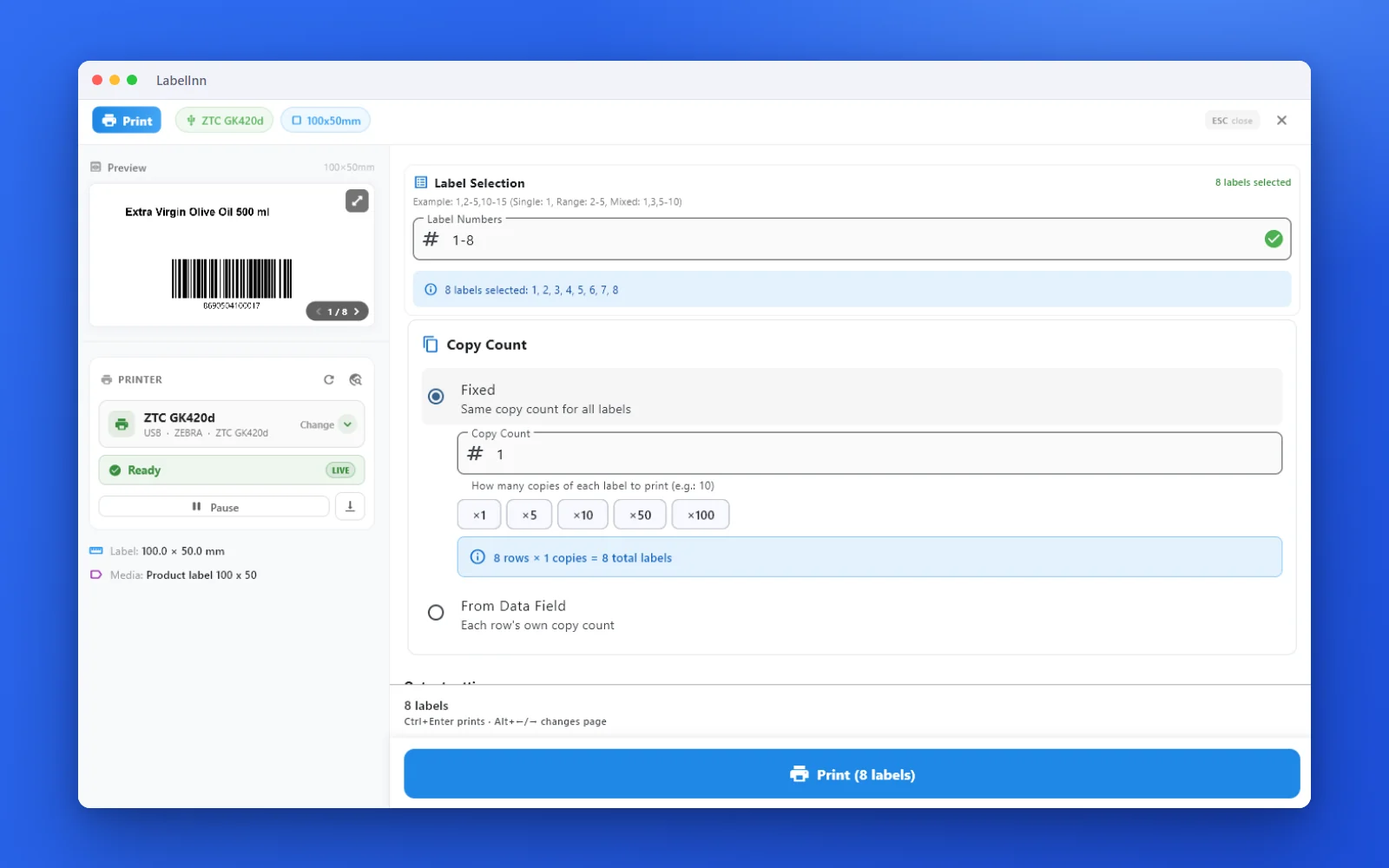 3Preview, then printCheck the real label, choose the printer and the number of copies, and print.
The fixPick the symbology from a preview list, set the module width and quiet zone, and check the real label before you print.Get LabelInn free
QUESTIONS / FAQ
Frequently asked questions
What is a Code 39 barcode?
Code 39 (Code 3 of 9) is a variable-length 1D barcode that encodes uppercase letters A–Z, digits 0–9, the space and the symbols - . $ / + %. It's self-checking, so it works without a check digit — a big reason it endures on asset tags and industrial labels.
Which characters can Code 39 contain?
The 43-character standard set: A–Z (uppercase only), 0–9, space, and - . $ / + %. Lowercase and other symbols need Extended Code 39, which your scanner must be set to decode.
Does Code 39 need a check digit?
No — it's optional because Code 39 is self-checking. Enable the Mod 43 check character only if your standard (for example HIBC or LOGMARS) or scanning system requires it.
How do I print Code 39 to a Zebra or TSC printer?
Download the image and print it, or use the free LabelInn app to place the barcode on a full asset-tag label and print directly to Zebra (ZPL) and TSC (TSPL) printers — including bulk runs from Excel.