MARCH 2, 2026 / THERMAL PRINTERS
Best Thermal Printer Software 2026: Driverless, Mac & Windows
Best thermal printer software for Windows and Mac. Works with Zebra, TSC, Xprinter, Bixolon, Brother. No driver needed. Free plan available. Download now.

THE PROBLEM
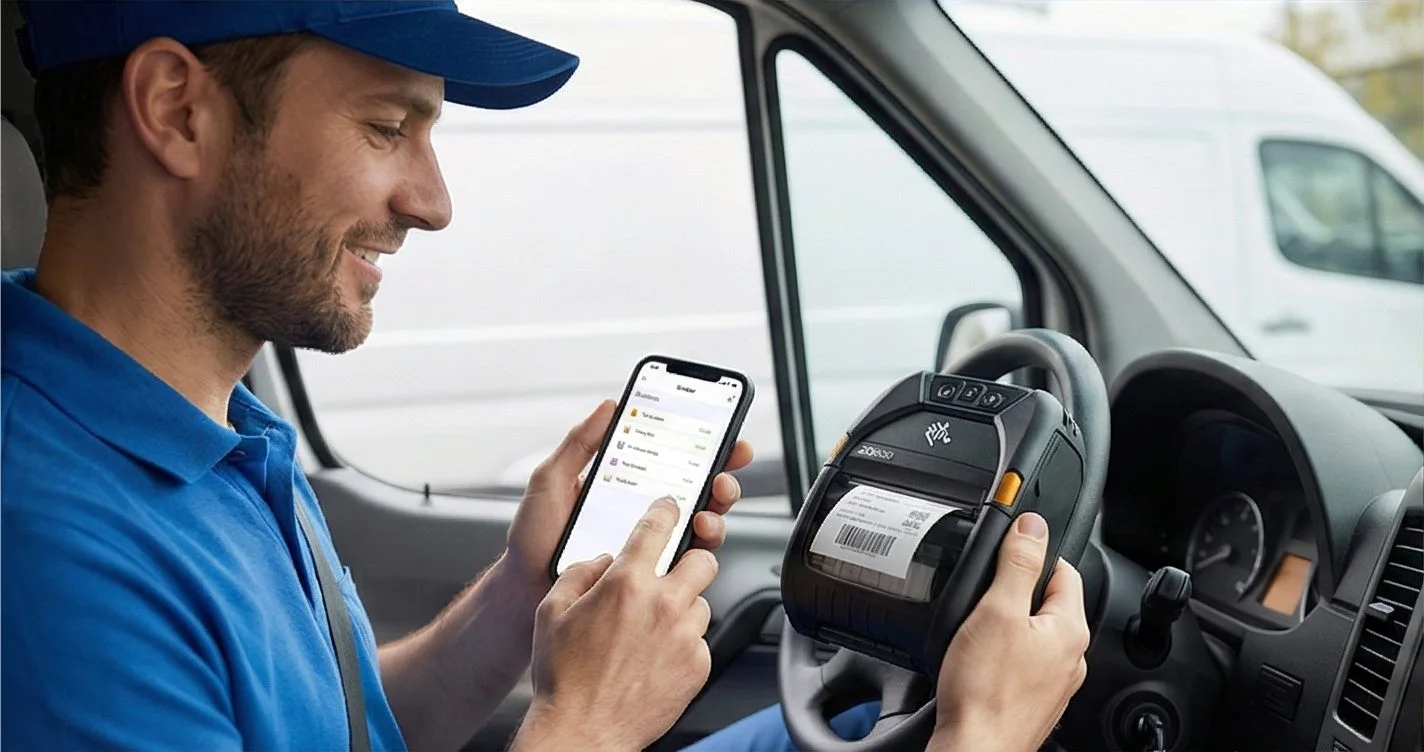
Thermal printers — Zebra, TSC, Xprinter, Brother, Bixolon — are the backbone of label printing in warehouses, retail stores, and e-commerce operations. But thermal printer software has a reputation for being complicated: Windows-only, driver installations, expensive licenses.
In 2026, there's a better way. LabelInn works on any OS, requires zero drivers, and connects directly to your online store. Here's the complete guide.
Got a thermal printer? LabelInn connects without drivers. Free plan included. Works on Windows and Mac. Download Free →
HOW IT WORKS
Three screens from data to printed label.
No copy-paste, no hunting for templates. The same flow repeats for every record.

Printer status, quick actions and recent work in one place.
Text, barcodes, QR and images placed on the real media size.

See the label, the printer state and the copy count before it prints.
01
Supported Thermal Printer Brands
| Brand | Protocol | Popular Models | Connection |
|---|---|---|---|
| Zebra | ZPL II | ZD220, ZD420, GK420d, ZT231, ZT411 | USB, Ethernet, Wi-Fi |
| TSC | TSPL | TE244, TE244e, TTP-244 Pro, TTP-342M | USB, Ethernet |
| Xprinter | TSPL/ESC | XP-420B, XP-365B, XP-460B, XP-D4601B | USB, Bluetooth, Wi-Fi |
| Bixolon | ZPL/SLCS | SLP-DX420, SLP-TX400, SLP-DX220 | USB, Ethernet, Bluetooth |
| Brother | ESC/P | QL-820NWB, QL-1110NWB, TD-4420DN | USB, Wi-Fi, Ethernet |
| Argox | PPLB/ZPL | OS-2140, OS-2140D, CP-2140EX | USB, Ethernet |
| Epson | ESC/Label | ColorWorks C3500, C4000, C6000 | USB, Ethernet |
| Honeywell | ZPL/Fingerprint | PC42d, PC45d, PX940 | USB, Ethernet |
02
The Problem with Traditional Thermal Printer Software
- Windows-only: BarTender, NiceLabel, ZebraDesigner — none run on Mac natively
- Per-model drivers required: A separate driver for each printer brand AND model
- Expensive licenses: $495/year minimum for professional features
- No e-commerce connection: No way to auto-pull orders from Shopify, Trendyol, etc.
- Steep learning curve: Complex interfaces designed for industrial engineers, not e-commerce sellers
03
LabelInn: Modern Thermal Printer Software
| Feature | LabelInn | Traditional Software |
|---|---|---|
| OS Support | Windows, macOS, iOS, Android | Windows only |
| Driver Installation | Not required | Required for every model |
| Setup Time | < 5 minutes | 30-60 minutes |
| AI Label Design | ✓ Built-in | ✗ Manual only |
| Shopify / Trendyol | ✓ Native integration | ✗ None |
| Price | Free – $7.99/month | $495 – $5,595/year |
04
How Driverless Thermal Printing Works
Thermal printers understand printer languages: ZPL (Zebra), TSPL (TSC/Argox), TPCL (Toshiba), ESC/Label (Epson color). Traditional software installs a Windows driver to translate label designs into these languages. LabelInn generates the printer language directly and sends it to the printer over USB, Ethernet, or Wi-Fi — no middleman, no driver, no compatibility issues.
This is why LabelInn works on Mac: there's no Windows-only driver layer involved. We generate native ZPL (Zebra), TSPL/TSPL2 (TSC/Argox), Toshiba TPCL (hardware-verified on B-FV4/BV400) and Epson ESC/Label through a single command facade — with bidirectional status readback (cover, paper, head, ribbon) over USB, TCP/IP 9100, and Bluetooth.
05
More Than a Label Printer — It's a Programmable Platform
Most thermal printer apps stop at the print button. LabelInn is a platform you can build on:
- REST API —
POST /v1/print/jobswith idempotency keys, batch + scheduled jobs, and webhooks. See the API → - MCP server — Claude, GPT, and Copilot can design and physically print, via hosted or local agent tools. AI agent printing →
- Visual workflow engine — node-graph automation across cloud and on-prem edge runtimes, plus a customizable operator print dialog. Workflow automation →
- GHS/CLP engine + audit trail — compliant hazard labels with a SHA-256 hash-chained, e-signature audit log (FDA 21 CFR Part 11 / EU Annex 11 style). Compliance →
- Enterprise database connectivity — read-only Oracle, SQL Server, PostgreSQL, and MySQL; credentials stay on-prem behind a SELECT-only guard.
- No-code connectors — Make.com and Zapier apps wire LabelInn into your existing tools without writing code. Integrations →
Building automation around your printer? The API, MCP server, workflow engine, and SDKs are all documented in one place. Explore the developer platform →
06
Thermal Printer + E-Commerce: The Power Combo
If you're shipping orders, the most powerful setup is: thermal printer + LabelInn + your marketplace account. Here's what that looks like:
- Orders come in to Shopify/Trendyol/Hepsiburada/WooCommerce
- LabelInn syncs automatically — new orders appear instantly, no manual refresh
- Select orders to print — select all, select by carrier, or individual
- Labels print on your thermal printer — compliant format, correct barcode, carrier info pre-filled
- Status updates automatically — tracking numbers sync back to your store, customers get notified
07
Choosing the Right Thermal Printer
If you're looking to buy a thermal printer to use with LabelInn, here's what we recommend:
| Budget | Recommended Model | Why |
|---|---|---|
| ~$80–120 | Xprinter XP-420B | Great entry-level, USB + Bluetooth, widely available |
| ~$150–200 | TSC TE244e | Reliable TSPL, solid build, USB + Ethernet |
| ~$250–350 | Zebra ZD220 | Industry standard, wide label support, longest lifespan |
| ~$400+ | Zebra ZD420 / ZD621 | High-volume, dual sensor, healthcare/retail grade |
ANY PRINTER
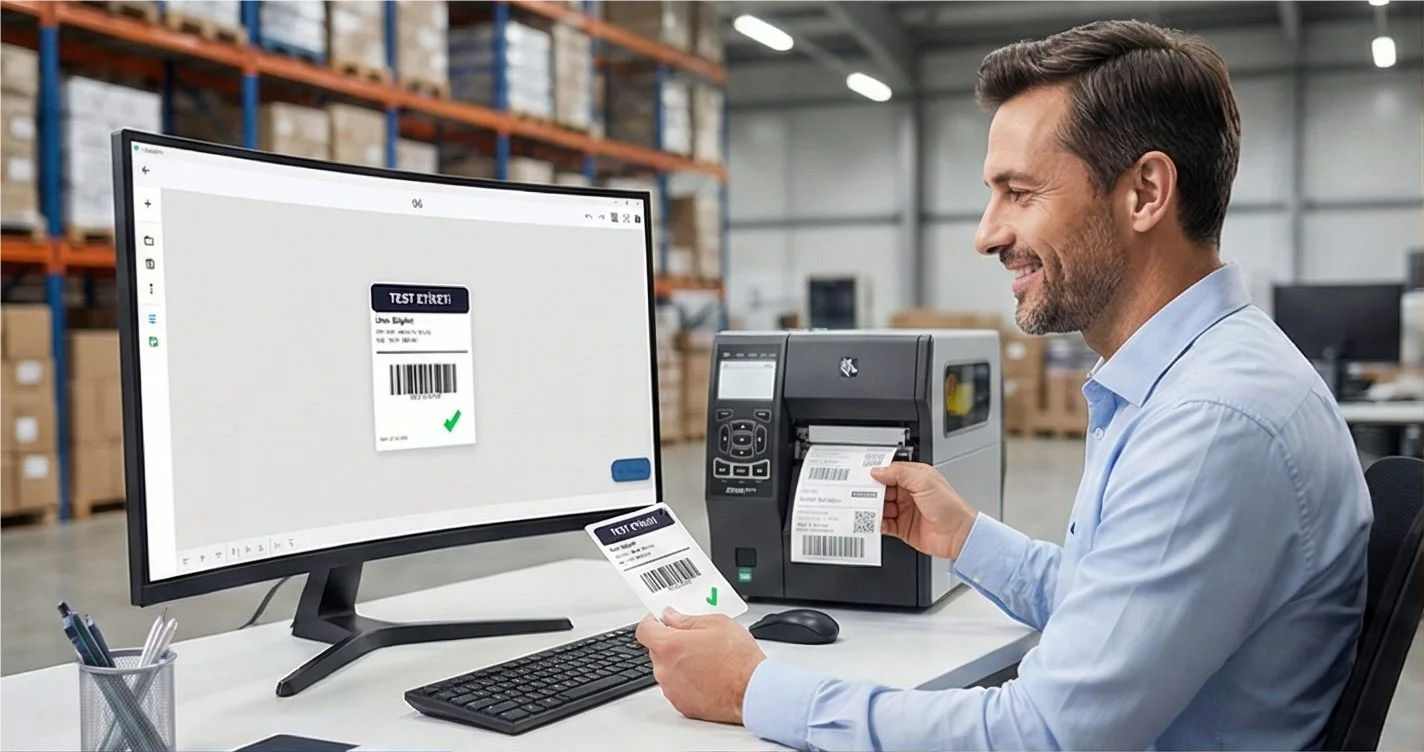
Design it, bind your data, print on the printer you already own.
Zebra, TSC, Toshiba, Epson and more — over USB, network or Bluetooth, with no driver to install.
PRICING
Start free. Pay when it earns its keep.
QUESTIONS / FAQ
Frequently Asked Questions
What software do I need for a thermal printer?
You need label design software that communicates directly with your thermal printer. LabelInn works with Zebra, TSC, Xprinter, Bixolon, Brother, Argox, and Epson thermal printers on both Windows and Mac — no driver installation needed.
Is there free thermal printer software?
Yes — LabelInn's free plan covers all basic use cases: unlimited printing, barcode labels, custom templates. No time limit, no watermarks, no credit card required.
Does thermal printer software work on Mac?
Most popular options (BarTender, NiceLabel, ZebraDesigner) are Windows-only. LabelInn provides full macOS support, including Apple Silicon, and works without drivers on Mac.
How do I connect my TSC or Xprinter to LabelInn?
Connect via USB or Ethernet, open LabelInn → Settings → Printers. The printer will be auto-detected. Select your label size and start printing. No driver download needed, no additional software.
KEEP GOING
Related
NEXT STEP / LABELINN
The Best Thermal Printer Software — Free to Start
Connect your thermal printer in under 5 minutes. No driver downloads, no Windows-only restrictions. · 50+ thermal printer models · Driverless - instant setup · Mac, Windows, iOS & Android