Hosted MCP server — https://labelinn.com/v1/mcp exposes 50 tools for designing labels and dispatching print jobs through the cloud. Nothing to install; authenticate and your agent is connected.
JUNE 8, 2026 / AI · MCP
The Label Printer Your AI Agent Can Drive
The first label printer your AI agent can actually drive. LabelInn ships a Model Context Protocol (MCP) server so Claude, GPT, Copilot, and Cursor can design AND physically print labels through real tools. No incumbent offers agentic printing.
FREE PLAN · NO CREDIT CARD · WINDOWS / MAC / LINUX / WEB
THE LABEL PRINTER YOUR AI AGENT CAN DRIVE (MCP)JSON
{
  "mcpServers": {
    "labelinn": {
      "url": "https://labelinn.com/v1/mcp",
      "headers": {
        "Authorization": "Bearer sk_live_YOUR_API_KEY"
      }
    }
  }
}
Native printer languagesZPL, TSPL, TPCL, ESC/Label
No driver to installUSB, network or Bluetooth
Every platformWindows, macOS, Android, web
Free to startNo credit card, 14-day Pro trial
THE PROBLEM
AI agents can write your code, book your travel, and query your database. Until now they couldn't do one stubbornly physical thing: print a real label. Every "AI label" tool stops at a preview image on screen — a human still has to click Print.
LabelInn closes that gap. It ships a Model Context Protocol (MCP) server, so an agent like Claude, GPT, Copilot, or Cursor can call real tools to design a label and then send it to a physical printer — through the same command facade and transports the desktop app uses.
A genuine first. No incumbent — not BarTender, not NiceLabel — offers agentic or MCP printing. LabelInn is the first label platform an AI agent can drive end to end. Start free →
HOW IT WORKS
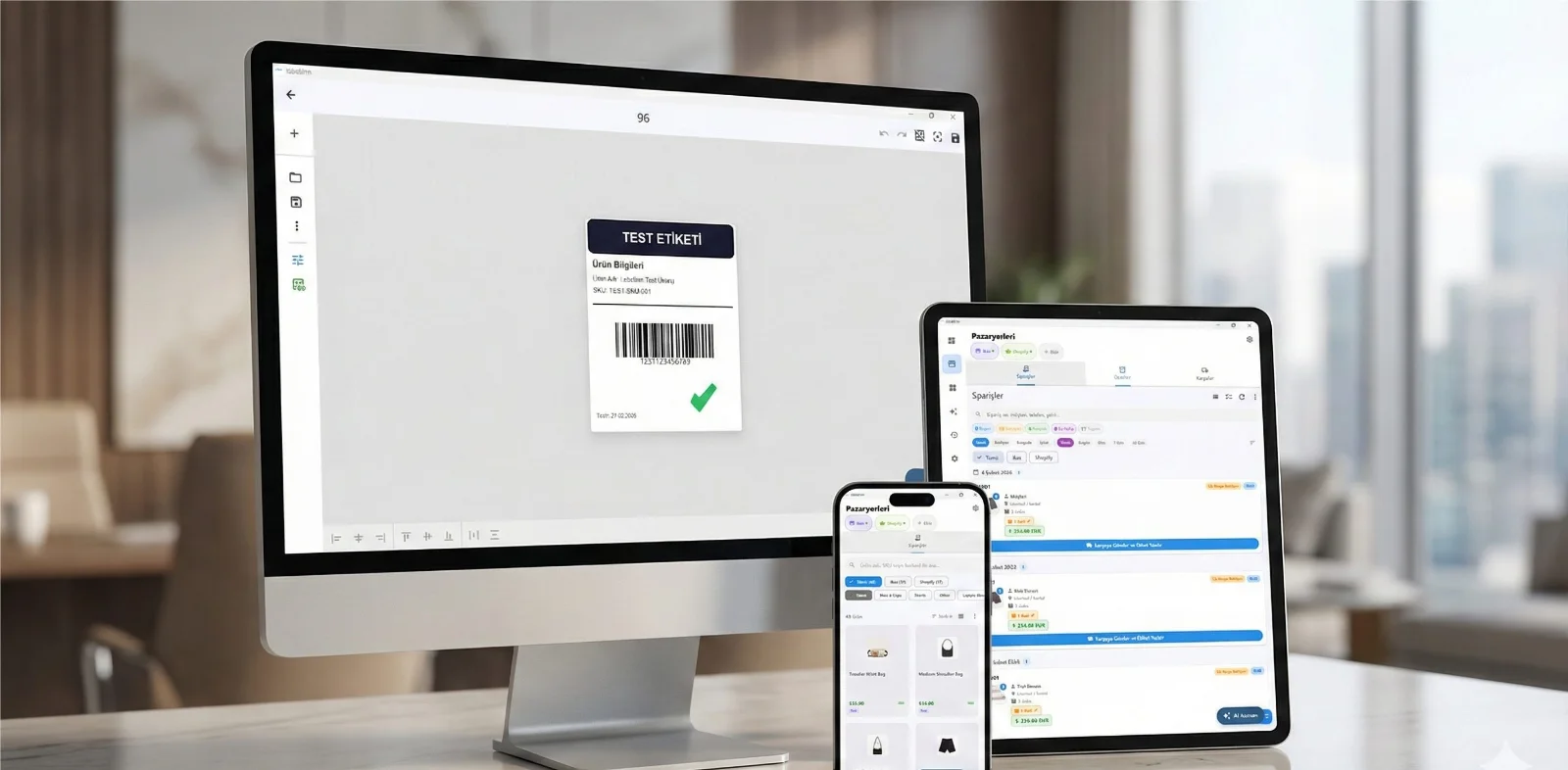
Three screens from data to printed label.
No copy-paste, no hunting for templates. The same flow repeats for every record.

Printer status, quick actions and recent work in one place.

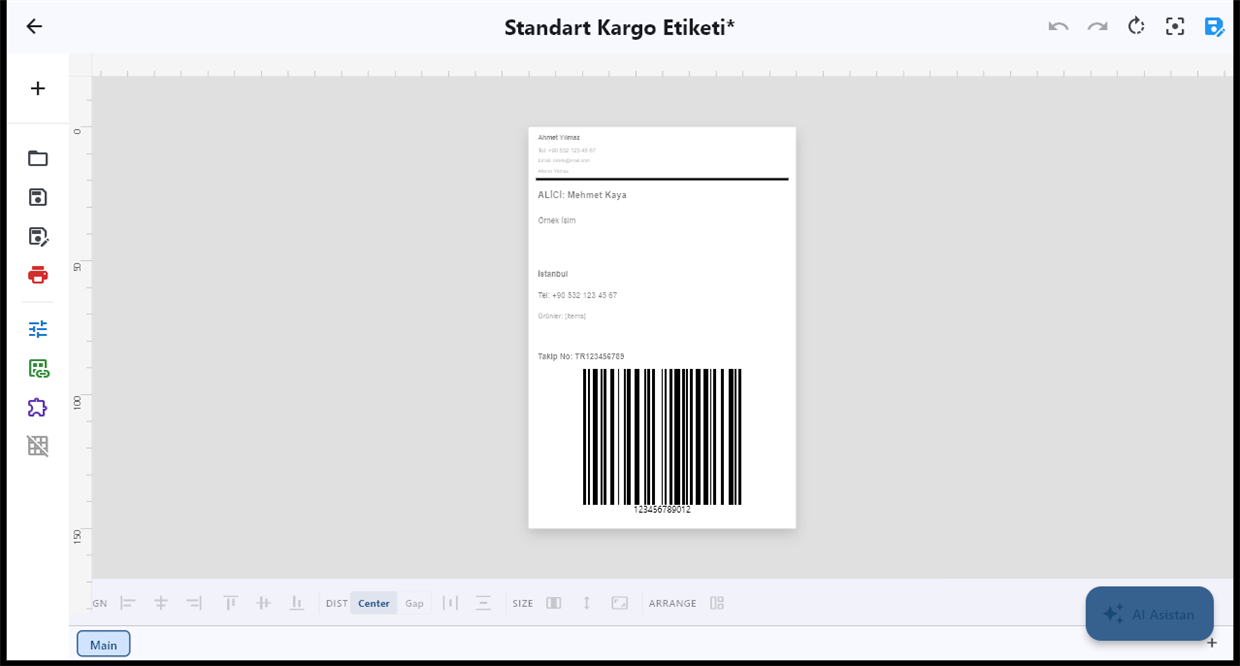
Text, barcodes, QR and images placed on the real media size.

See the label, the printer state and the copy count before it prints.
01
Two MCP endpoints: hosted and local
LabelInn exposes the Model Context Protocol two ways, so you can choose between zero-setup cloud access and deep local hardware control.
Local stdio server — runs on your machine and exposes ~120 tools for finer-grained control, including printers attached over USB, TCP/IP, or Bluetooth on that device.
02
What "agentic printing" actually means here
The agent isn't drawing a picture and hoping. It calls tools that map directly onto LabelInn's production print path:
Design — create and edit labels with text, barcodes, QR codes, shapes, and images on a real canvas, with a lossless round-trip to the desktop and cloud renderer.
Print physically — generate native printer language (ZPL with Z64, TSPL/TSPL2, Toshiba TPCL with TOPIX, Epson ESC/Label) through one command facade and send it over driverless raw USB, TCP/IP 9100, or Bluetooth.
Read status back — cover, paper, head, ribbon, and paused state come back bidirectionally, so the agent knows whether the job really printed.
Stay auditable — jobs flow through the same canonical POST /v1/print/jobs API with idempotency keys and audit-grade raw-payload capture.
03
Drop-in MCP config for your AI client
Most MCP-compatible clients (Claude Desktop, Cursor, and similar) read a JSON config. Point it at the hosted LabelInn server and your agent gains design + print tools:
EXAMPLEJSON
{
  "mcpServers": {
    "labelinn": {
      "url": "https://labelinn.com/v1/mcp",
      "headers": {
        "Authorization": "Bearer sk_live_YOUR_API_KEY"
      }
    }
  }
}
Prefer local hardware control? Run the stdio server instead and the same client picks up the larger ~120-tool surface:
EXAMPLEJSON
{
  "mcpServers": {
    "labelinn-local": {
      "command": "labelinn",
      "args": ["mcp"]
    }
  }
}
Generate a scoped API key (sk_live_ / sk_test_, hashed and rate-limited) from your dashboard. Full setup, tool reference, and the OpenAPI spec live in the developer docs.
Copy, paste, print. Add the snippet, restart your AI client, and ask it to design and print a label. Read the developer docs →
04
Plus an agentic AI design assistant inside the app
You don't need an external agent to get AI help. LabelInn's desktop and web apps include a built-in agentic AI design assistant (Google Gemini in production) with 100+ canvas tools. Describe the label you want and the assistant builds it, edits it, and can hand it straight to your printer.
AI image generation (Imagen) for label artwork, tier-gated.
AI vision design review — the assistant can look at a rendered label and suggest fixes, tier-gated.
Same engine, both paths — whether a human prompts the in-app assistant or an external agent calls MCP tools, output goes through the identical print path.
05
Why no incumbent does this
06
When MCP printing makes sense for you
You're building an AI agent or copilot and want it to produce real, physical output — not just text.
You live in Claude, Cursor, or Copilot and want "design and print this label" to be a single conversational step.
You want design + print + audit in one tool surface, with idempotency and raw-payload capture for traceability.
You need cross-platform reach — LabelInn runs on Windows, macOS, Linux, iOS, Android, and Web, so the agent isn't boxed into one OS.
ANY PRINTER
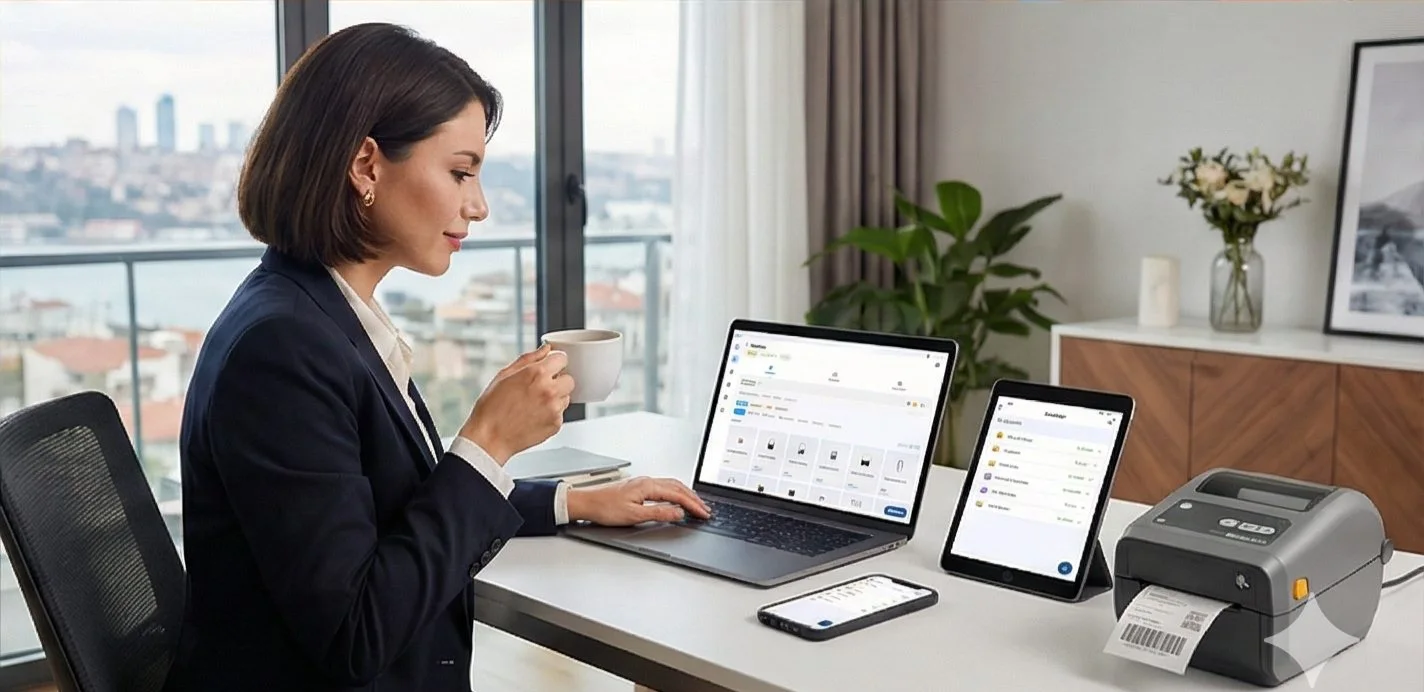
Design it, bind your data, print on the printer you already own.
Zebra, TSC, Toshiba, Epson and more — over USB, network or Bluetooth, with no driver to install.
PRICING
Start free. Pay when it earns its keep.
QUESTIONS / FAQ
Frequently Asked Questions
Can an AI agent actually print a physical label?
Yes. Through LabelInn's MCP server, an agent like Claude, GPT, Copilot, or Cursor calls real tools to design a label and send it to a physical printer over USB, TCP/IP 9100, or Bluetooth — not just generate a preview.
What is the LabelInn MCP server?
There are two endpoints: a hosted server at https://labelinn.com/v1/mcp with 50 tools, and a local stdio server with roughly 120 tools for deeper control of printers on your machine. Both let agents design and physically print.
Do BarTender or NiceLabel support MCP or AI agents?
No. As of 2026, incumbent label software does not ship an MCP server or an agentic AI design assistant. LabelInn is the first label platform an AI agent can drive end to end.
Which AI clients can connect to LabelInn?
Any MCP-compatible client — Claude (Desktop / Code), GPT-based agents, GitHub Copilot, and Cursor. Add the server to the client's config and the agent gains design and print tools.
KEEP GOING
Related
NEXT STEP / LABELINN
Give Your AI Agent a Printer
The first label platform an AI agent can actually drive — design, print, and audit through real tools. · Hosted MCP (50 tools) + local stdio (~120 tools) · Design and physically print · Free plan · 14-day Pro trial, no card