MARCH 2, 2026 / ZEBRA PRINTERS
Zebra ZD200 Series Label Design and Printing Software
Zebra label design software for ZD200 Series, ZD220, ZD230, ZD420 and GK420d. Design barcode labels and print ZPL on Windows or Mac. Free plan.
THE PROBLEM
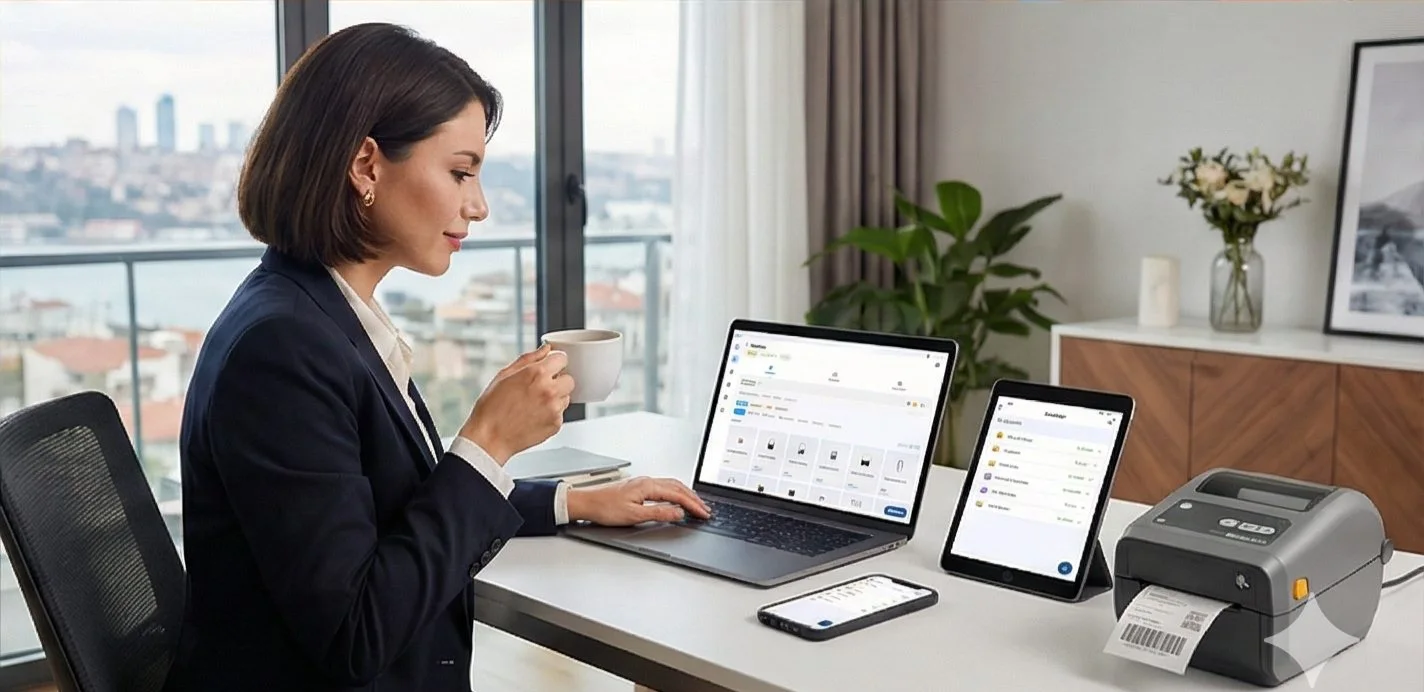
You've got a Zebra printer — ZD220, ZD420, GK420d, or one of dozens of other models. Now you need software to actually design and print labels from it. The problem? Most Zebra software is Windows-only, requires complicated driver setup, and costs hundreds of dollars per year.
LabelInn is different. It works on Windows and Mac, requires zero driver installation, and has a free plan. Here's everything you need to know.
Got a Zebra printer? LabelInn connects without drivers. Free to start, works on Mac and Windows. Download Free →
HOW IT WORKS
Three screens from data to printed label.
No copy-paste, no hunting for templates. The same flow repeats for every record.

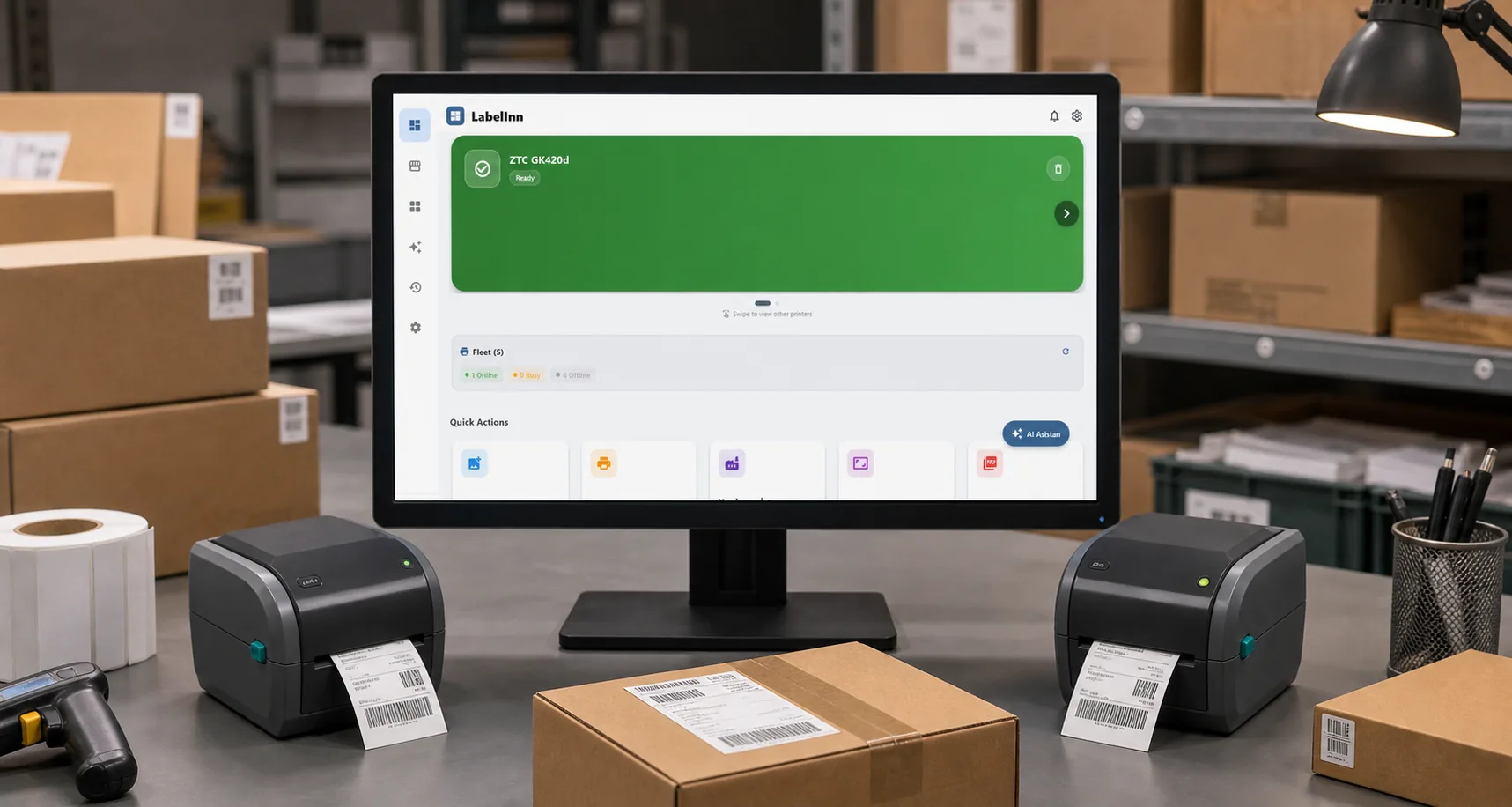
Printer status, quick actions and recent work in one place.

Text, barcodes, QR and images placed on the real media size.

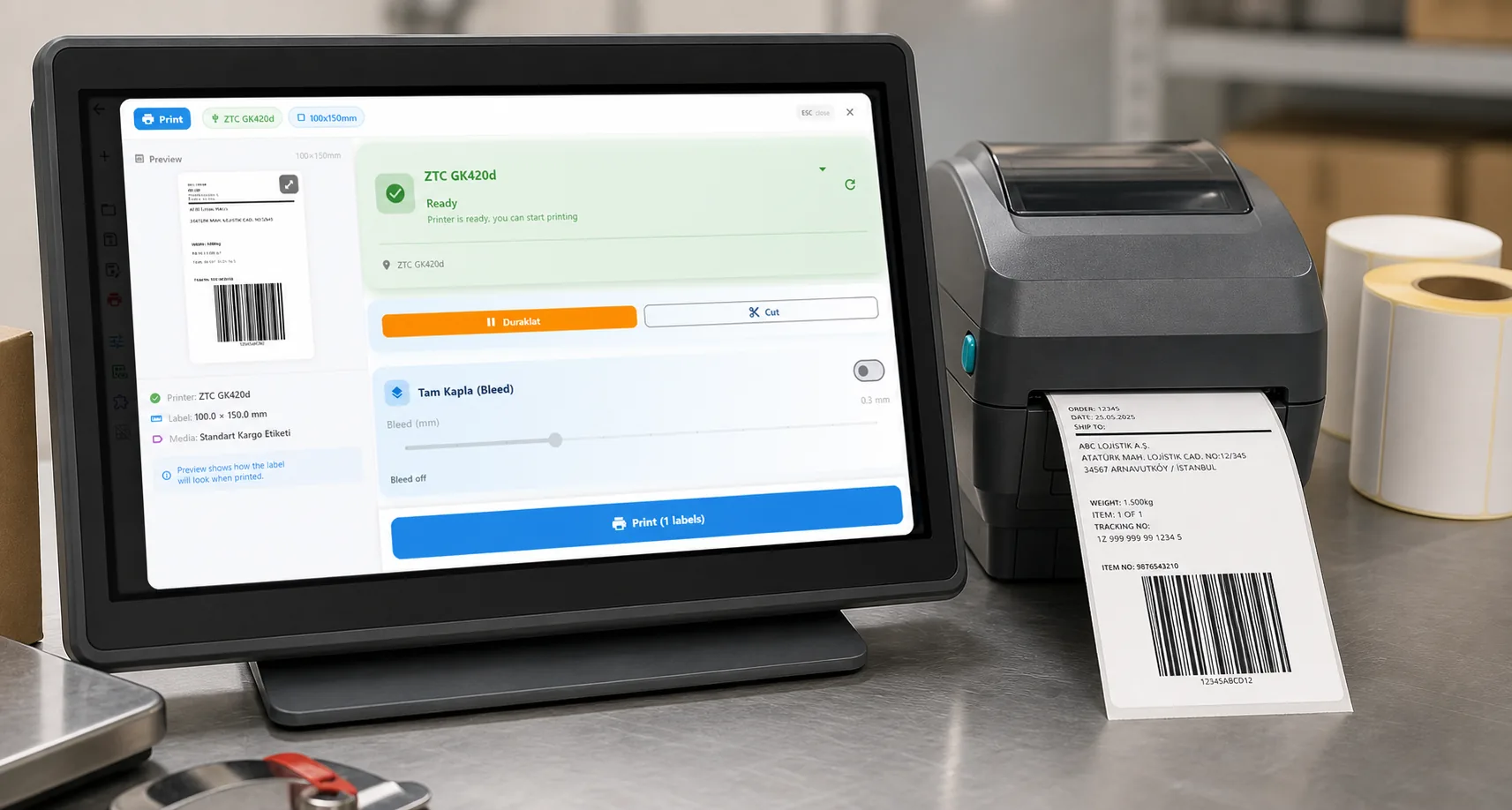
See the label, the printer state and the copy count before it prints.
01
Why Zebra Printer Software Is Painful (And How to Fix It)
The traditional way to use a Zebra printer:
- Go to Zebra's website and find your exact model
- Download a Windows driver (macOS? No luck)
- Install the driver and reboot
- Buy ZebraDesigner or BarTender ($495–$1,495/year)
- Learn their complex design interface
- Finally, print a label
With LabelInn:
- Plug in your Zebra printer
- Open LabelInn
- Printer is auto-detected
02
Supported Zebra Printer Models
LabelInn works with all ZPL-compatible Zebra printers. Here are the most commonly used models:
| Series | Models | Use Case |
|---|---|---|
| ZD Series | ZD220, ZD230, ZD420, ZD421, ZD621 | Desktop, retail, light industrial |
| GK/GX Series | GK420d, GK420t, GX420d, GX430d | Shipping, logistics, e-commerce |
| ZT Series | ZT230, ZT231, ZT411, ZT421, ZT610 | Industrial, high-volume |
| LP/TLP Series | LP2824, LP2844, TLP2844, TLP2746 | Legacy shipping label printers |
| ZP Series | ZP450, ZP500, ZP505 | Customer-configured shipping APIs and imported carrier PDFs |
| iMZ/QLn Mobile | QLn220, QLn320, ZQ510, ZQ630 | Mobile printing, field use |
03
LabelInn vs ZebraDesigner vs BarTender
| Feature | LabelInn | ZebraDesigner Pro | BarTender |
|---|---|---|---|
| macOS Support | ✓ Full support | ✗ Windows only | ✗ Windows only |
| Driver Required | ✗ No driver needed | ✓ Driver required | ✓ Driver required |
| AI Design | ✓ Yes | ✗ No | ✗ No |
| Free Plan | ✓ Yes | Limited free tier | ✗ No |
| E-Commerce Integration | Shopify, WooCommerce, Trendyol, Hepsiburada | ✗ None | ✗ None |
| Mobile App | iOS & Android | ✗ None | ✗ None |
| Price/Year | $0 – $79.90 | $495 | $495 – $5,595 |
04
How LabelInn Prints to Zebra Printers Without Drivers
Zebra printers speak a language called ZPL (Zebra Programming Language). Traditional software installs a Windows driver as a middleman between your software and the printer. LabelInn skips the driver and sends ZPL directly over USB, Ethernet, or Wi-Fi.
The result: faster setup, no driver conflicts, and works on any OS — including macOS, Linux, and mobile.
05
Getting Started: Connect a Zebra Printer in LabelInn
- Download and install LabelInn — available for Windows and macOS
- Connect your Zebra printer — USB, Ethernet, or Wi-Fi
- Open LabelInn → Settings → Printers — your Zebra is auto-detected
- Select your label size — 100×50mm, 4×6 inch, or custom
- Design or import your label — use templates, AI, or import existing ZPL
06
Zebra + E-Commerce: Print Shipping Labels Automatically
If you sell on Shopify, WooCommerce, Trendyol, or Hepsiburada and want to print shipping labels on your Zebra printer:
- Connect your store — LabelInn's Settings → Integrations, enter your API key
- Orders sync automatically — new orders appear in LabelInn in real-time
- Select and print — pick orders, tap print, labels come out of your Zebra
- Tracking syncs back — printed orders automatically update to "Shipped" status
Building on top of LabelInn? APIs, MCP, workflows and connectors are all part of the platform. Explore the developer platform →
ANY PRINTER
Design it, bind your data, print on the printer you already own.
Zebra, TSC, Toshiba, Epson and more — over USB, network or Bluetooth, with no driver to install.
PRICING
Start free. Pay when it earns its keep.
QUESTIONS / FAQ
Frequently Asked Questions
What software do I need for a Zebra printer?
You need label printing software that can send ZPL commands to your Zebra. LabelInn works with all major Zebra models on both Windows and Mac — with no driver installation required. Free to start.
Is there free Zebra printer software?
Yes — LabelInn's free plan works with Zebra printers. No credit card, no time limit. Unlimited label printing, barcode support, AI-assisted design, all included in the free tier.
Does Zebra printer software work on Mac?
LabelInn does. Zebra's own software (ZebraDesigner) is Windows-only, with no macOS version. LabelInn provides full native macOS support for all Zebra models, including Apple Silicon M1/M2/M3/M4.
How do I connect a Zebra printer to Mac?
Plug in your Zebra via USB (or connect over Wi-Fi/Ethernet). Open LabelInn. Go to Settings → Printers — it will auto-detect and configure your Zebra. No driver download, no Zebra utilities needed.
Can I print Trendyol/Hepsiburada labels on a Zebra?
Yes. Connect your marketplace account in LabelInn → Integrations. Orders sync automatically. Print compliant cargo labels directly to your Zebra printer with one click.
REST API
Canonical POST /v1/print/jobs with idempotency keys, batch + scheduled jobs, and webhooks. See the API →
MCP for AI agents
Claude, GPT, Copilot and Cursor can design and physically print through our MCP server. AI agent printing →
Visual workflow engine (cloud + edge)
Node-graph Router / Design / Print flows with a customizable operator print dialog. Workflow automation →
GHS/CLP + tamper-evident audit trail
Compliant hazard-label engine plus a SHA-256 hash-chained, e-signature audit log (FDA 21 CFR Part 11 / EU Annex 11 style). Compliance →
Enterprise database connectivity
Read-only Oracle, Microsoft SQL Server, PostgreSQL and MySQL — credentials never leave your machine. Connectors →
No-code Make.com & Zapier
Wire your stack together without writing a line of code. Integrations →
KEEP GOING
Related
NEXT STEP / LABELINN
Best Zebra Printer Software — Free to Start
The simplest way to use your Zebra printer — on any OS, without driver headaches. · All Zebra models supported · No driver installation · Works on Mac & Windows