Mac Users: ZebraDesigner simply doesn't exist on macOS. LabelInn is your only viable option for label design on Mac with Zebra printers.
MARCH 2, 2026 / COMPARISON
ZebraDesigner Alternative: Mac Support, AI Design, 90% Cheaper
Looking for a ZebraDesigner alternative? LabelInn works on Mac AND Windows, no driver needed, AI design, e-commerce integrations — at $7.99/month vs ZebraDesigner's $495.
FREE PLAN · NO CREDIT CARD · WINDOWS / MAC / LINUX / WEB
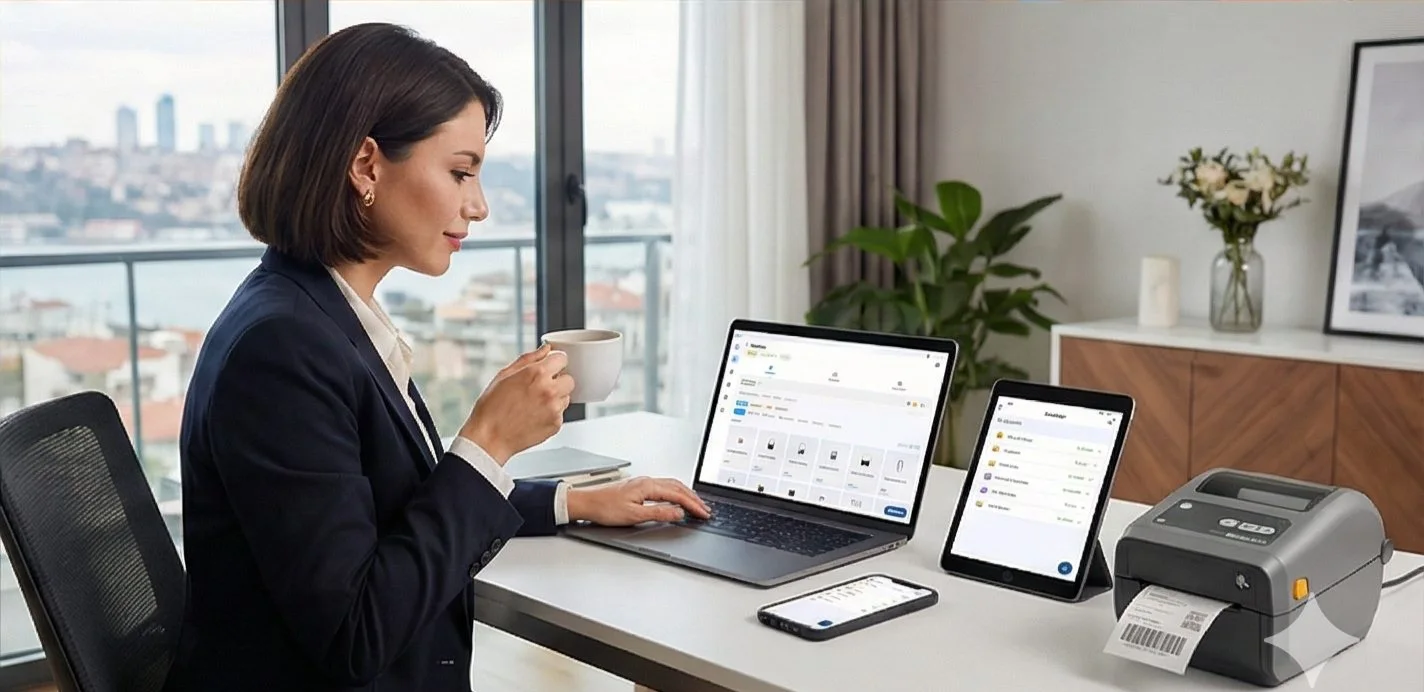
Native printer languagesZPL, TSPL, TPCL, ESC/Label
No driver to installUSB, network or Bluetooth
Every platformWindows, macOS, Android, web
Free to startNo credit card, 14-day Pro trial
THE PROBLEM

ZebraDesigner by Zebra Technologies has been the default choice for designing labels for Zebra printers for decades. It works — but it comes with significant limitations that have pushed a lot of users to look for alternatives:
- Windows only — no macOS support whatsoever
- Expensive: ZebraDesigner Pro is ~$495/year
- Driver required — even for your own Zebra printer
- No e-commerce connection — no Shopify, no WooCommerce, no marketplace integration
- No AI — every label designed manually
- Outdated UI — designed for industrial engineers, not modern businesses
Looking for a ZebraDesigner alternative? LabelInn runs on Mac AND Windows, no driver install, AI design, e-commerce sync. Free to start. Try Free →
HOW IT WORKS
Three screens from data to printed label.
No copy-paste, no hunting for templates. The same flow repeats for every record.

Printer status, quick actions and recent work in one place.
Text, barcodes, QR and images placed on the real media size.

See the label, the printer state and the copy count before it prints.
01
ZebraDesigner vs LabelInn: Full Comparison
| Feature | ZebraDesigner Pro | LabelInn |
|---|---|---|
| Platform | Windows only | Windows, macOS, iOS, Android |
| Mac Support | ✗ None | ✓ Full native (Apple Silicon) |
| Driver Required | ✓ Yes, always | ✗ No driver needed |
| AI Label Design | ✗ No | ✓ Yes — describe, it designs |
| Free Plan | ZebraDesigner Essentials (very limited) | ✓ Full-featured free tier |
| E-Commerce Integration | ✗ None | Shopify, WooCommerce, Trendyol, Hepsiburada |
| Mobile App | ✗ None | iOS & Android app |
| Cloud Sync | ✗ None | ✓ All plans |
| Non-Zebra Printers | Limited (Zebra-focused) | Zebra, TSC, Xprinter, Bixolon, Brother, Epson, 50+ models |
| Price/Year | ~$495 (Pro) | $0 – $79.90 |
02
Why ZebraDesigner Still Has a Place
03
Who Should Switch from ZebraDesigner to LabelInn?
E-Commerce Sellers: If you sell on Shopify, WooCommerce, Trendyol, or Hepsiburada, LabelInn auto-syncs your orders for label printing. ZebraDesigner has zero integration here.
Budget-Conscious Businesses: $79.90/year vs $495/year — 3x cheaper for more features.
Non-Technical Users: LabelInn's AI design removes the steep learning curve of manual ZebraDesigner templates.
Multi-Brand Printer Environments: If you have Zebra AND TSC AND Xprinter, LabelInn manages all of them. ZebraDesigner is optimized only for Zebra.
04
More than a label printer — it's a programmable platform
ZebraDesigner ends at the label. LabelInn keeps going — the same designs are addressable from code, AI agents, workflows, and your existing systems.
REST API: POST /v1/print/jobs with idempotency keys, batch + scheduled jobs, and webhooks. See the API →
MCP server: Claude, GPT, and Copilot can design and physically print through hosted + local tools. AI agent printing →
Visual workflow engine (cloud + on-prem edge) with a customizable operator print dialog as the human checkpoint. Workflow automation →
GHS/CLP engine plus a SHA-256 hash-chained, e-signature audit trail (FDA 21 CFR Part 11 / EU Annex 11 style). Compliance & audit →
Read-only DB connectivity for Oracle, SQL Server, PostgreSQL, and MySQL — credentials stay on-prem. Enterprise data →
No-code connectors for Make.com and Zapier, so non-developers can wire up printing too. Browse integrations →
Building on top of LabelInn? The full REST API, MCP tools, OpenAPI spec, and connectors live in one place. Explore the developer platform →
05
How to Switch: ZebraDesigner → LabelInn
- Download LabelInn — Windows or macOS
- Describe your existing labels to the AI — or recreate them manually using the drag-drop editor
- Connect your Zebra printer — auto-detected, no driver
- Test print — match your existing output
- Connect your store (optional) — Shopify, WooCommerce, Trendyol, Hepsiburada
THE PROBLEM, THEN THE FIX
ZebraDesigner files open in LabelInn
Import, check, print. That is the whole path.
The problemYour labels are .nlbl files made in ZebraDesigner and you want to keep them.
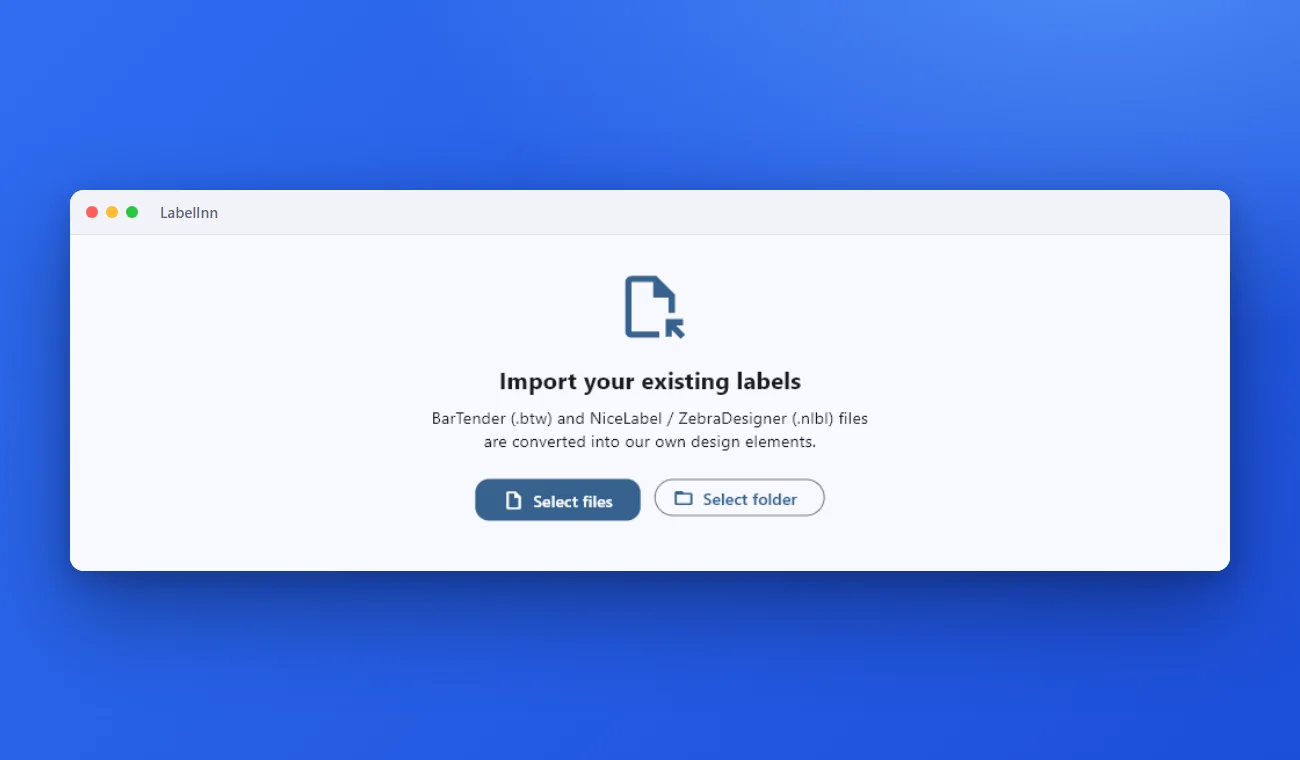 1Bring the old label inChoose the .btw or .nlbl files, or a whole folder. They are converted into our own design elements.
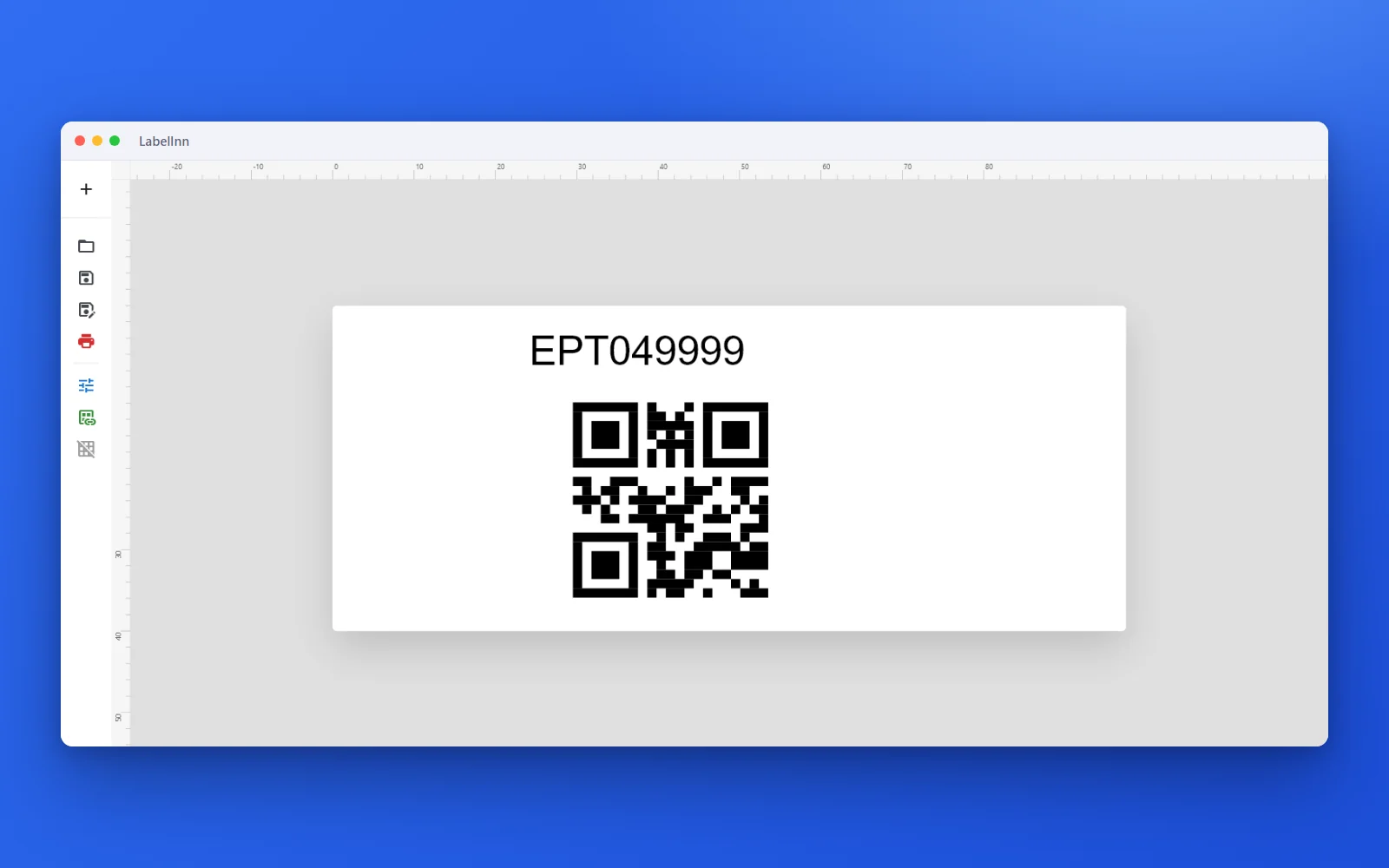 2Open it and keep workingThe converted label opens in the editor as ordinary elements, such as text and QR codes, that you can edit and print.
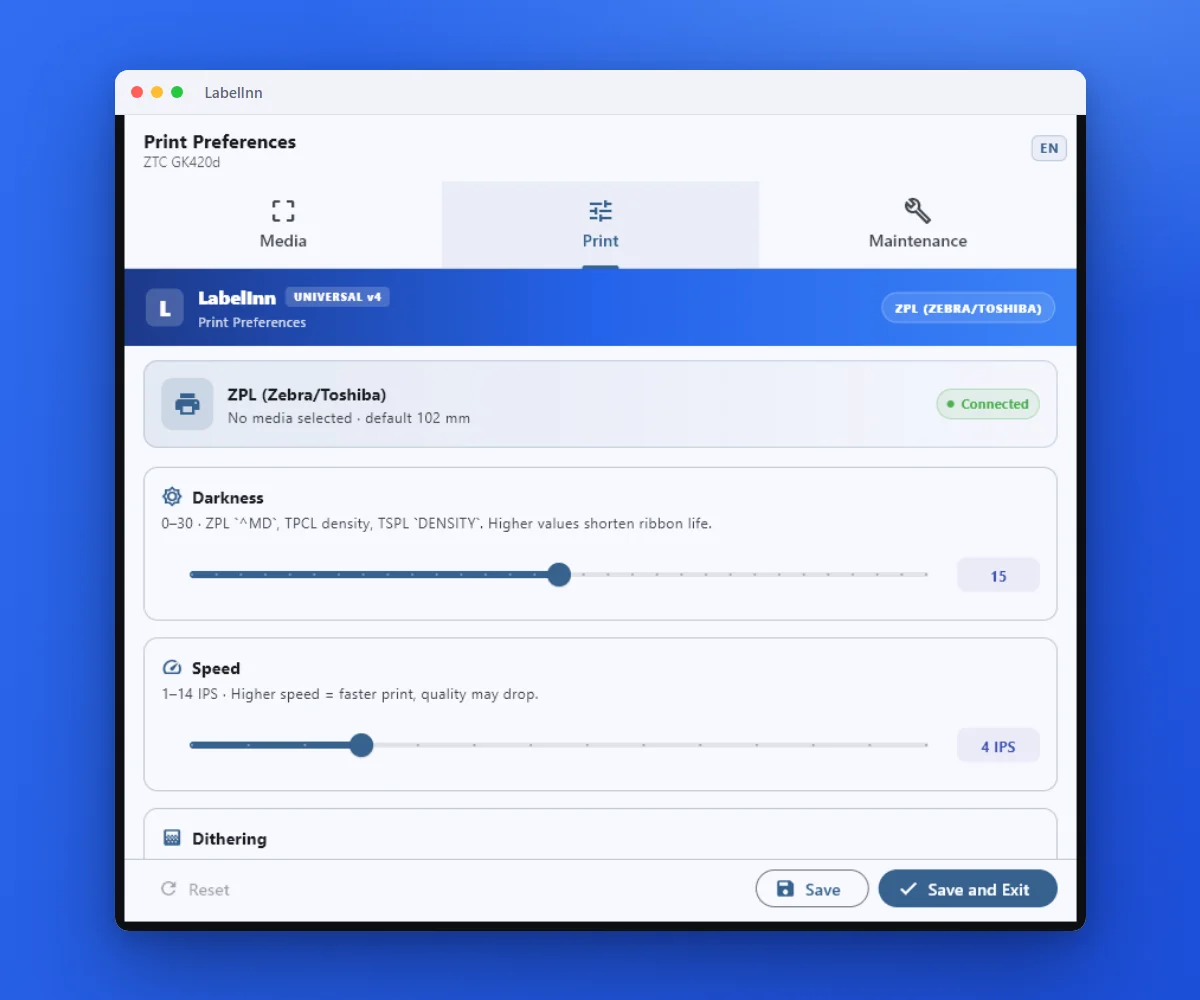 3Darkness, speed and sensor modeThe print settings live in the driver, so every application prints with the same result.
The fixBarTender and NiceLabel / ZebraDesigner files are converted into editable designs. Open the label, check it, print.Get LabelInn free
ANY PRINTER
Design it, bind your data, print on the printer you already own.
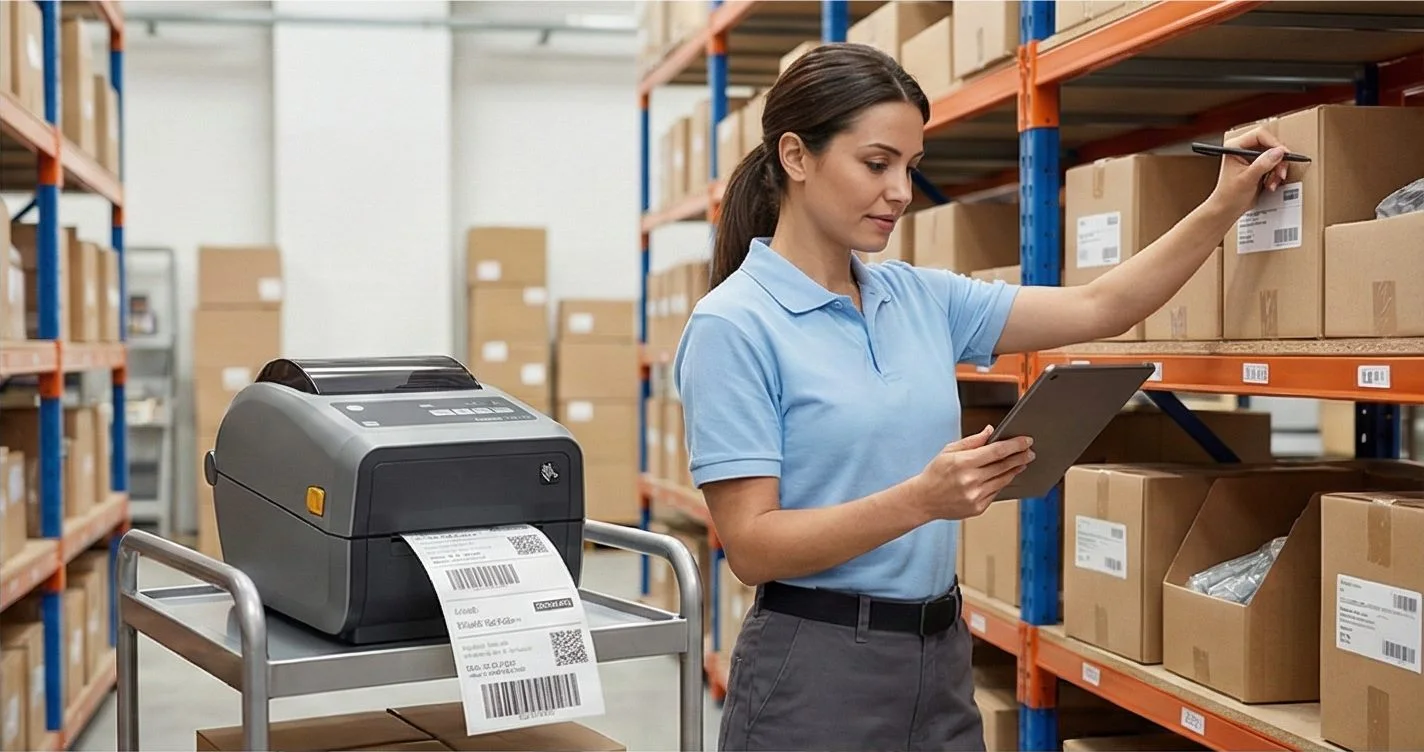
Zebra, TSC, Toshiba, Epson and more — over USB, network or Bluetooth, with no driver to install.
PRICING
Start free. Pay when it earns its keep.
QUESTIONS / FAQ
Frequently Asked Questions
What is the best ZebraDesigner alternative?
LabelInn is the best ZebraDesigner alternative for modern businesses. It adds macOS support, AI design, driverless printing, and e-commerce integrations — at $79.90/year vs ZebraDesigner Pro's ~$495/year. Free plan also available.
How much does ZebraDesigner cost?
ZebraDesigner Pro costs approximately $495/year. ZebraDesigner Essentials is free but very limited. LabelInn offers a full-featured free plan and paid plans starting at $7.99/month.
Does ZebraDesigner work on Mac?
No. ZebraDesigner is Windows-only. LabelInn is one of the very few label design apps with full native macOS support for Zebra printers, including Apple Silicon M1/M2/M3/M4 chips.
Can I use LabelInn with my existing Zebra printer?
Yes — all major Zebra models are supported: ZD220, ZD420, GK420d, ZT231, ZT411, LP2844 and more. Connects without driver installation via USB, Ethernet, or Wi-Fi.
KEEP GOING
Related
NEXT STEP / LABELINN
Switch from ZebraDesigner — Keep Your Zebra, Ditch the Limitations
Same Zebra printer, better software. ~97% lower cost, macOS support, AI-assisted design. · Works on Mac & Windows · No drivers required · AI design included