PrintingPrint labels, ZPL, images, PDFs and raw data. 15+ tools
MCP / AI AGENTS / DEVELOPERS
Connect AI to your printers. 103 tools, one token.
Connect Claude, Cursor, VS Code, Windsurf and any MCP client to your thermal label printers. 103 tools, one Bearer token: design labels, print them, monitor the fleet.
FREE PLAN · NO CREDIT CARD · WINDOWS / MAC / LINUX / WEB
MCP SERVERSHELL
curl -X POST https://labelinn.com/v1/mcp \
  -H "Authorization: Bearer YOUR_API_KEY" \
  -H "Content-Type: application/json" \
  -d '{"jsonrpc":"2.0","method":"tools/list","id":1}'
WHAT YOU NEED
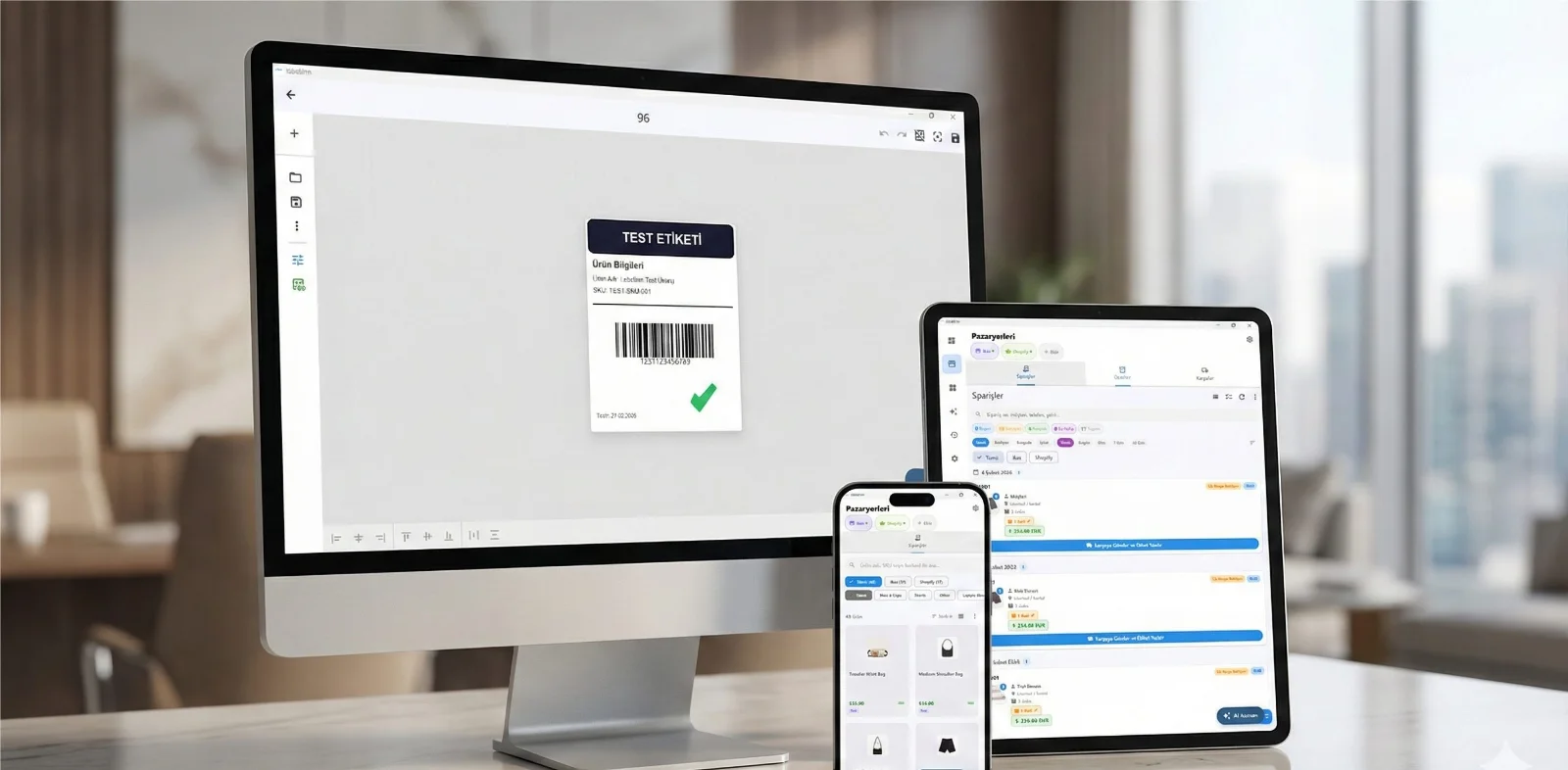
LabelInn runs a hosted Model Context Protocol server. An AI assistant that speaks MCP can design a label, bind data to it, print it and watch the printers, using the same API key you would use for the REST API.
Endpoint: https://labelinn.com/v1/mcp · Transport: Streamable HTTP · Auth: Bearer token · Tools: 103. Get a key in Dashboard → Settings → API Keys.
01 / CONNECT
Connect your client
Pick the assistant you use, paste your key, copy the result.
This generator needs JavaScript. The endpoint is https://labelinn.com/v1/mcp with an Authorization: Bearer YOUR_API_KEY header.
02 / CHECK
Check that it works
Ask the server for its tools. A key that works returns the list.
EXAMPLESHELL
curl -X POST https://labelinn.com/v1/mcp \
  -H "Authorization: Bearer YOUR_API_KEY" \
  -H "Content-Type: application/json" \
  -d '{"jsonrpc":"2.0","method":"tools/list","id":1}'
03 / TOOLS
What the agent can do
Everything on the hosted endpoint, in eight groups.
DesignCreate, edit, clone and render label templates. 20+ tools
ElementsAdd text, barcodes, images, HTML and shapes. 15+ tools
FleetDiscover, configure, group and monitor printers. 20+ tools
JobsList, track, cancel and retry print jobs. 10+ tools
WebhooksCreate, manage and test event webhooks. 8+ tools
AnalyticsUsage stats, audit logs and compliance. 12+ tools
RulesAutomation rules, routing and triggers. 12+ tools
Running the local server too (npx @labelinn/mcp-server) adds around 25 tools that only make sense on the machine the printers are attached to: USB enumeration, network scans, printer calibration and edge diagnostics. Those talk to the LabelInn desktop app directly, so the hosted endpoint cannot offer them.
04 / PROMPTS
Things to say to it
Once connected, talk to your assistant.
- “List all my printers and their status.”
- “Create a 4x6 shipping label with a barcode for SKU ABC-123.”
- “Print 50 copies of the product tag design with this CSV data.”
- “Show me print job stats for the last 7 days.”
- “Set up a webhook to notify me when any print job fails.”
- “Discover printers on the network and add them to a group.”
05 / VARIABLES
HTML variables and row-driven symbols
Use get_design_binding_guide when an assistant is creating or preparing a design. It returns the exact syntax, so the assistant does not have to guess at variable names or symbol values.
- HTML variable. Put
{{printed_at}}or{{product_name}}in an HTML element. The token itself becomes the design variable name. Bind{{printed_at}}to the Date/Time source for the current time, an order date, or a formatted fixed date; otherwise provide the same key inprint_label.dataor workflow row data. - Row-driven symbols. Bind a Symbol element to a source containing a comma-separated list of catalogue keys, for example
ghs/ghs02_flammable, ghs/ghs05_corrosive. A non-empty row value replaces that row's manually selected symbols and reflows the strip; an empty value keeps the manually selected symbols as fallback.
06 / CLIENTS
Supported clients
- Claude Desktop · Claude Code · Cursor · VS Code (Copilot) · Windsurf · Cline
- Smithery — supported with OAuth.
- Any MCP client that speaks Streamable HTTP.
07 / DETAILS
Technical details
- Endpoint:
https://labelinn.com/v1/mcp - Transport: Streamable HTTP (MCP 2025-03-26 spec)
- Auth:
Authorization: Bearer sk_live_… - Rate limit: 120 requests per minute per API key
- Protocol: JSON-RPC 2.0, methods
tools/list,tools/call,initialize - Discovery:
/.well-known/mcp.json
QUESTIONS / FAQ
Frequently asked questions
Do I need the desktop app?
For design, jobs, fleet and rules work, the hosted endpoint is enough. Printing needs a LabelInn desktop app running on the machine the printer is connected to.
Is the API key safe to paste into the generator?
The generator runs in your browser and writes the key only into the snippet on this page; nothing is sent anywhere. Treat the copied config like any secret.
KEEP GOING
Related
NEXT STEP / LABELINN
Get your API key
Create a free account, make a key in Settings, and connect your assistant. · Free plan · No credit card