FEBRUARY 28, 2026 / BARCODE
Step-by-Step EAN-13 Barcode Creation and Printing

THE PROBLEM
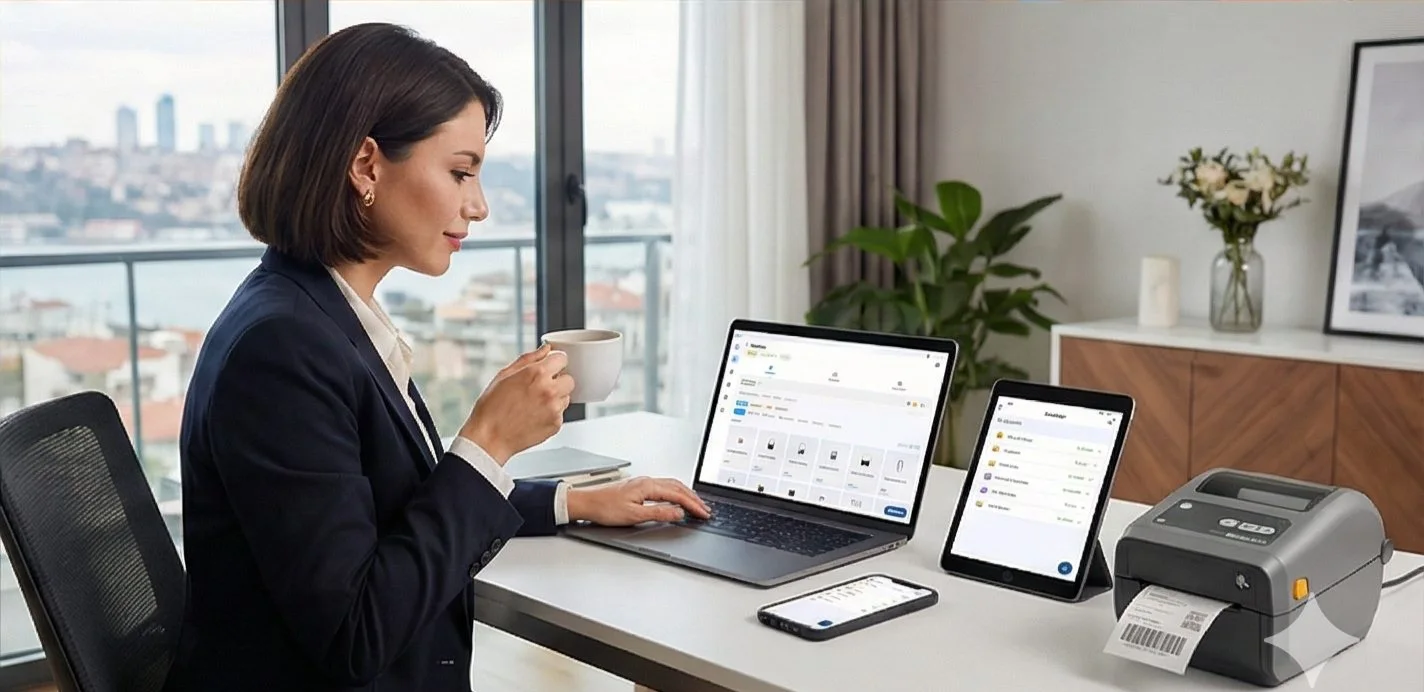
Almost every product sold on supermarket shelves, clothing tags, and e-commerce sites has a barcode. The most widely used retail barcode format is EAN-13. So, how is "EAN 13 barcode creation" actually done for the products you manufacture or sell, and how are these printed professionally?
01
What is an EAN-13 Barcode and Why is it Necessary?
EAN (European Article Number) is an internationally standardized (mostly 13-digit) product identification system.
- If you are going to sell your products to local chain supermarkets or international retailers (like Amazon FBA), they must have barcodes. For the cash register to read that product (and pass it into the system with a BEEP sound), a correct EAN-13 barcode is required.
- It is an excellent tool for organizing products in your warehouse, conducting inventory counts, and preventing mix-ups.
02
Steps to Create Barcodes for Your Products
1. Physical Stores / Official Products (GS1)
If your product will be sold widely and in chain supermarkets, you must purchase official barcode numbers from your country's GS1 authority to ensure your barcode is legal and unique worldwide.
2. Small Scale, Private Sale, or Your Own Warehouse (EAN Generator)
If you only use products in your own shop, closed-system e-commerce warehouse, or for small-scale operations (e.g., you make jewelry and only sell it from your own boutique/Instagram), you can generate barcode graphics in valid formats using your own custom numbers without incurring GS1 costs.
This is where LabelInn helps you. You can instantly create EAN-13 barcodes through our application by entering a random or self-written number. LabelInn automatically calculates the 13th digit (the mathematical check digit) for you.
Need to create and print EAN-13 barcodes? LabelInn supports 20+ barcode formats, auto-calculates check digits, and prints directly to your thermal printer. Plans from $19/month. Try free for 14 days →
03
Generating and Printing EAN-13 Barcodes with LabelInn
Our method for preparing professional retail labels or EAN-13 barcodes without requiring any technical knowledge is as follows:
04
Bulk Barcode Generation from an Excel File
If you have hundreds of products, creating and printing barcodes one by one could take days.
- Connect an Excel (or CSV) file with LabelInn.
- Have 1000 product names and (EAN) barcode numbers in your Excel columns.
- After establishing the connection, click "Print" and sit back; labels with barcodes for 1000 different products will be batch printed in one go.
NEXT STEP / LABELINN
Get Rid of Unreadable Barcodes
Discover the advantages of LabelInn with a 14-day free trial. · EAN-13 Approved Auto-Formatting (13th Digit Calculation) · Non-Pixelated Vector Prints on Labels · Instant barcode generation, on Phone or PC