Auto Order SyncConnect your Shopify store via API. Orders appear in LabelInn in real-time — new, paid, and unfulfilled orders ready to label.
Shopify Label Printing App
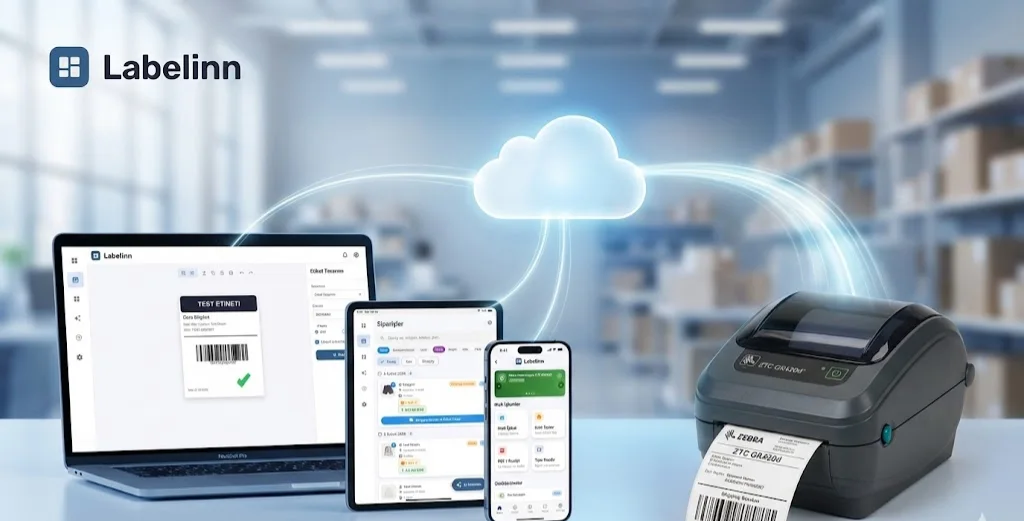
Sync your Shopify store, print shipping labels, product labels, and barcodes from any device. Works with 50+ thermal printers — no drivers needed on macOS.
FREE PLAN · NO CREDIT CARD · WINDOWS / MAC / LINUX / WEB
HOW IT WORKS
Three screens from data to printed label.
No copy-paste, no hunting for templates. The same flow repeats for every record.
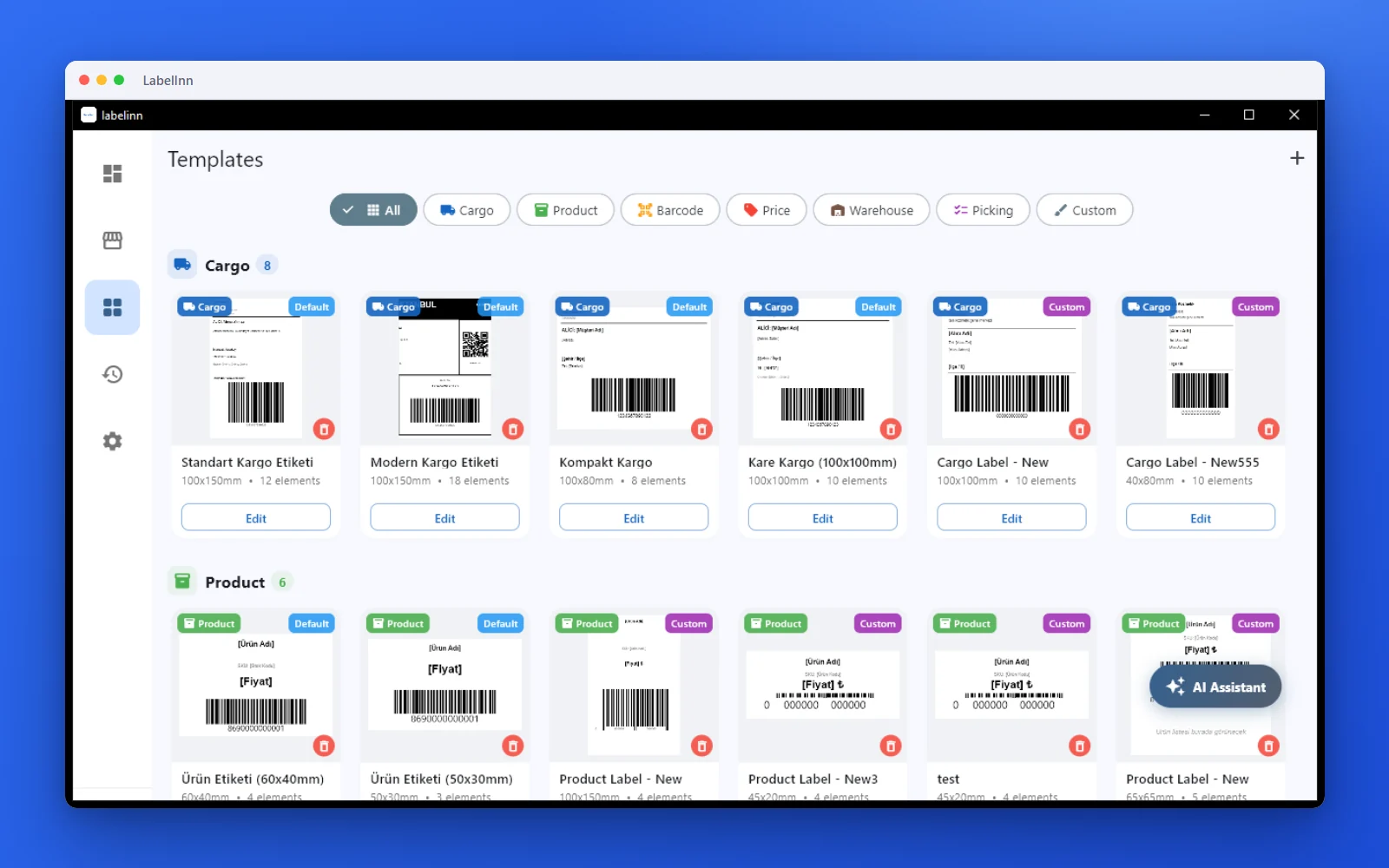
Pick a cargo label from the gallery or design one on a blank canvas.

Recipient, address, tracking barcode: map once, every label fills itself.
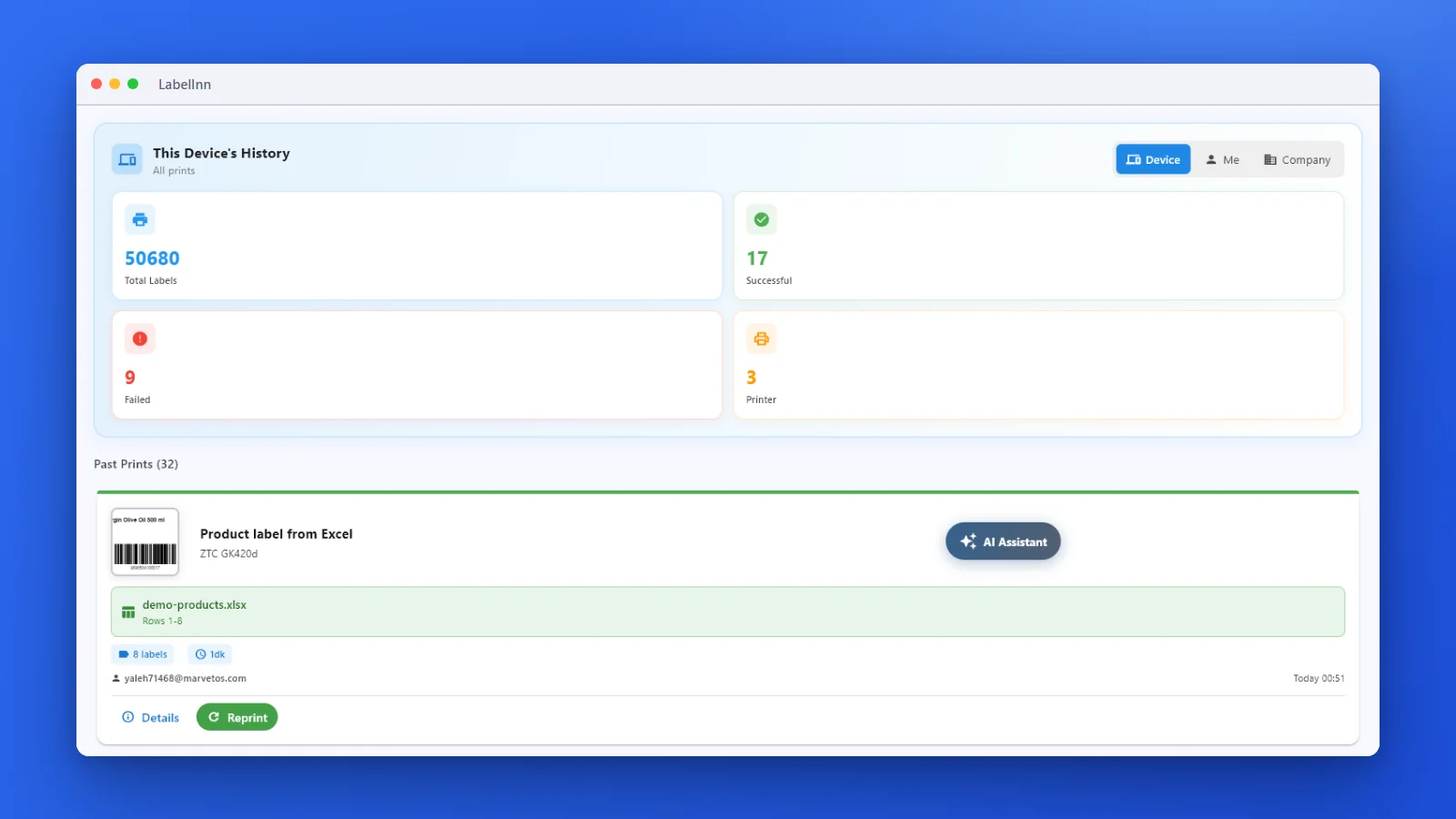
Every job is recorded. See what failed and reprint in one click.
01
Why Shopify Sellers Choose LabelInn
Shopify's built-in label printing is limited. LabelInn gives you full control over label design, printer compatibility, and bulk operations.
Custom Label TemplatesDesign labels your way — shipping labels, product labels, price tags, barcode stickers. Drag-and-drop editor or AI-powered design.
Bulk Print OperationsSelect multiple orders and print all labels at once. Print 100+ labels in under a minute with thermal printers.
50+ Printers SupportedZebra, TSC, Argox, Brother, Bixolon, Honeywell, SATO, Epson, Toshiba, Dymo — plus any standard printer via PDF.
Cross-PlatformPrint from Windows, macOS, Android, or iOS. Driverless printing on macOS — just connect and print.
AI Label DesignDescribe your label in plain English and LabelInn's AI creates it. "4x6 shipping label with logo and barcode" — done.
02
How It Works
- Connect Your Shopify Store Go to Settings → Integrations → Shopify in LabelInn. Authorize access with your Shopify admin credentials. Takes 1 minute.
- Orders Appear Instantly All unfulfilled orders sync automatically. Filter by date, status, or product to find what you need.
- Choose a Label Template Pick from professional templates or create your own. Add your logo, custom fields, barcodes, and QR codes.
- Print & Fulfill Print labels to your thermal or standard printer. Fulfillment status and tracking numbers sync back to Shopify.
03
Shopify Label Printing Use Cases
Shipping Labels
Print address labels with customer info, tracking barcodes, and carrier logos. Compatible with all major shipping carriers worldwide.
Product Labels
Generate product labels with SKU barcodes, pricing, and descriptions. Perfect for retail stores that also sell on Shopify.
Inventory Labels
Print barcode labels for warehouse shelving and inventory management. Scan-to-pick workflow support.
Custom Packaging Labels
Brand your packages with custom labels featuring your logo, thank-you messages, and social media handles.
ANY PRINTER
Design it, bind your data, print on the printer you already own.
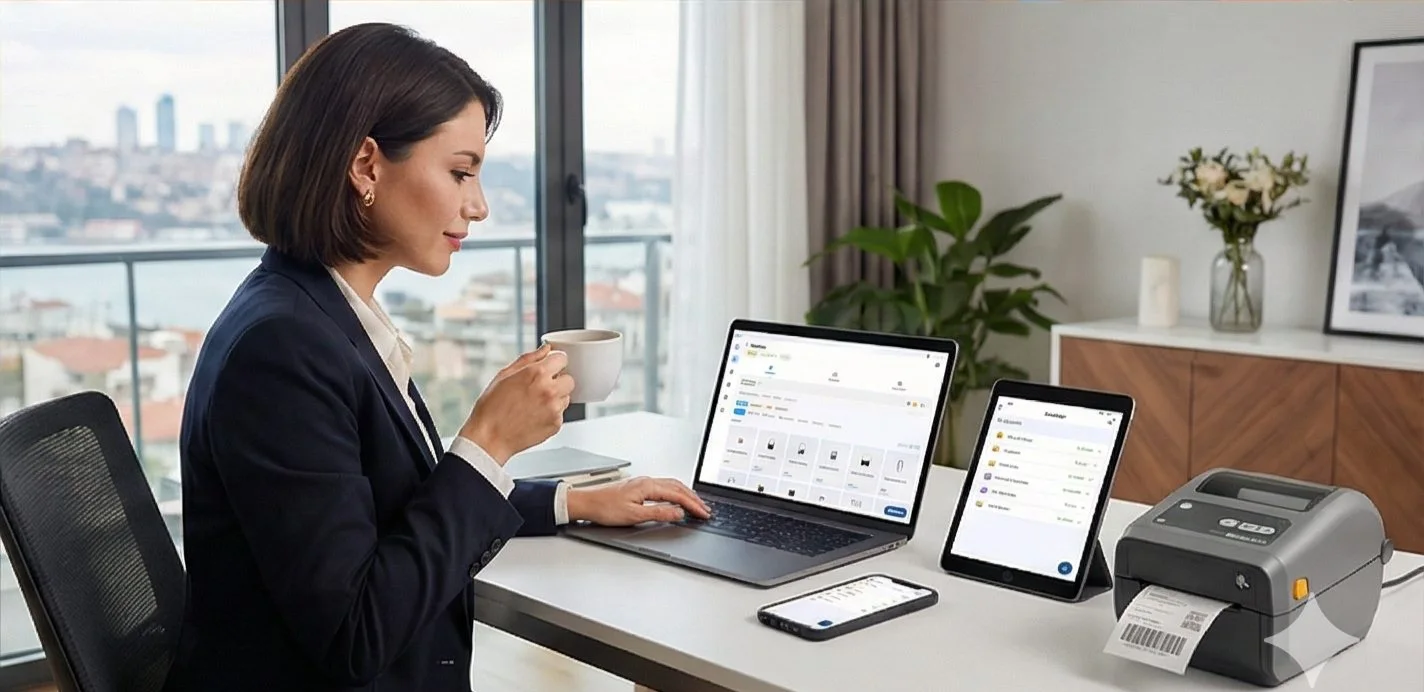
Zebra, TSC, Toshiba, Epson and more — over USB, network or Bluetooth, with no driver to install.
QUESTIONS / FAQ
Frequently Asked Questions
Does LabelInn work with Shopify Plus?
Yes! LabelInn works with all Shopify plans — Basic, Shopify, Advanced, and Shopify Plus.
Can I print labels from my phone for Shopify orders?
Yes. LabelInn has native iOS and Android apps. Print Shopify order labels directly from your phone or tablet via Bluetooth or Wi-Fi connected printers.
Do I need a thermal printer?
No. LabelInn works with both thermal printers (for fast, high-volume printing) and standard A4/A5 printers (PDF output). Thermal printers are recommended for 50+ labels/day.
Can I connect multiple Shopify stores?
Yes. LabelInn supports multiple store connections. Manage orders from all your Shopify stores in one dashboard.
Is there an app on the Shopify App Store?
The Shopify App Store listing is coming soon. In the meantime, you can connect your Shopify store directly through the LabelInn app using API integration.
NEXT STEP / LABELINN
Ready to Streamline Your Shopify Fulfillment?
Join Shopify sellers worldwide who print labels faster with LabelInn.