WooCommerce REST APIConnect via WooCommerce's official REST API. Secure, fast, and works with any WordPress hosting provider.
WooCommerce Label Printing
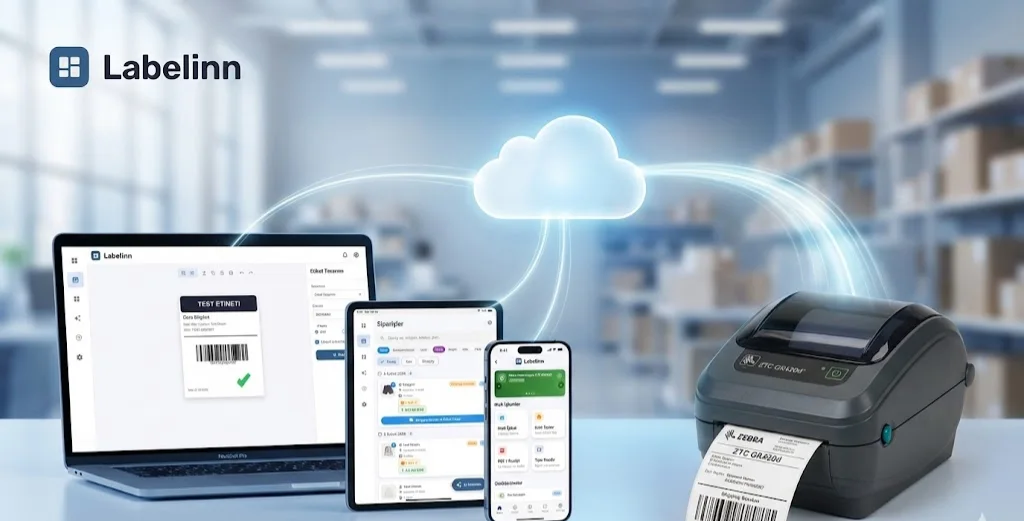
Connect your WooCommerce store, sync orders automatically, and print professional shipping labels from Windows, macOS, Android, or iOS.
FREE PLAN · NO CREDIT CARD · WINDOWS / MAC / LINUX / WEB
HOW IT WORKS
Three screens from data to printed label.
No copy-paste, no hunting for templates. The same flow repeats for every record.
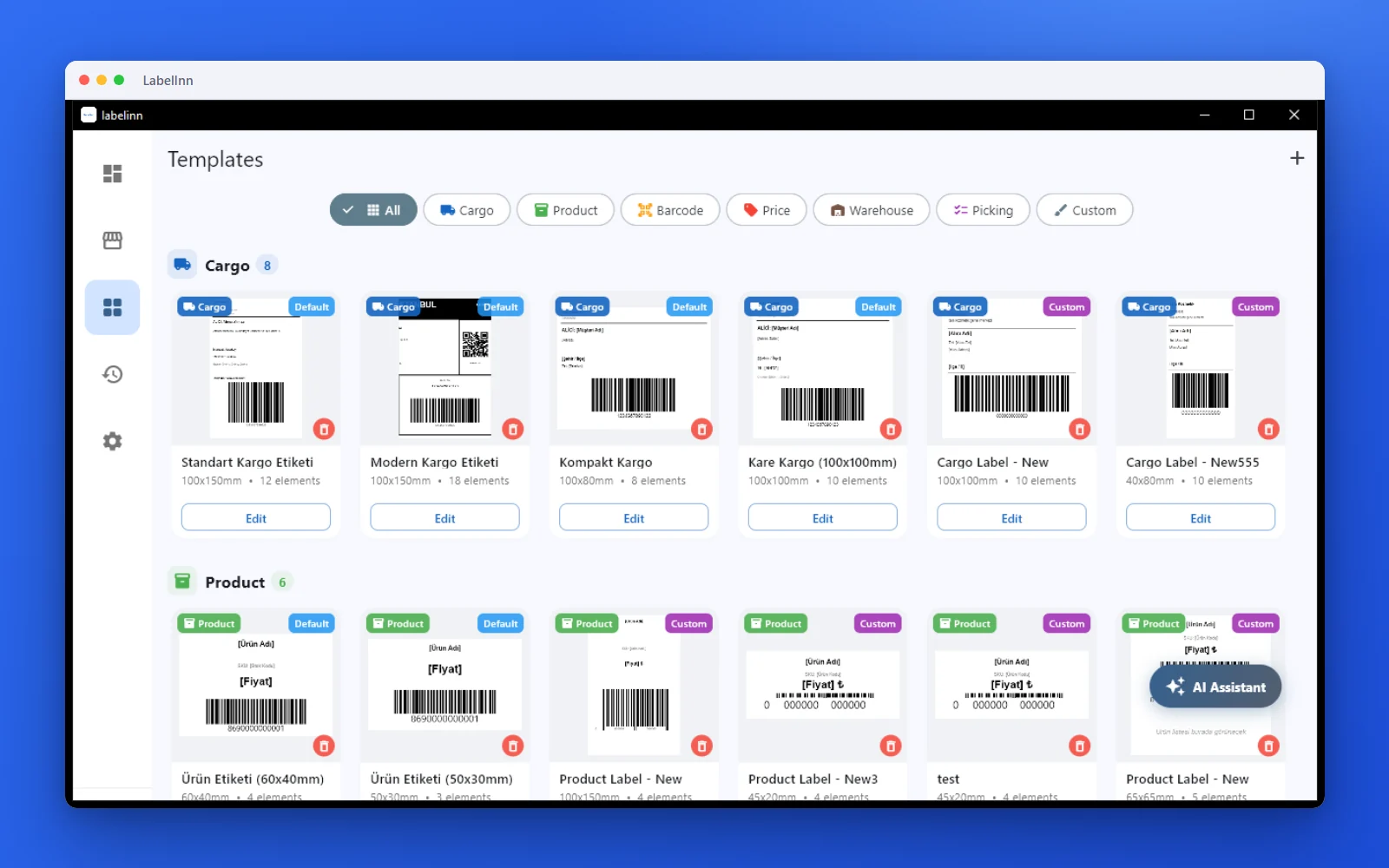
Pick a cargo label from the gallery or design one on a blank canvas.

Recipient, address, tracking barcode: map once, every label fills itself.
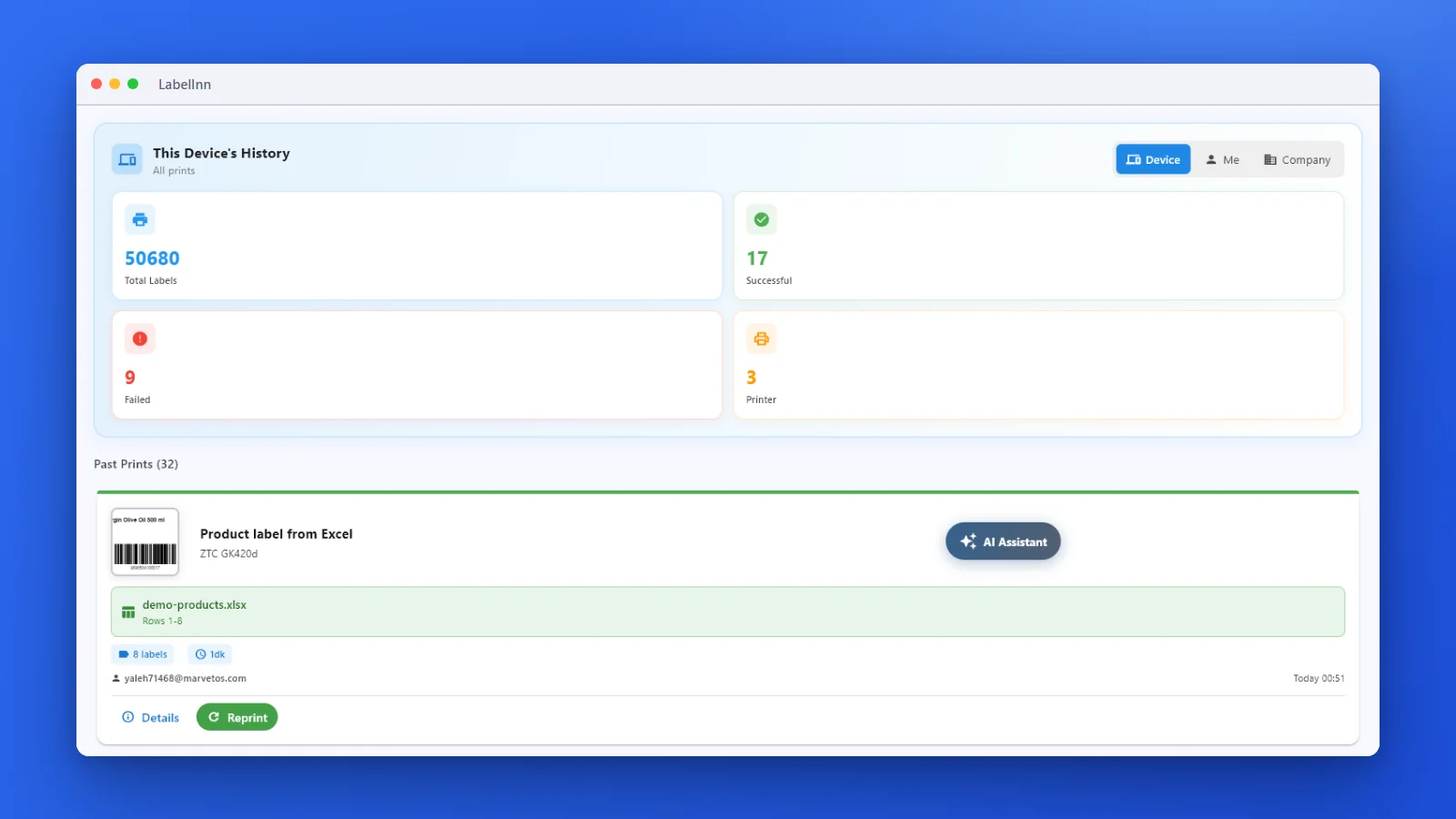
Every job is recorded. See what failed and reprint in one click.
01
WooCommerce + LabelInn
WooCommerce powers 36% of all online stores. LabelInn makes label printing seamless for WooCommerce sellers of any size.
Auto Order SyncOrders from your WooCommerce store sync automatically. Processing, on-hold, and completed orders all visible.
Flexible Label DesignShip with standard carrier labels, or design custom labels with your brand. Drag-and-drop editor plus AI design.
Any Printer WorksThermal (Zebra, TSC, Brother, Dymo) or standard laser/inkjet. Print 4x6, 4x4, or any custom size.
Product & SKU LabelsGenerate barcode labels from your WooCommerce product catalog. SKU, price, name — all pulled automatically.
Multi-LanguageInterface in English and Turkish. Labels can include any language — perfect for international WooCommerce stores.
02
Setup in 3 Steps
- Generate WooCommerce API Keys In WordPress Admin → WooCommerce → Settings → Advanced → REST API. Create a key with read/write access.
- Connect in LabelInn Enter your store URL and API keys in Settings → Integrations → WooCommerce. LabelInn validates and syncs immediately.
- Print Labels Select orders, choose label template, and print. Fulfillment status updates back to WooCommerce automatically.
ANY PRINTER
Design it, bind your data, print on the printer you already own.
Zebra, TSC, Toshiba, Epson and more — over USB, network or Bluetooth, with no driver to install.

QUESTIONS / FAQ
FAQ
Does it work with WooCommerce Subscriptions?
Yes, LabelInn syncs all WooCommerce order types including subscription renewal orders.
Can I print from multiple WooCommerce stores?
Absolutely. Add as many WooCommerce stores as you need. All orders appear in a unified dashboard.
Does it work with self-hosted WordPress?
Yes. LabelInn works with any WordPress/WooCommerce installation — self-hosted, WordPress.com, or managed hosting (WP Engine, Kinsta, etc.).
NEXT STEP / LABELINN
Start Printing WooCommerce Labels Today
14-day free trial. No credit card required. Works with any WooCommerce store.