Multi-Language SupportThe PC42t supports ZPL, ESC/POS, and DPL command languages. LabelInn auto-detects the active language and sends optimized commands — no manual configuration.
HONEYWELL PC SERIES
Honeywell PC42t Label Printing Software
Print barcode labels, shipping labels, and product labels on your Honeywell PC42t — no drivers needed. Multi-language command support (ZPL, ESC/POS, DPL).
FREE PLAN · NO CREDIT CARD · WINDOWS / MAC / LINUX / WEB
HOW IT WORKS
Three screens from data to printed label.
No copy-paste, no hunting for templates. The same flow repeats for every record.

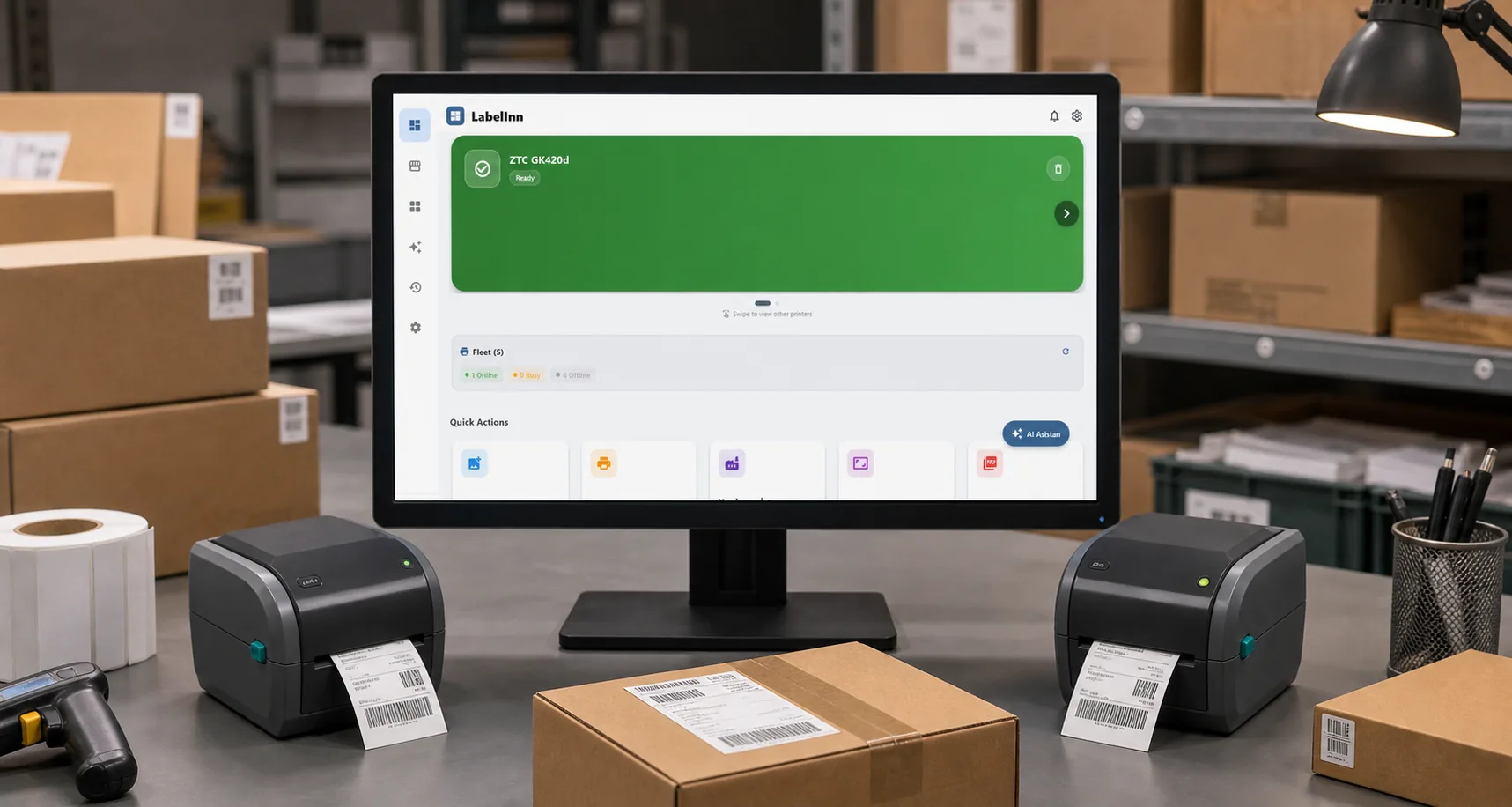
Printer status, quick actions and recent work in one place.

Text, barcodes, QR and images placed on the real media size.

See the label, the printer state and the copy count before it prints.
01
Honeywell PC42t Specifications
- Print Resolution — 203 DPI
- Max Print Width (104mm) — 4.09"
- Print Speed — 101 mm/s
- Connectivity — USB + Ethernet
- Command Languages — ZPL, ESC/POS, DPL
- Thermal Transfer & Direct — TT + DT
02
Why LabelInn for Honeywell PC42t?
Driverless on macOSHoneywell drivers on macOS are limited. LabelInn connects directly via USB for reliable driverless printing on Mac, iPhone, and iPad.
Enterprise Printer, SMB PriceThe PC42t is Honeywell's entry-level enterprise printer. Combined with LabelInn ($7.99/month vs BarTender $549/year), it's an unbeatable value proposition.
Durable Label PrintingThe PC42t supports thermal transfer (ribbon) for long-lasting labels that resist heat, chemicals, and abrasion — perfect for manufacturing and warehouse use.
Warehouse & Logistics ReadyPrint shipping labels, inventory stickers, rack labels, and bin tags. LabelInn's Excel import handles batch printing of thousands of unique labels.
E-Commerce IntegrationSync orders from Shopify, Amazon, Trendyol, Hepsiburada, WooCommerce and print shipping labels on your PC42t in bulk.
03
How to Print with Honeywell PC42t
- Download LabelInn Get it from labelinn.com/download for Windows, macOS, Android, or iOS.
- Connect Your PC42t Plug in via USB or connect over Ethernet. LabelInn auto-discovers the printer and detects the active command language.
- Design Your Label Drag-and-drop editor or AI design. Add barcodes, text, logos, QR codes, and variable data fields from Excel.
- Print Send optimized commands directly to your PC42t. Batch print hundreds of labels with variable data from Excel/CSV files.
04
Honeywell PC42t: BarTender vs LabelInn
| Feature | LabelInn | BarTender |
|---|---|---|
| Price | $7.99/month | $549/year+ |
| Honeywell PC42t | ✓ All languages | ✓ Via driver |
| macOS Support | ✓ Driverless | ✗ Windows only |
| Mobile Apps | ✓ iOS & Android | ✗ None |
| AI Design | ✓ Built-in | ✗ None |
| E-Commerce Sync | ✓ 5+ platforms | ✗ Enterprise only |
| Free Plan | ✓ Yes | ✗ Trial only |
05
Related Guides
ANY PRINTER
Design it, bind your data, print on the printer you already own.
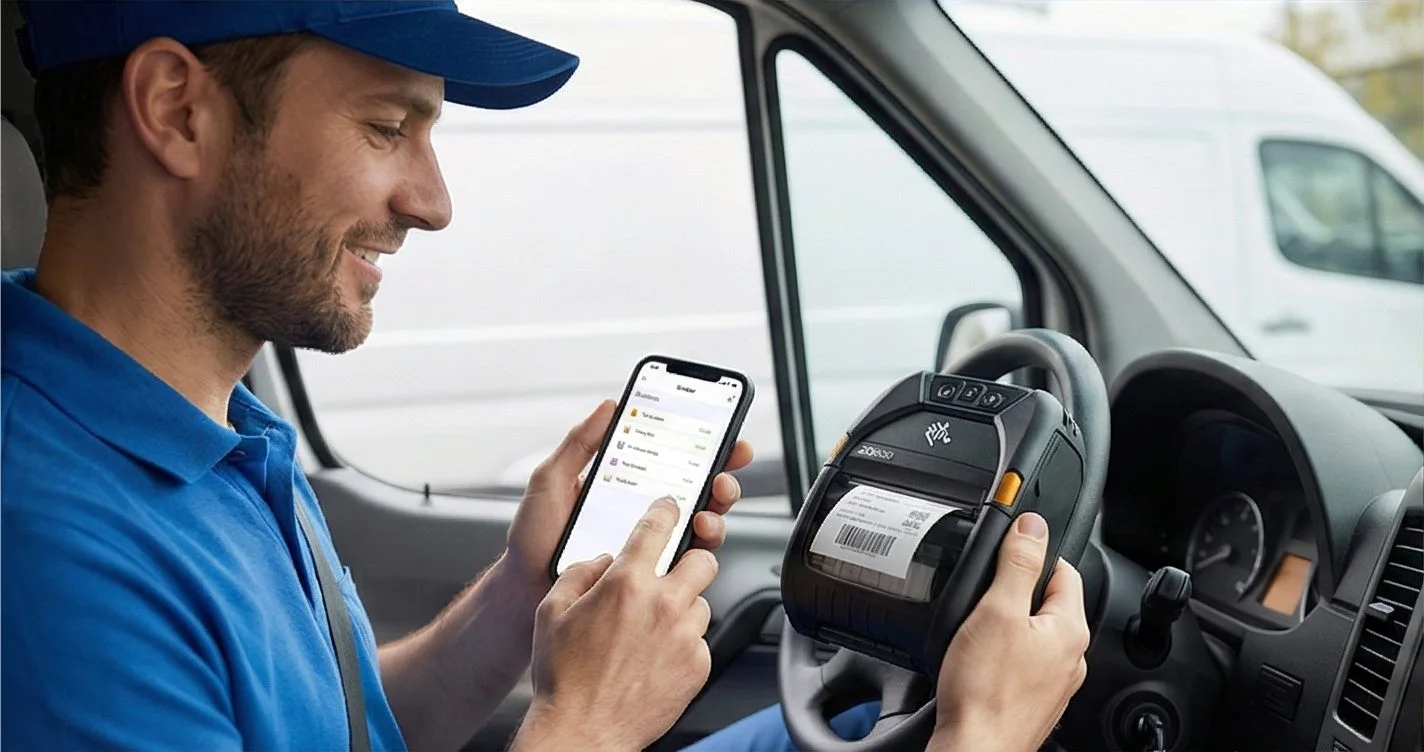
Zebra, TSC, Toshiba, Epson and more — over USB, network or Bluetooth, with no driver to install.
QUESTIONS / FAQ
Honeywell PC42t FAQ
Does LabelInn work with Honeywell PC42t?
Yes. Full support for the PC42t including all command languages (ZPL, ESC/POS, DPL). Driverless on macOS.
PC42t or PC42d — which should I choose?
PC42t supports thermal transfer (ribbon) for durable labels; PC42d is direct thermal only. Choose PC42t if you need labels that last in harsh conditions. Both work with LabelInn.
Can I print 4x6 shipping labels?
Yes. The PC42t's 4.09" print width handles standard 4x6" (100x150mm) shipping labels perfectly.
Does it work for manufacturing labels?
Absolutely. The PC42t with thermal transfer ribbon produces durable labels for manufacturing, chemical, and outdoor use. LabelInn handles variable data, serial numbers, and batch codes.
NEXT STEP / LABELINN
Ready to Print with Honeywell PC42t?
Download LabelInn — enterprise-quality printing at a fraction of the cost.