No Driver InstallationLabelInn communicates directly with your ZD220 using native ZPL commands over USB. Skip the complex Zebra driver setup — especially useful on macOS where Zebra drivers are problematic.
ZEBRA ZD SERIES
Zebra ZD220 Label Printing Software
Print labels with your Zebra ZD220 in under 2 minutes. No driver installation, no complex setup. Just connect, design, and print.
FREE PLAN · NO CREDIT CARD · WINDOWS / MAC / LINUX / WEB
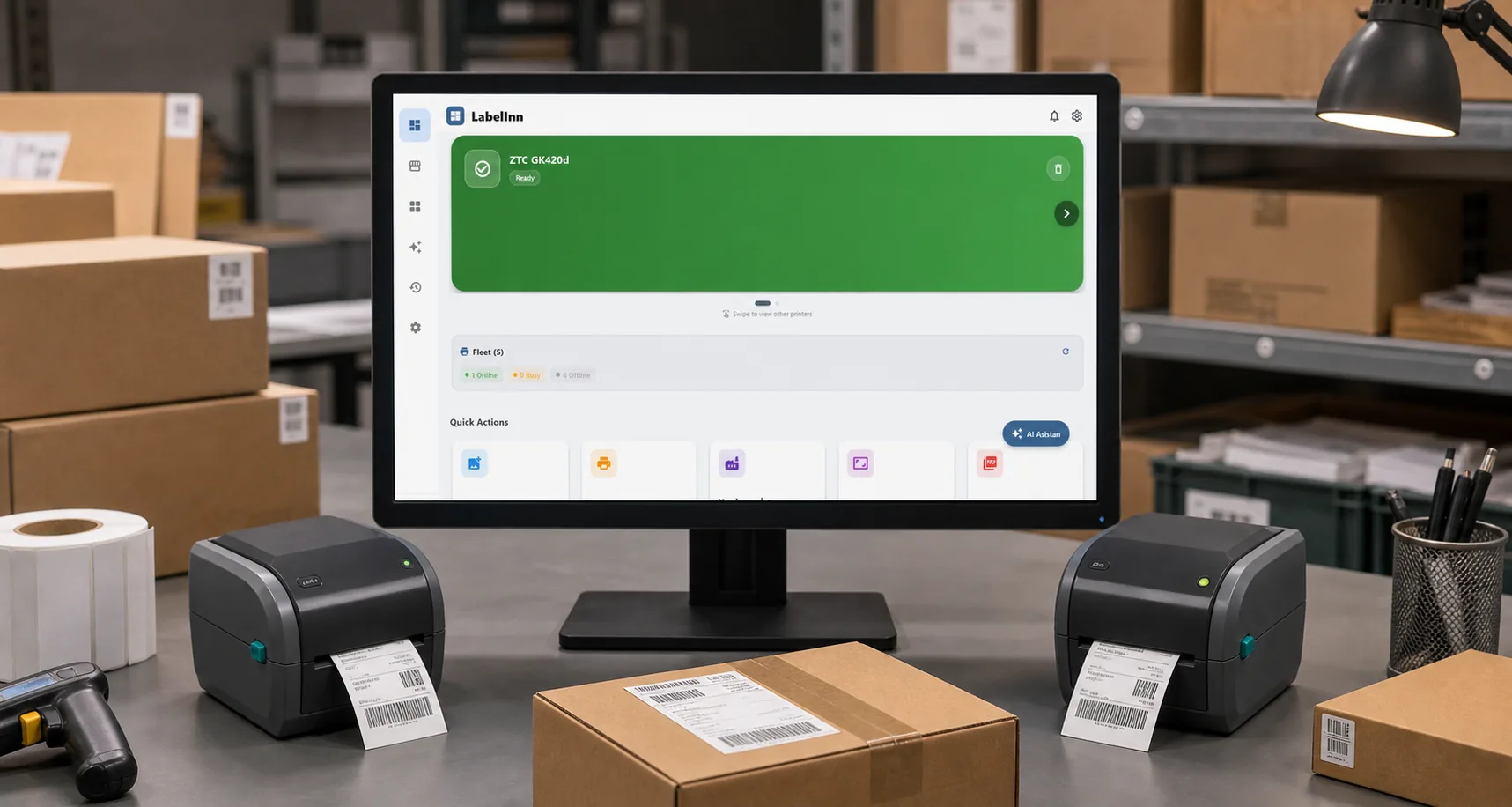
HOW IT WORKS
Three screens from data to printed label.
No copy-paste, no hunting for templates. The same flow repeats for every record.

Printer status, quick actions and recent work in one place.

Text, barcodes, QR and images placed on the real media size.

See the label, the printer state and the copy count before it prints.
01
Zebra ZD220 Specifications
LabelInn is fully optimized for the Zebra ZD220 — one of the most popular desktop thermal printers worldwide.
- Print Resolution — 203 DPI
- Max Print Width (104mm) — 4.09"
- Print Speed — 102 mm/s
- Connectivity — USB
- Command Language — ZPL II
- Print Method — Direct Thermal
02
Why Use LabelInn with Zebra ZD220?
Native ZPL SupportLabelInn generates optimized ZPL II code for your ZD220, ensuring maximum print speed and quality. No image conversion, no rasterization — pure vector printing.
Drag-and-Drop Label DesignVisual editor with text, barcodes (EAN-13, Code128, QR, DataMatrix), images, shapes, and dynamic fields. Design once, print thousands.
AI Label DesignDescribe your label in plain English: "4x6 shipping label with company logo and barcode" — LabelInn AI creates it instantly.
Print from Any DeviceWindows, macOS and Android — use your ZD220 from a supported desktop, network or Android setup.
E-Commerce IntegrationConnect Shopify, Trendyol, Hepsiburada, Amazon, WooCommerce. Auto-sync orders and print shipping labels on your ZD220 in bulk.
03
How to Print Labels with Zebra ZD220
- Download LabelInn Get LabelInn from the download page for Windows, macOS, Android, or iOS. Installation takes under 1 minute.
- Connect Your Zebra ZD220 Plug your ZD220 into your computer via USB. LabelInn auto-discovers it — no driver needed. For network printing, ensure both devices are on the same network.
- Design Your Label Use the visual drag-and-drop editor or describe your label to the AI assistant. Add barcodes, text, logos, QR codes, and dynamic data fields.
- Print Click Print. LabelInn sends optimized ZPL commands directly to your ZD220 for the fastest possible print speed. Batch print hundreds of labels in seconds.
04
Zebra ZD220: BarTender vs LabelInn
Most Zebra ZD220 users are recommended BarTender. Here's why LabelInn is a better choice for small to mid-size businesses.
| Feature | LabelInn | BarTender |
|---|---|---|
| Price | $7.99/month | $549/year+ |
| Zebra ZD220 Support | ✓ Native ZPL | ✓ Native ZPL |
| Driverless on macOS | ✓ Yes | ✗ Requires driver |
| Mobile Printing (iOS/Android) | ✓ Native apps | ✗ No mobile app |
| AI Label Design | ✓ Built-in | ✗ Not available |
| E-Commerce Integration | ✓ Shopify, Amazon, Trendyol+ | ✗ Enterprise only |
| Free Plan Available | ✓ Yes | ✗ Trial only |
| Platforms | Win, Mac, iOS, Android | Windows only |
05
Common Zebra ZD220 Issues We Solve
ZD220 Skipping Labels
The ZD220 can skip labels due to incorrect gap/blackmark sensor settings. LabelInn auto-configures the sensor mode via ZPL — no manual calibration needed. Read the full fix guide →
Faded or Light Printing
If your ZD220 prints are coming out faded, it's usually a heat/speed setting issue. LabelInn optimizes darkness and speed settings automatically for your label media. Fix faded printing →
Driver Installation Headaches
Zebra drivers on macOS and Windows 11 can be frustrating. LabelInn bypasses the driver entirely by communicating via raw ZPL over USB — connect and print, no driver needed. Windows 11 printer fix →
06
Related Guides
ANY PRINTER
Design it, bind your data, print on the printer you already own.
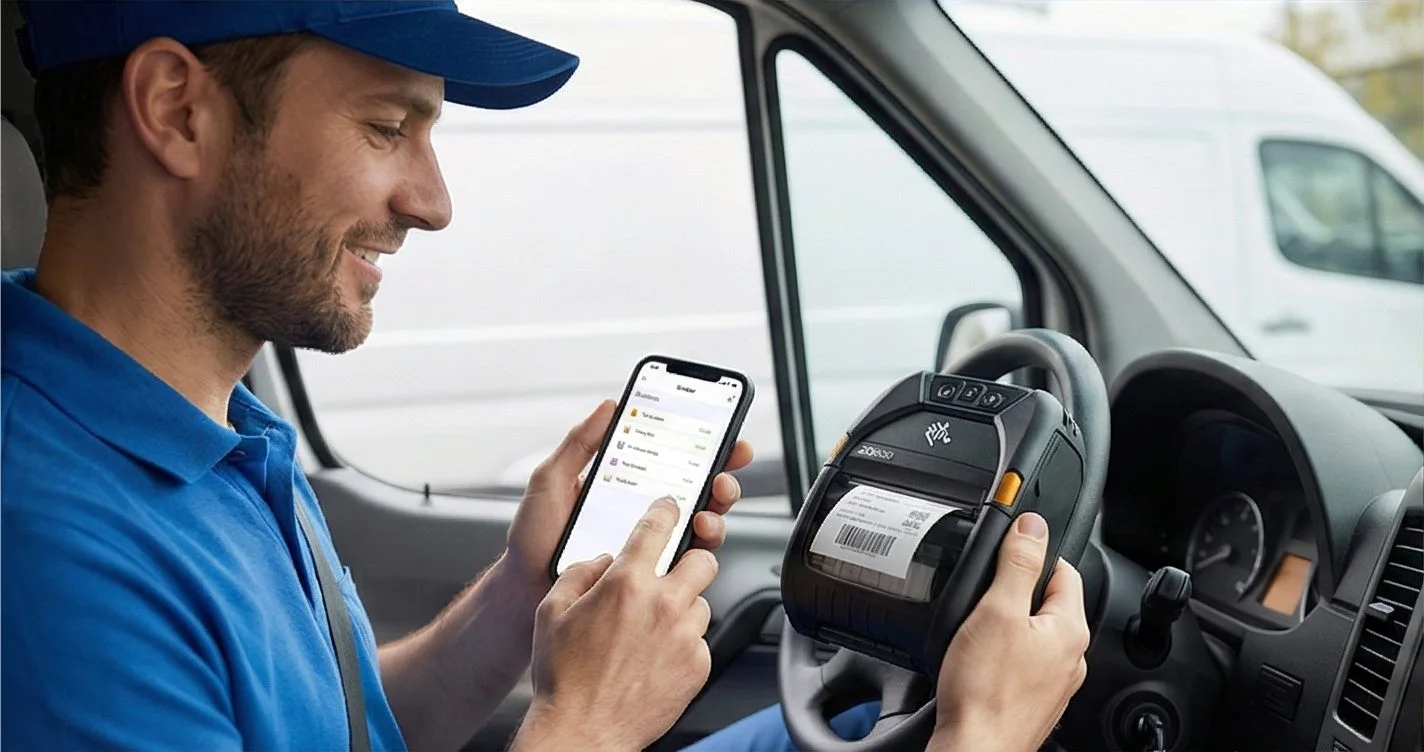
Zebra, TSC, Toshiba, Epson and more — over USB, network or Bluetooth, with no driver to install.
QUESTIONS / FAQ
Zebra ZD220 FAQ
Does LabelInn work with Zebra ZD220 without drivers?
Yes. LabelInn connects directly to Zebra ZD220 via USB using native ZPL II commands. No driver installation is required, especially beneficial on macOS where Zebra drivers are often problematic.
Can I print from my phone to Zebra ZD220?
Yes. With the ZD220 connected through a supported print server or network setup, LabelInn's Android app can send print jobs wirelessly. For supported direct USB setups, use an OTG cable on Android.
What label sizes does Zebra ZD220 support?
The ZD220 prints labels from 1" (25.4mm) to 4.09" (104mm) wide. Common sizes: 4x6" shipping labels, 2x1" barcode labels, 3x2" product labels, 100x150mm cargo labels. LabelInn has templates for all common sizes.
Is LabelInn free for Zebra ZD220?
LabelInn offers a free plan with basic label design and printing features. The 14-day free trial unlocks all features. Paid plans start at $7.99/month — much more affordable than BarTender ($549/year) or NiceLabel ($400+/year).
Can I print Shopify/Amazon orders on my Zebra ZD220?
Yes. LabelInn integrates with Shopify, Amazon, Trendyol, Hepsiburada, WooCommerce, and more. Orders sync automatically — select orders, click print, and your ZD220 produces shipping labels instantly.
What's the difference between ZD220 and ZD230?
The ZD230 is the successor to the ZD220 with similar specs but improved firmware. LabelInn works with both models identically — the ZPL command language is the same across the ZD series.
NEXT STEP / LABELINN
Ready to Print with Your Zebra ZD220?
Download LabelInn and start printing in under 2 minutes. No drivers, no hassle.