UPDATED JUNE 15, 2026 / SETUP
No More Driver Hunting the Modern Windows Driver Is Built In
Stop hunting for printer drivers. LabelInn prints driverlessly to 50+ thermal printers (ZPL/TSPL/TPCL/Epson over USB, network & Bluetooth) — and includes a modern, code-signed Windows v4 driver so Word, Chrome, Edge and PDFs print straight to your label printer. Built in and set up for you.
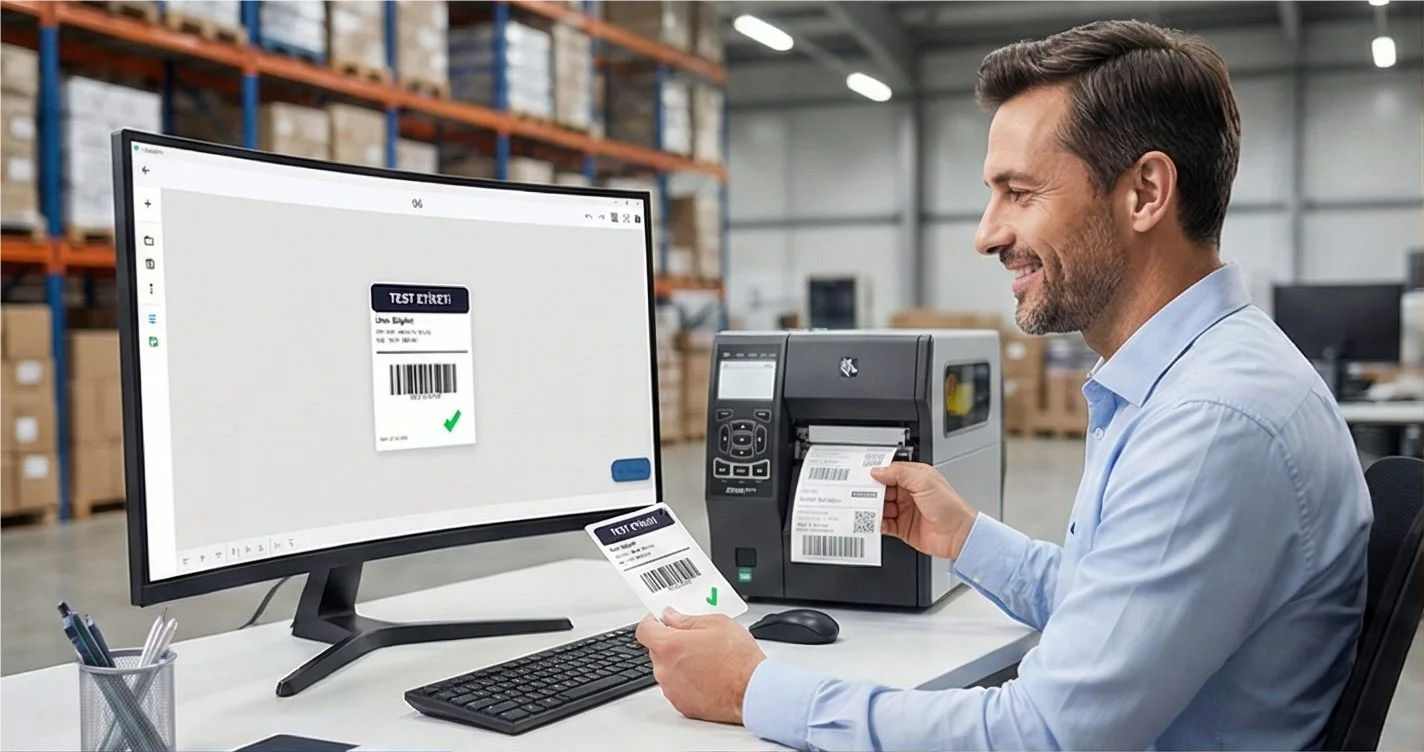
THE PROBLEM

Setting up a label printer the old way means a scavenger hunt: find the right driver for your exact model, download the installer, unpack INF files, fight Device Manager, reboot — and do it again for the next printer. LabelInn deletes that entire step.
You don't go looking for drivers. You install the app, connect the printer, and print. The printer language and the modern Windows driver are already inside LabelInn — set up for you.
Install, connect, print. No driver downloads, no INF files, no Device Manager. Download LabelInn → · Start a free trial →
HOW IT WORKS
Three screens from data to printed label.
No copy-paste, no hunting for templates. The same flow repeats for every record.

Printer status, quick actions and recent work in one place.
Text, barcodes, QR and images placed on the real media size.

See the label, the printer state and the copy count before it prints.
01
Two ways to print — both with zero driver hunting
LabelInn gives you a choice that traditional label software doesn't. Use whichever fits the job:
1. Driverless — the app speaks straight to the printer
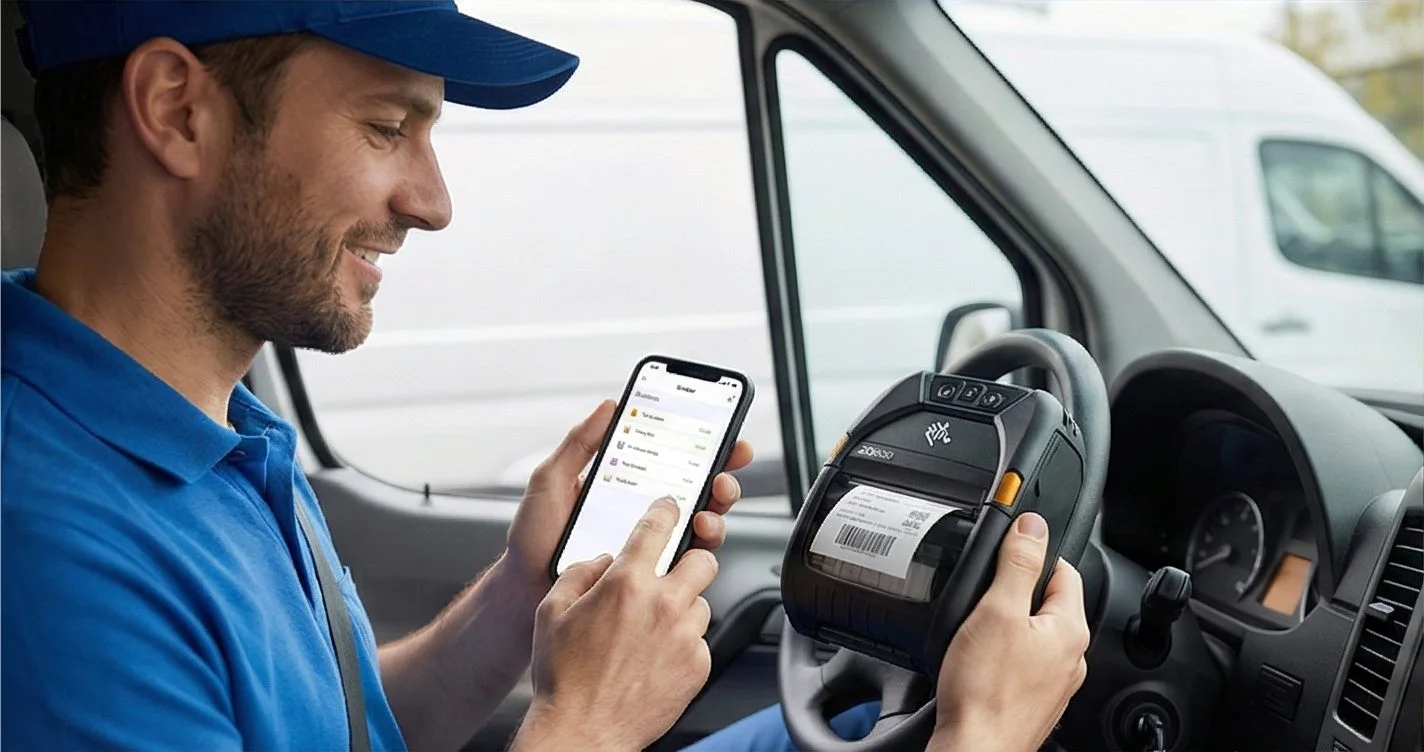
By default, LabelInn generates the printer's own native language — ZPL, TSPL/TSPL2, Toshiba TPCL (with TOPIX), Epson ESC/Label — and sends it directly over USB, TCP/IP (port 9100) or Bluetooth. There is literally no operating-system driver involved. That's why one install covers 50+ printer models (Zebra, TSC, Bixolon, Xprinter, Toshiba, Epson and more) instead of a driver-per-device zoo — and why it works on Windows and macOS alike, with two-way status readback (cover open, paper out, head/ribbon error, paused).
2. The included modern Windows v4 driver — print from any app
Sometimes you want to print to a thermal label from a normal Windows program — a Word document, a Chrome page, a PDF. For that, LabelInn ships a real, modern Windows v4 (XPSDrv) print driver. It's set up for you automatically when you install LabelInn — it adds a "LabelInn" print queue, and then Word, Chrome, Edge, Adobe and most Windows apps can print straight to your thermal printer through the standard File → Print dialog. No separate download. No driver matching. No reboot.
02
Why "v4" is the part that matters
Most generic printer drivers people install are the legacy Unidrv / Generic / Text-Only model — which is exactly why thermal labels so often come out as garbled text or blank tickets. LabelInn's driver is a v4 XPSDrv driver: the same modern driver generation Microsoft itself uses. It captures the job and hands it to LabelInn to render crisply at the printer's native resolution. It's code-signed, so it installs cleanly on a normal machine — no test mode, no warnings.
03
LabelInn vs the traditional driver model
| Setup step | Traditional label software | LabelInn |
|---|---|---|
| Finding a driver | Hunt the vendor site for your exact model | Nothing to find — it's built into the app |
| Per-printer drivers | A separate driver for each model | One app speaks ZPL / TSPL / TPCL / Epson to 50+ models |
| Print from Word / Chrome / PDF | Driver required, often legacy & flaky | Included modern v4 (XPSDrv) driver, set up for you |
| Driver model | Often legacy Unidrv / Generic-Text | Modern v4 XPSDrv — the model Windows itself uses |
| Code-signed install | Varies; warnings common | Code-signed — installs cleanly, no test mode |
| macOS | Usually Windows-only | Driverless on macOS too — direct USB / network / Bluetooth |
THE PROBLEM, THEN THE FIX
Why does every app print your labels at the wrong size?
Generic drivers know paper sizes, not label rolls, so Word or Chrome often falls back to A4 until someone digs through settings.
The problemEach application guesses a paper size, and each one needs fiddling.
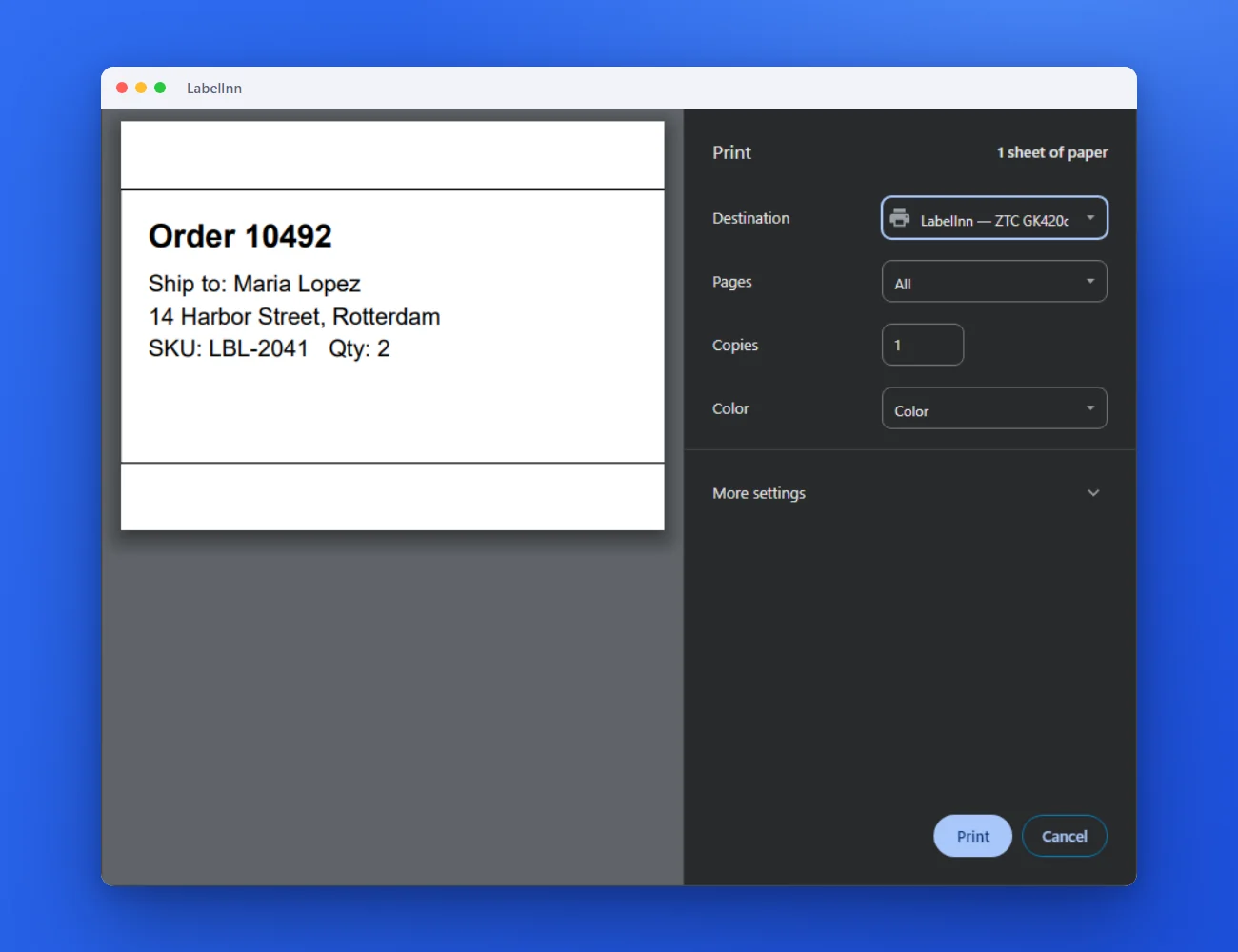 1Pick the LabelInn printer in any appIt shows up next to your other printers in Word, Chrome or whatever you print from.
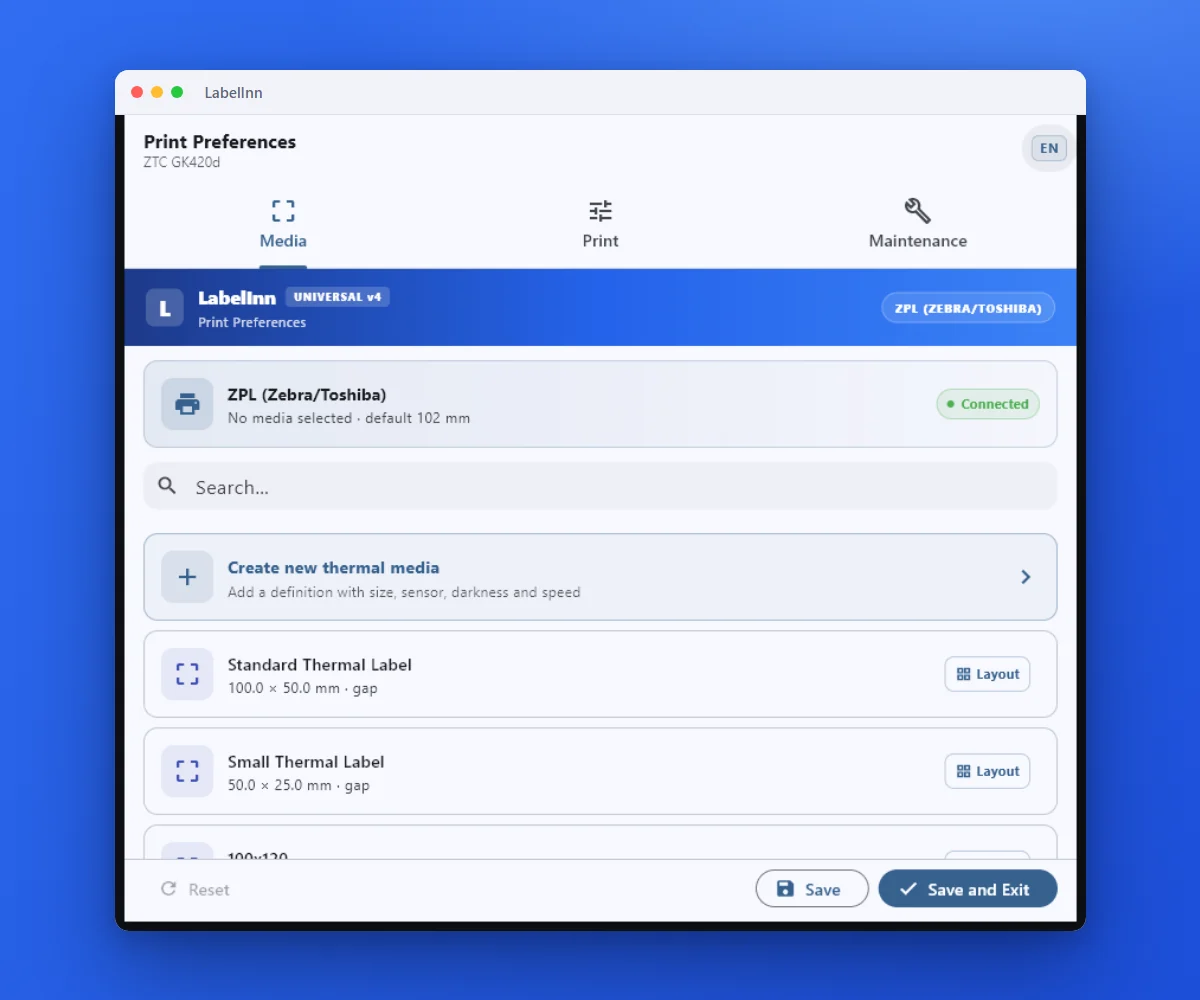 2Pick the label size in the driverOpen Preferences on the LabelInn printer and choose the media. Word, Chrome or any app then prints to that size.
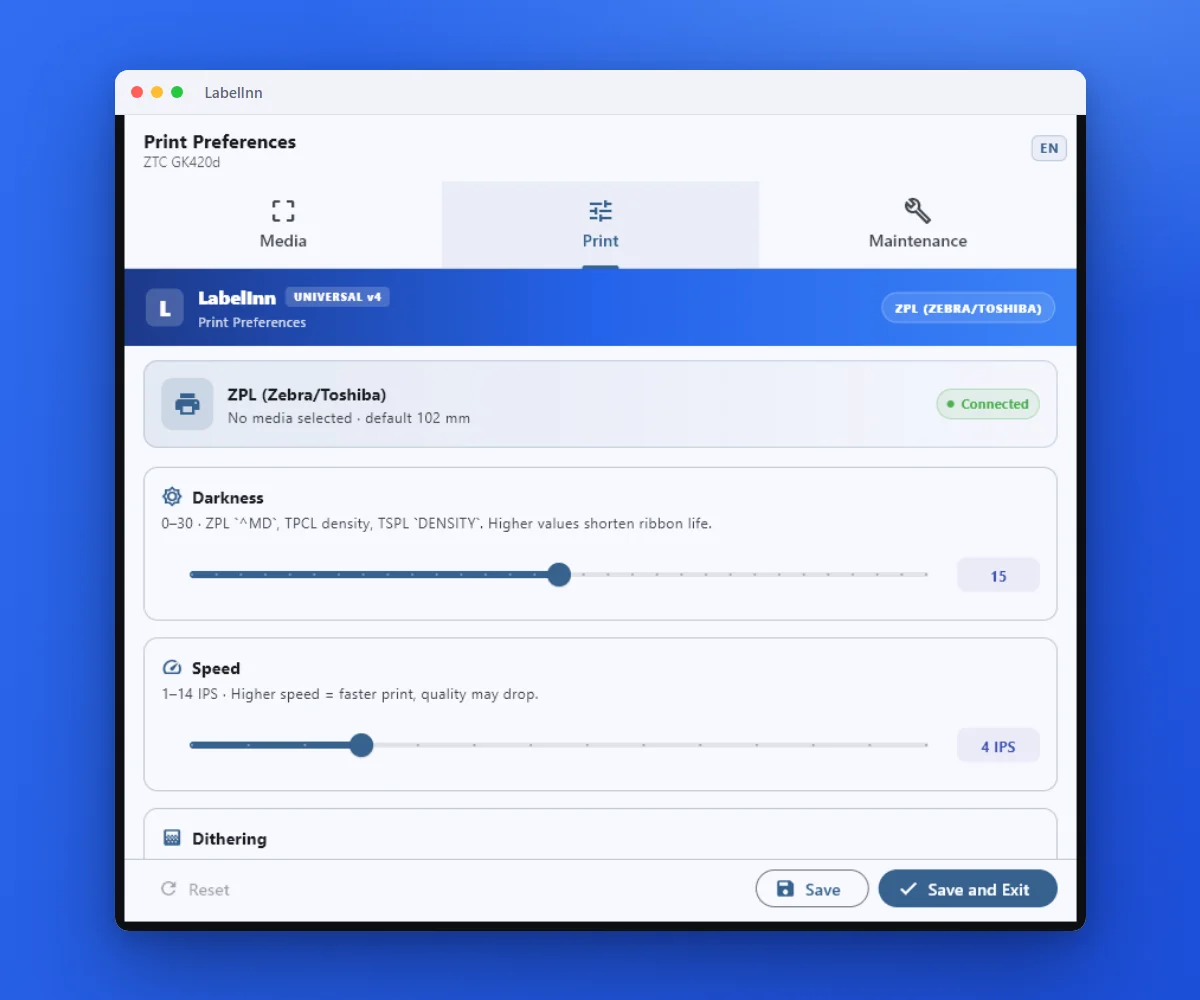 3Darkness, speed and sensor modeThe print settings live in the driver, so every application prints with the same result.
The fixSet the label size on the LabelInn printer once; every app that prints to it uses it.Get LabelInn free
04
How it works, in plain terms
- Install LabelInn — the installer sets up the printer language and the modern v4 driver for you.
- Connect your printer — USB, network or Bluetooth; LabelInn detects it.
- Print driverlessly from LabelInn to 50+ models — or use the "LabelInn" print queue to print from Word, Chrome, Edge and other apps.
It's the same platform behind everything else LabelInn does — native printer languages, the REST API, database connectivity and AI design — just with the driver headache removed.
ANY PRINTER
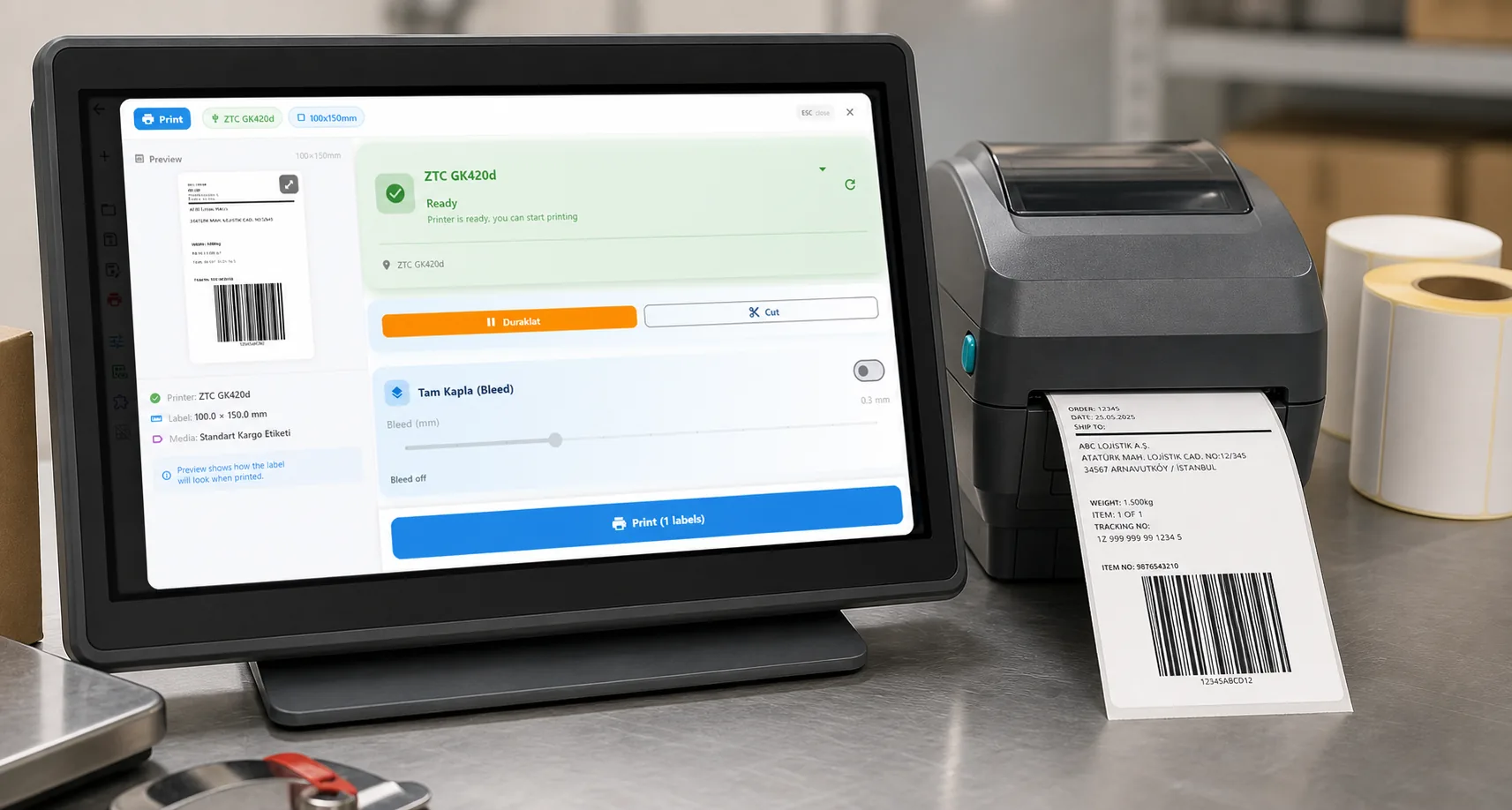
Design it, bind your data, print on the printer you already own.
Zebra, TSC, Toshiba, Epson and more — over USB, network or Bluetooth, with no driver to install.
PRICING
Start free. Pay when it earns its keep.
QUESTIONS / FAQ
Frequently asked questions
Do I need to download a driver for my label printer?
No. LabelInn speaks each printer's native language directly — ZPL, TSPL, Toshiba TPCL and Epson ESC/Label — and prints driverlessly over USB, TCP/IP (port 9100) and Bluetooth. There's no per-model driver to find, download or match. Install the app, connect the printer, print.
Can I print to a thermal printer from Word, Chrome or a PDF?
Yes. LabelInn includes a modern Windows v4 (XPSDrv) driver that's set up for you when you install the app. It adds a normal print queue, so Word, Chrome, Edge, Adobe and most Windows apps can print straight to your thermal printer through the standard File → Print dialog. Word, Chrome and Edge are confirmed and app coverage keeps expanding.
What is a v4 (XPSDrv) driver and why does it matter?
v4 (XPSDrv) is Microsoft's modern print-driver model — the same generation Windows itself uses. It's cleaner and more reliable than the legacy Unidrv / Generic-Text drivers that often turn thermal labels into garbage output. LabelInn's v4 driver captures the print job and lets the app render it crisply at the printer's native resolution.
Is the LabelInn printer driver code-signed?
Yes. The Windows v4 driver is code-signed, so it installs cleanly on a normal Windows machine without enabling test mode. It's bundled with the LabelInn installer and registered for you automatically — no separate download, no INF files, no Device Manager.
How many printers does LabelInn support without separate drivers?
50+ thermal printer models from a single app, because LabelInn generates the printer's own native code (ZPL, TSPL/TSPL2, Toshiba TPCL with TOPIX, Epson ESC/Label) instead of installing a separate driver per device. One install covers Zebra, TSC, Bixolon, Xprinter, Toshiba, Epson and more.
Does it work on Mac?
Driverless printing works on macOS too — LabelInn talks to the printer directly over USB, network or Bluetooth, with no driver to install. The Windows v4 print-queue (for printing from other Windows apps) is a Windows feature; on Mac you print from the LabelInn app itself.
KEEP GOING
Related
NEXT STEP / LABELINN
Install once. Print everything. No driver hunting.
LabelInn handles the printer language and the Windows driver for you — so you can print to a thermal label from the app, the API, or any Windows program, without ever opening Device Manager. · Driverless to 50+ thermal printers · Included modern v4 Windows driver · Code-signed — installs cleanly