FREE / NO SIGNUP / RUNS IN YOUR BROWSER
Barcode X-dimension and quiet zone calculator
Work out the X-dimension a thermal printer can actually produce, whether it clears the GS1 minimum, and how much quiet zone the symbol needs. Free.
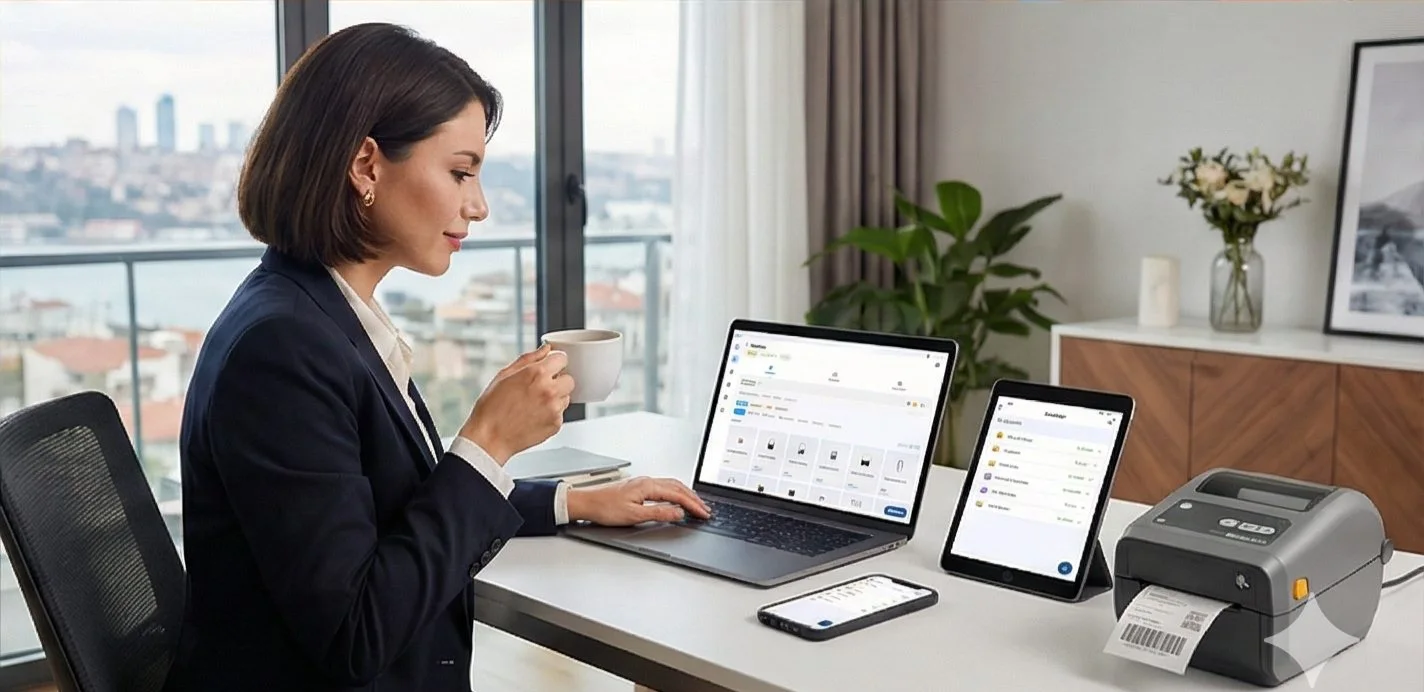
HOW IT WORKS
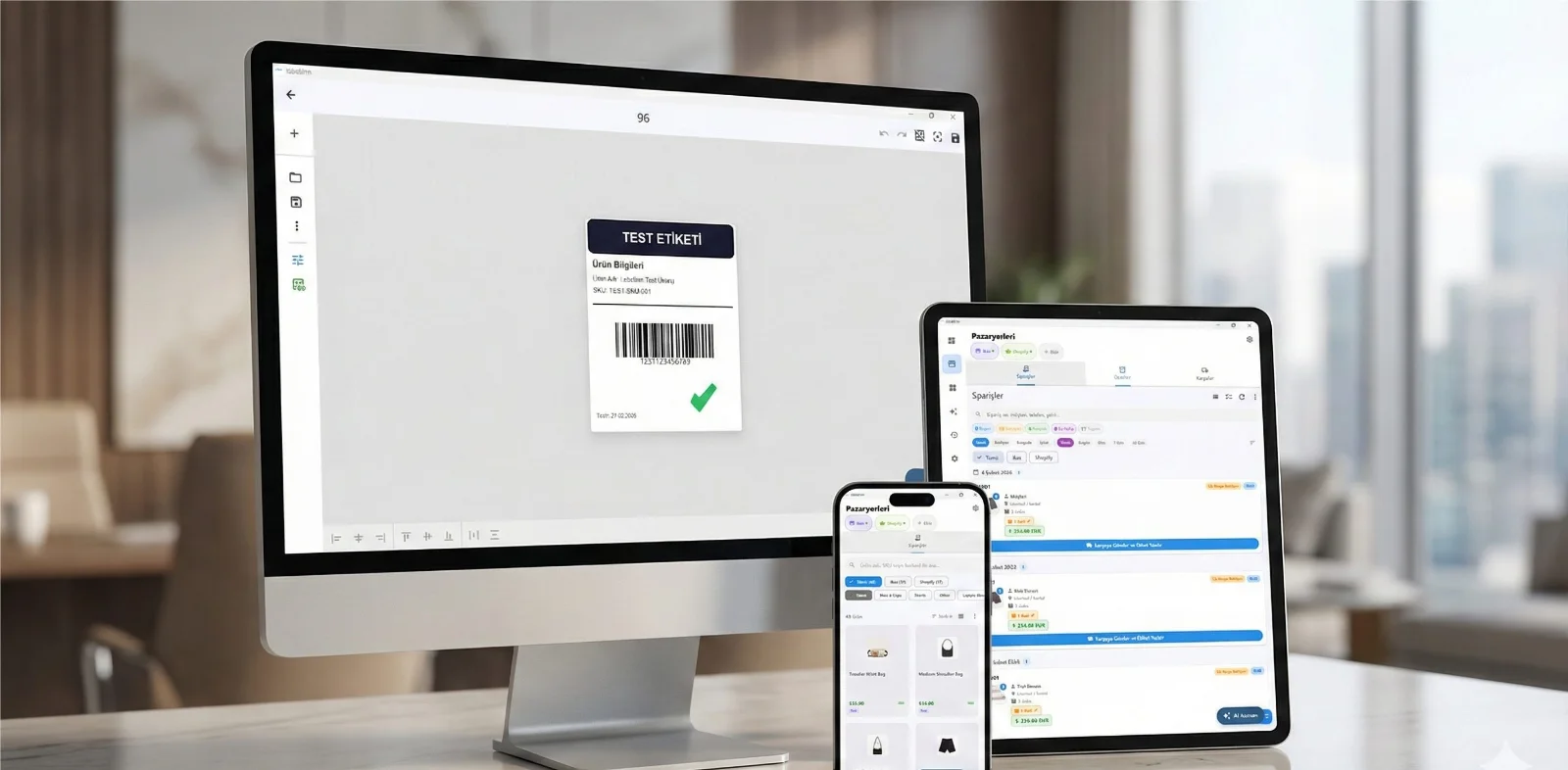
Three screens from data to printed label.
No copy-paste, no hunting for templates. The same flow repeats for every record.

Printer status, quick actions and recent work in one place.

Text, barcodes, QR and images placed on the real media size.

See the label, the printer state and the copy count before it prints.
01
How to use it
- Choose the symbology — the minimum X-dimension differs between them.
- Pick the printer resolution.
- Adjust magnification until the snapped X-dimension clears the GS1 minimum.
02
When you need this
- A barcode scans on screen but fails on the printed label.
- Shrinking a symbol to fit a small label and needing to know how far you can go.
- Checking that the white space either side of the symbol is wide enough.
03
Frequently asked questions
ANY PRINTER
Design it, bind your data, print on the printer you already own.
Zebra, TSC, Toshiba, Epson and more — over USB, network or Bluetooth, with no driver to install.
PRICING
Start free. Pay when it earns its keep.
QUESTIONS / FAQ
Frequently asked questions
What is the X-dimension?
The width of the narrowest bar or space. Every other width in a linear symbol is a multiple of it, so it sets the whole symbol's size.
Why does it snap to whole dots?
A thermal printhead can only place whole dots, so the printer rounds the X-dimension. At 203 dpi one dot is about 0.125 mm, which is a large step at small sizes.
What happens if the quiet zone is too narrow?
Scanners need clear space before the first bar and after the last one to find the symbol. Too little and reads become unreliable even when the bars themselves are perfect.
KEEP GOING
Related calculators
NEXT STEP / LABELINN
Do this on real labels
The calculators answer one number at a time. LabelInn applies the same maths across a whole design, a whole spreadsheet and a whole print run — and sends it to the printer without a driver. · Free · No signup · Runs in your browser