FEBRUARY 7, 2026 / MARKETPLACE
How to Print Trendyol Shipping Labels? Step-by-Step Guide (2026)
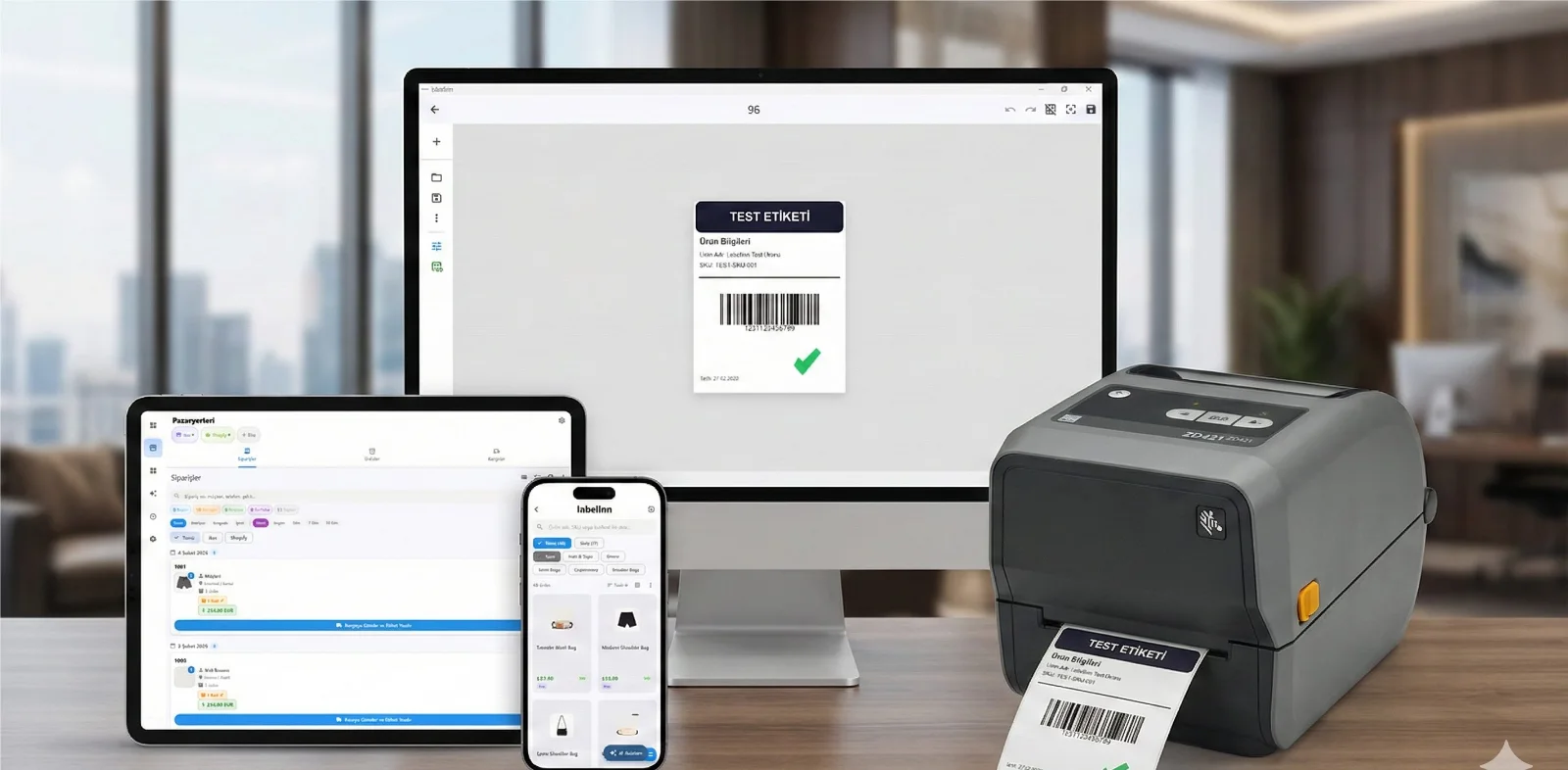
Pull Trendyol orders and print shipping labels straight to a thermal printer — no PDF juggling, no re-scaling. Windows and Mac.
THE PROBLEM

A topic every Trendyol seller faces daily: printing shipping labels. Downloading labels from the seller panel, printing from A4 or thermal printer, size adjustments, bulk printing for multiple orders... Each one is a separate puzzle.
In this guide, we've explained 3 different methods for printing Trendyol shipping labels — starting with the fastest.
If you're doing this 50 times a day, you're losing 2 hours daily.
01
Fastest Method: Automatic Printing with LabelInn (2 Seconds / Order)
No need to open panels, download PDFs, or adjust sizes. Connect LabelInn to your Trendyol account and orders come automatically:
- Open LabelInn app → Integrations → Trendyol → Enter your API credentials
- Orders are automatically pulled – new orders come with notifications
- Select the orders you want to print (single or bulk)
- Click "Print" button – correct size, correct format, instantly
Trendyol Panel vs LabelInn Comparison
| Feature | Trendyol Panel | LabelInn |
|---|---|---|
| Label creation time | 4 min / order | 2 seconds / order |
| Size adjustment needed? | Yes (A4 → thermal conversion) | No (automatic) |
| Bulk printing | PDF merging | Bulk print with one click |
| Product photo | No | Available in order list |
| Ad/discount code | No | Can be added to label |
| macOS support | From browser (limited) | Native app |
| Other marketplaces | Only Trendyol | 8 marketplaces single screen |
Processing 50+ orders daily? Cut per-order time from 4 minutes to 2 seconds with LabelInn. Setup takes 2 minutes. Try free for 14 days →
02
How to Set Up Trendyol API Integration?
To connect LabelInn to Trendyol, you need to get your API credentials from Seller Center:
- Trendyol Seller Center → Go to Integration Information page
- Copy your API Key and API Secret credentials
- Note your Seller ID (Supplier ID) number
- LabelInn → Integrations → Trendyol → Paste these credentials
- Click "Connect" button – orders will come instantly
03
Prefer Manual? Here Are the Traditional Methods
Method A: Manual Printing from Trendyol Seller Panel
The most basic method. The way everyone knows but takes time:
- Log in to Trendyol Seller Center: partner.trendyol.com
- Go to "My Orders" from the left menu
- Find the order you want to ship and click the "Download Shipping Label" button
- PDF file will download to your computer
- Open the PDF and go to print dialog (Ctrl+P)
- Select your printer and choose "Actual Size" or 100% scale setting
- Click the "Print" button ✓
A4 Thermal Printer Size Issue
| Problem | Result |
|---|---|
| Printing A4 PDF to thermal printer | Label gets cut or prints too small |
| Selecting "Fit to page" | Barcode shrinks, carrier can't read it |
| Manually adjusting size | Need to struggle with it every time |
Selling on Trendyol? LabelInn connects via Trendyol API — orders sync automatically, labels print in one click, no size issues. Plans from $19/month. Try free for 14 days →
Method B: Trendyol Bulk Label Download
If you have multiple orders, you can download them in bulk instead of downloading one by one:
- Select the orders you want to ship with checkboxes on the My Orders page
- Click the "Download Bulk Shipping Labels" button that appears at the top
- A combined PDF will download
- Print the PDF each page is one label
04
Shipping Carrier Selection
Available shipping providers and assignment rules can change. Confirm the current options in your marketplace account before printing:
- Trendyol Express Trendyol's own shipping network
- Marketplace-assigned provider Use the provider shown on the current order
- Yurtii Kargo Alternative
- MNG Kargo Advantageous in some regions
- Srat Kargo Fast delivery
- HepsiJet Hepsiburada cross-use
LabelInn recognizes all their label formats and creates them automatically.
QUESTIONS / FAQ
Frequently Asked Questions
What is the Trendyol shipping label size?
Trendyol's standard shipping label is in A4 (210297 mm) PDF format. For thermal printer-compatible 1015 cm format, LabelInn performs automatic conversion.
I don't have a thermal printer, can I print from a regular printer?
Yes. You can print from an A4 laser/inkjet printer. But for high-volume sellers, a thermal printer is much more economical and faster.
Is Trendyol API free?
Yes. Trendyol seller API is offered free to sellers. You can get your API Key and Secret from Seller Center.
Can I use other marketplaces at the same time?
Yes. You can connect your Trendyol, Hepsiburada, ikas, Shopify, Amazon, WooCommerce, PTT AVM and Shopier accounts to LabelInn simultaneously.
KEEP GOING
Related Articles
NEXT STEP / LABELINN
Simplify Trendyol Label Printing
Try free for 14 days. Setup takes 2 minutes. · Automatic order pulling via API · Correct size label no adjustment needed · Bulk printing with one click