FREE PLAN AVAILABLE / 14-DAY PRO TRIAL
Godex Label Printer Software for macOS
Godex G500, RT200 and ZX series on macOS. Native Apple Silicon app sends EZPL over USB or network — GoLabel is Windows-only.
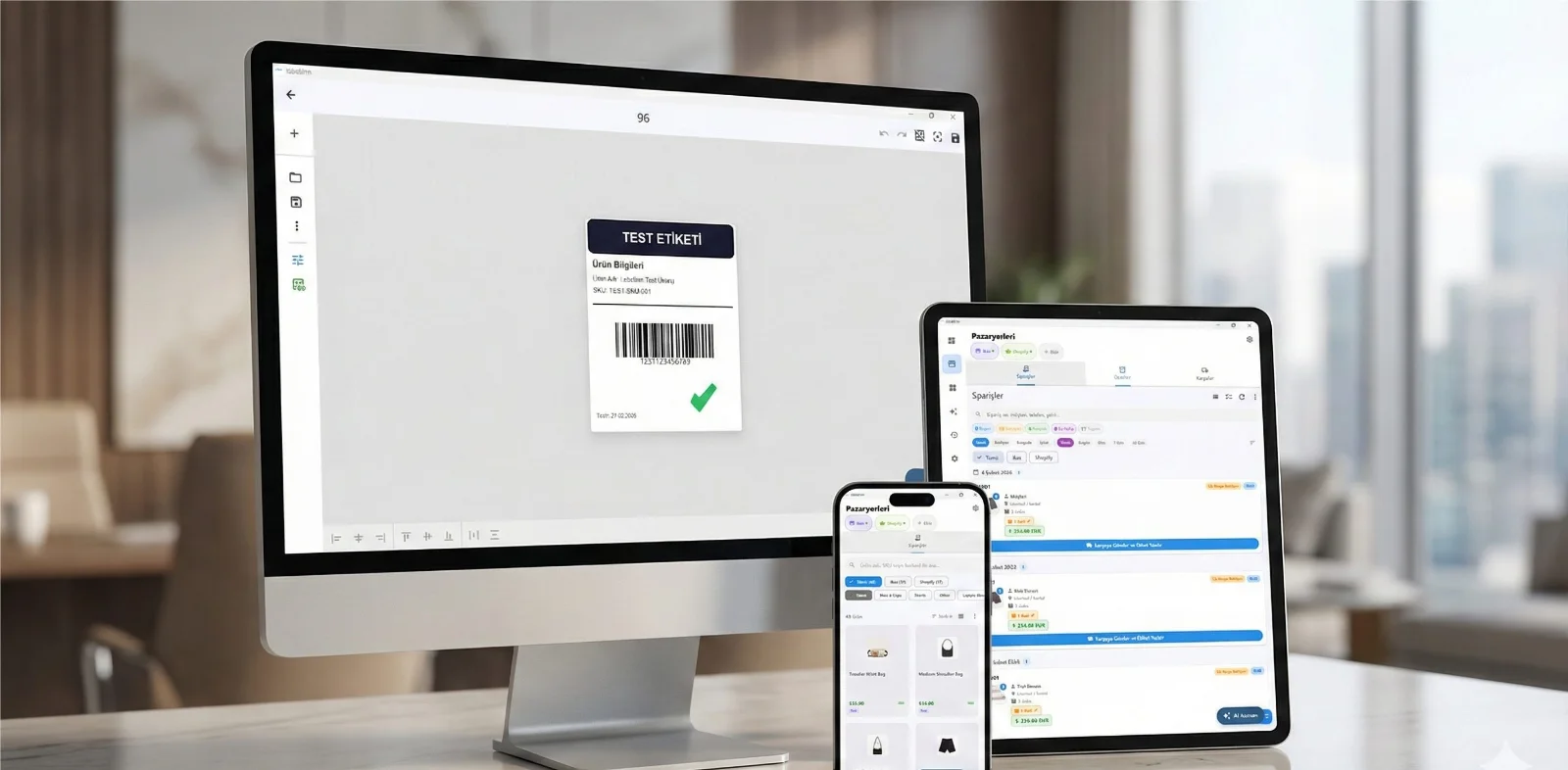
HOW IT WORKS
Three screens from data to printed label.
No copy-paste, no hunting for templates. The same flow repeats for every record.

Printer status, quick actions and recent work in one place.

Text, barcodes, QR and images placed on the real media size.

See the label, the printer state and the copy count before it prints.
01
Why this is hard today
Godex distributes GoLabel for Windows. There is no macOS build, and the generic CUPS route produces mis-scaled or blank labels because nothing on the Mac is speaking the printer's language.
02
What LabelInn does instead
Godex printers use EZPL, which is close to the TSPL family. LabelInn generates the right command stream on the Mac and sends it over USB or network, controlling label size, gap and darkness directly.
Media calibration is a command, not a setting
If a Godex feeds a blank label between prints, the gap sensor has not been calibrated for your roll. That is an EZPL command — LabelInn can send it, a generic CUPS driver cannot.
03
Supported Godex models
Any Godex printer that accepts EZPL should work. Commonly used models include:
- Godex G500
- Godex G530
- Godex RT200
- Godex RT230
- Godex ZX420
- Godex DT4x
This list is not exhaustive and model names belong to their manufacturer. LabelInn is not affiliated with Godex. If your model speaks EZPL, try it on the free plan before committing.
04
How to get printing
- Download LabelInn for macOS and open it.
- Add the printer over USB or network. No vendor driver install.
- Set the label size and sensor mode to match your roll, then calibrate.
- Design the label — or bind a spreadsheet column and print one label per row.
05
Frequently asked
Is there a GoLabel for Mac?
No. GoLabel is Windows-only. LabelInn is a native macOS alternative that speaks EZPL directly.
Which Godex models work?
G500, G530, RT200, RT230, ZX420 and other units accepting EZPL over USB or network.
Do I need a driver?
No vendor driver and no CUPS queue. LabelInn talks to the printer directly.
Can I print barcodes?
Yes — over 140 symbologies including GS1, Code128, QR and DataMatrix.
Try it with your own Godex The free plan is enough to add the printer, calibrate it and print a real label. If it does not drive your model, you have lost ten minutes rather than a licence fee. 11015;️ Download for Mac →
ANY PRINTER
Design it, bind your data, print on the printer you already own.
Zebra, TSC, Toshiba, Epson and more — over USB, network or Bluetooth, with no driver to install.
PRICING
Start free. Pay when it earns its keep.
NEXT STEP / LABELINN
Print your first label today