FREE PLAN AVAILABLE / 14-DAY PRO TRIAL
Honeywell and Intermec Label Software for macOS
Honeywell PC42, PM45 and Intermec PD/PF series on macOS. Native app drives ZSim and Fingerprint units over USB or network.
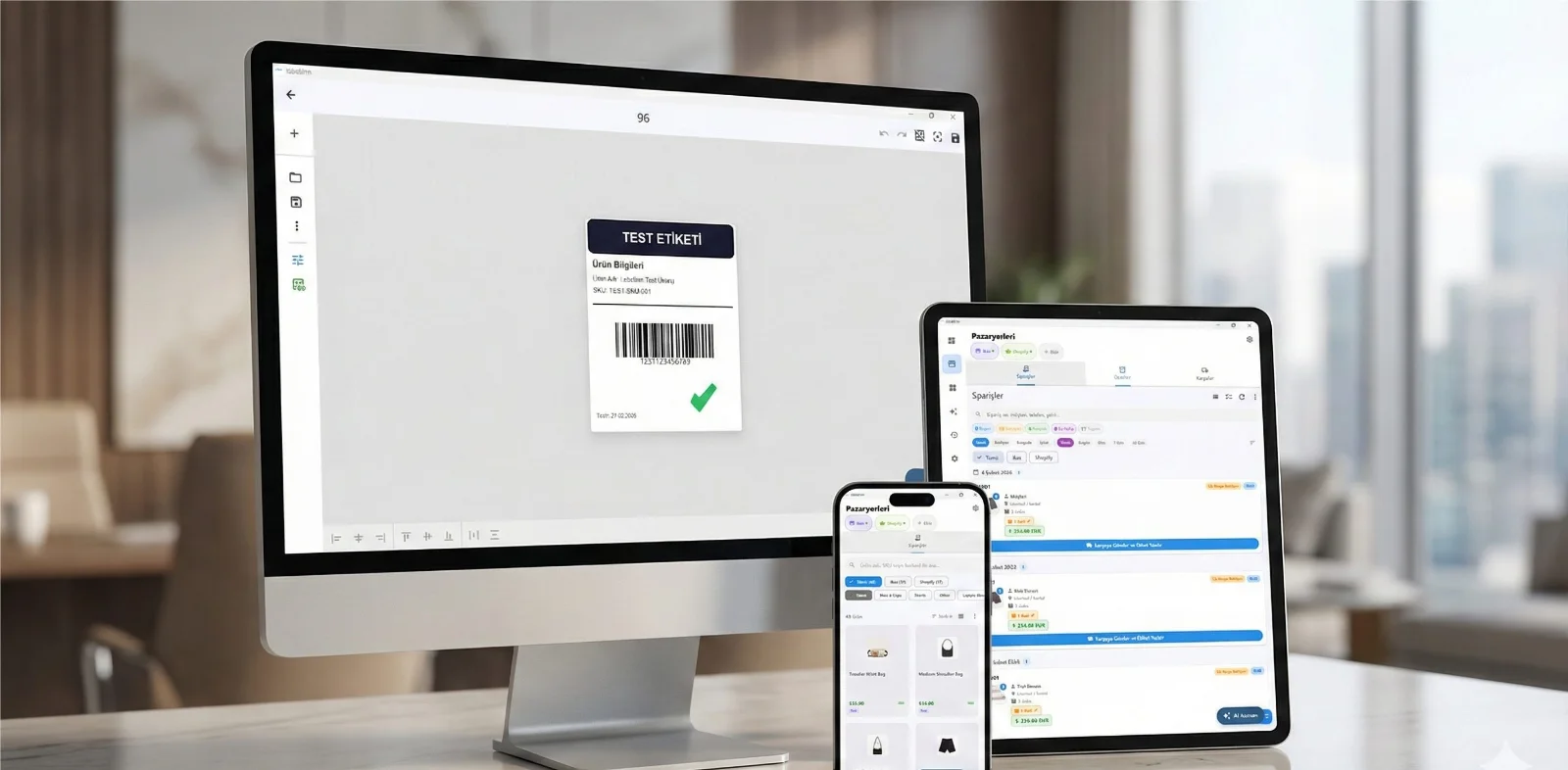
HOW IT WORKS
Three screens from data to printed label.
No copy-paste, no hunting for templates. The same flow repeats for every record.

Printer status, quick actions and recent work in one place.

Text, barcodes, QR and images placed on the real media size.

See the label, the printer state and the copy count before it prints.
01
Why this is hard today
Honeywell (which absorbed Intermec) ships Windows utilities and a Windows-only designer. On macOS there is no supported path, so these printers frequently sit unused on Mac-based benches.
02
What LabelInn does instead
Most Honeywell and Intermec units run ZSim (a ZPL-compatible emulation) alongside native Fingerprint or ESIM. LabelInn sends the ZPL-compatible stream over USB or network, which is the most reliable route on these models.
Turn on ZSim if labels come out blank
An Intermec in native Fingerprint or ESIM mode will ignore ZPL. Enabling ZSim (ZPL simulation) in the printer setup menu is usually the whole fix.
03
Supported Honeywell / Intermec models
Any Honeywell / Intermec printer that accepts Fingerprint / ZSim should work. Commonly used models include:
- Honeywell PC42t
- Honeywell PC43d
- Honeywell PM45
- Intermec PD43
- Intermec PD45
- Intermec PF8t
This list is not exhaustive and model names belong to their manufacturer. LabelInn is not affiliated with Honeywell / Intermec. If your model speaks Fingerprint / ZSim, try it on the free plan before committing.
04
How to get printing
- Download LabelInn for macOS and open it.
- Add the printer over USB or network. No vendor driver install.
- Set the label size and sensor mode to match your roll, then calibrate.
- Design the label — or bind a spreadsheet column and print one label per row.
05
Frequently asked
Does Honeywell have Mac label software?
No macOS designer is published. LabelInn is a native Mac app that drives Honeywell and Intermec printers through their ZPL-compatible emulation.
Which models work?
PC42t, PC43d, PM45, and Intermec PD43, PD45 and PF8t units with ZSim enabled.
My Intermec ignores everything I send
It is probably in Fingerprint or ESIM mode. Enable ZSim in the printer configuration, then retry.
Is a driver needed?
No. Communication is direct over USB or network.
Try it with your own Honeywell / Intermec The free plan is enough to add the printer, calibrate it and print a real label. If it does not drive your model, you have lost ten minutes rather than a licence fee. 11015;️ Download for Mac →
ANY PRINTER
Design it, bind your data, print on the printer you already own.
Zebra, TSC, Toshiba, Epson and more — over USB, network or Bluetooth, with no driver to install.
PRICING
Start free. Pay when it earns its keep.
NEXT STEP / LABELINN
Print your first label today