FREE / NO SIGNUP / RUNS IN YOUR BROWSER
Label size calculator
Turn a label width, height and gap into printer dots at 203, 300 or 600 dpi. See pitch, inch size and printable area. Free, runs in your browser.
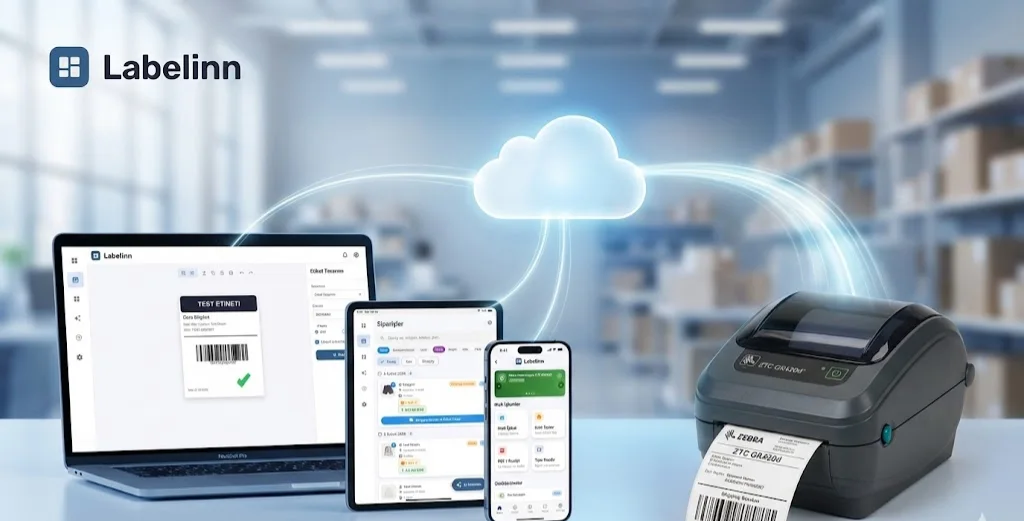
HOW IT WORKS
Three screens from data to printed label.
No copy-paste, no hunting for templates. The same flow repeats for every record.

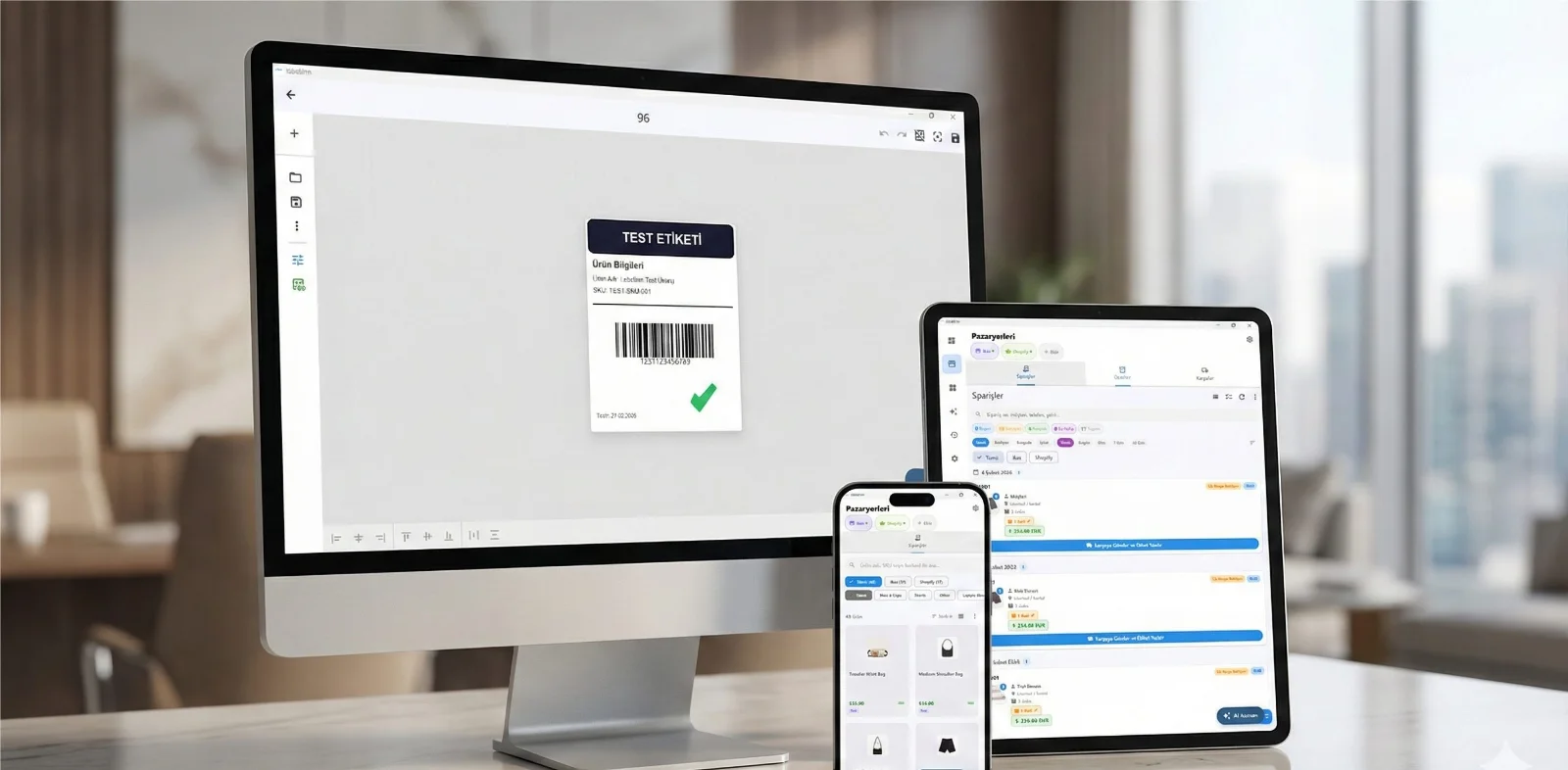
Printer status, quick actions and recent work in one place.

Text, barcodes, QR and images placed on the real media size.

See the label, the printer state and the copy count before it prints.
01
How to use it
- Measure the label itself, then the gap or black mark between labels.
- Pick the print resolution.
- Use the pitch value when a printer asks for label length including the gap.
02
When you need this
- Setting up a new roll and the printer wants dimensions in dots.
- A printer skips every other label and you need to check the pitch you configured.
- Comparing a supplier's label spec against what you actually measured.
03
Frequently asked questions
ANY PRINTER
Design it, bind your data, print on the printer you already own.
Zebra, TSC, Toshiba, Epson and more — over USB, network or Bluetooth, with no driver to install.
PRICING
Start free. Pay when it earns its keep.
QUESTIONS / FAQ
Frequently asked questions
What is pitch?
Label height plus the gap: the distance the media advances for each label. Printers that ask for label length usually mean pitch.
Should I measure the liner or the label?
Measure the label for width and height, and the gap between two labels for the gap value. Liner width can be wider than the label.
Why do the dot values matter?
Command languages such as ZPL and TSPL address the label in dots, so a size that does not land on whole dots is rounded before it prints.
KEEP GOING
Related calculators
NEXT STEP / LABELINN
Do this on real labels
The calculators answer one number at a time. LabelInn applies the same maths across a whole design, a whole spreadsheet and a whole print run — and sends it to the printer without a driver. · Free · No signup · Runs in your browser