Driverless on macOSEpson ColorWorks drivers on macOS are notoriously difficult. LabelInn connects directly via USB — no driver installation, no compatibility issues.
EPSON COLORWORKS SERIES
Epson ColorWorks C3500 Label Software
Design and print stunning full-color labels on your Epson C3500. No driver needed on macOS. WYSIWYG editor with real-time color preview.
FREE PLAN · NO CREDIT CARD · WINDOWS / MAC / LINUX / WEB

HOW IT WORKS
Three screens from data to printed label.
No copy-paste, no hunting for templates. The same flow repeats for every record.

Printer status, quick actions and recent work in one place.
Text, barcodes, QR and images placed on the real media size.

See the label, the printer state and the copy count before it prints.
01
Epson ColorWorks C3500 Specifications
- Print Resolution — 720 DPI
- Max Print Width (104mm) — 4.09"
- Print Speed — 103 mm/s
- Connectivity — USB + Ethernet
- Print Technology — Inkjet (CMYK)
- Color Output — Full Color
02
Why LabelInn for Epson ColorWorks C3500?
Automatic Media ConfigurationThe C3500's media definition errors are one of the most common problems. LabelInn auto-configures media type, size, and form settings to prevent errors.
Color Profile ManagementLabelInn uses optimized ICM + AdobeRGB1998 color profiles for the C3500. Your labels look exactly as designed — consistent colors every print.
Full-Color Label DesignWYSIWYG editor with gradients, transparency, image placement, and rich text. Design product labels, food labels, cosmetic labels with full branding.
Bulk Color Label PrintingImport data from Excel/CSV and print variable-data color labels. Product names, ingredients, expiry dates — all customized per label.
GHS Chemical LabelsPrint compliant GHS chemical hazard labels with proper pictograms, signal words, and color coding — all on your C3500.
03
How to Print Color Labels with Epson C3500
- Download LabelInn Get LabelInn from the download page. Available for Windows, macOS, Android, and iOS.
- Connect Your Epson C3500 Plug in via USB or connect to the same network. LabelInn detects the C3500 automatically and configures media settings.
- Design Your Color Label Use the visual editor to create full-color labels. Add your logo, product photos, barcodes, nutritional info — anything you need.
- Print with Perfect Colors LabelInn optimizes the color output for C3500's inkjet technology. Preview before printing to ensure everything looks perfect.
04
Epson C3500: BarTender vs LabelInn
| Feature | LabelInn | BarTender |
|---|---|---|
| Price | $7.99/month | $549/year+ |
| Epson C3500 Support | ✓ Direct USB | ✓ Via driver |
| Driverless on macOS | ✓ Yes | ✗ No macOS version |
| Color Profile Optimization | ✓ Auto ICM/AdobeRGB | Manual setup |
| Mobile Printing | ✓ iOS & Android | ✗ Not available |
| AI Label Design | ✓ Built-in | ✗ Not available |
| Media Auto-Configuration | ✓ Automatic | Manual only |
| Platforms | Win, Mac, iOS, Android | Windows only |
05
Common Epson C3500 Issues We Solve
Media Definition Error
The C3500's "Media Form Error" is the #1 complaint. LabelInn auto-configures media type settings to prevent this error entirely. Read the full fix guide →
Media Size Error
Incorrect label measurements cause "Media Size Error." LabelInn handles label dimensions automatically based on your design. Fix media size errors →
Color Not Matching Screen
Colors printing differently than on screen? LabelInn's color profile system ensures accurate reproduction. Fix color problems →
Print Alignment / Offset Issues
Labels printing off-center? LabelInn provides precise offset controls for pixel-perfect alignment on the C3500. Fix alignment issues →
06
Related Guides
ANY PRINTER
Design it, bind your data, print on the printer you already own.
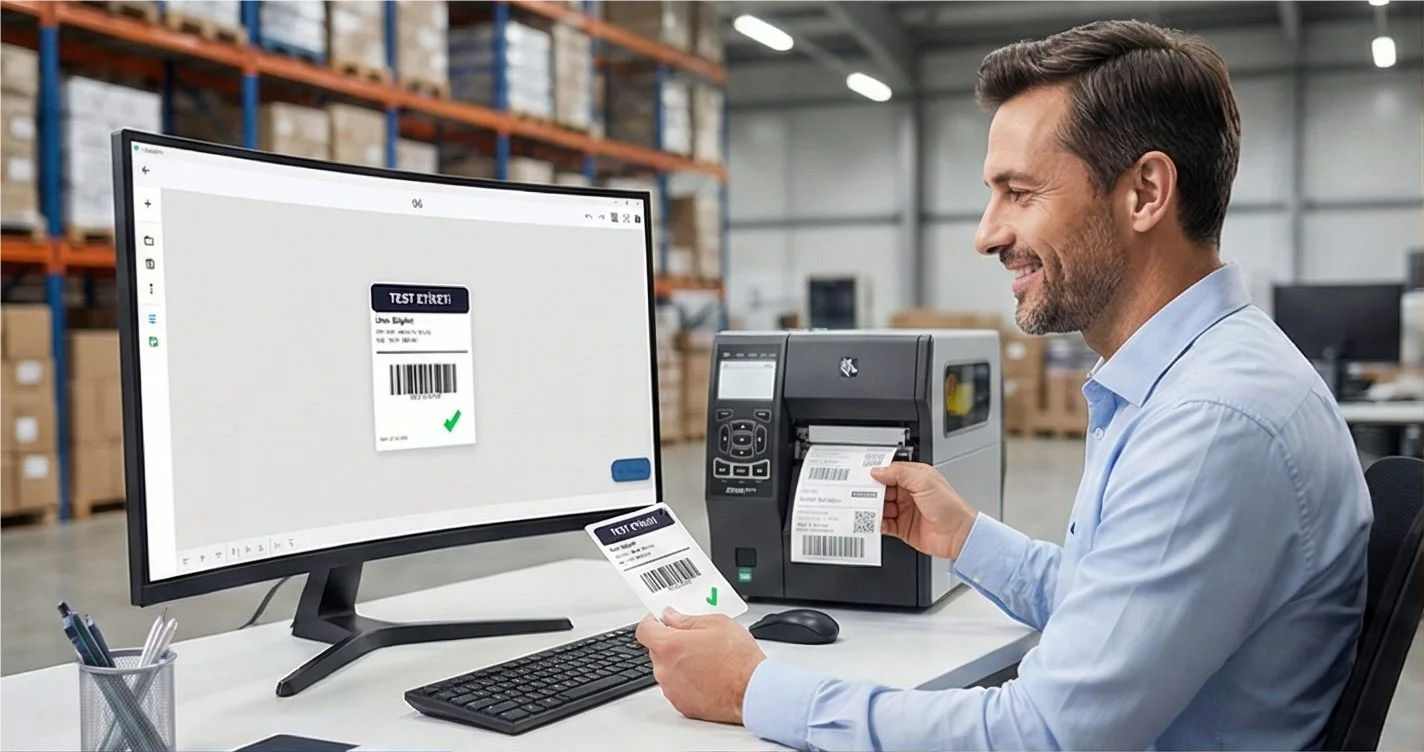
Zebra, TSC, Toshiba, Epson and more — over USB, network or Bluetooth, with no driver to install.
QUESTIONS / FAQ
Epson ColorWorks C3500 FAQ
Does LabelInn support Epson C3500 on macOS without drivers?
Yes. LabelInn connects directly to the Epson C3500 via USB without any driver installation on macOS. This is a major advantage since Epson's official macOS drivers are limited.
Can I print full-color product labels?
Absolutely. The C3500 prints full CMYK color at 720 DPI. LabelInn's design editor supports photos, gradients, brand colors, and rich text — perfect for product labels, food labels, and cosmetics.
How do I fix constant media errors on C3500?
Media errors on the C3500 are usually caused by incorrect media type or size configuration. LabelInn auto-detects and configures these settings. For manual troubleshooting, see our media definition error guide.
Can I print from Excel data on the C3500?
Yes. Import Excel/CSV files and print variable-data labels where each label has unique content — product names, barcodes, serial numbers, ingredients, and more.
NEXT STEP / LABELINN
Ready to Print Color Labels on Your C3500?
Download LabelInn and start printing full-color labels — no drivers needed.