FEBRUARY 7, 2026 / GUIDE
Barcode Creation and Printing Guide: EAN-13, QR Code and Others (2026)
THE PROBLEM

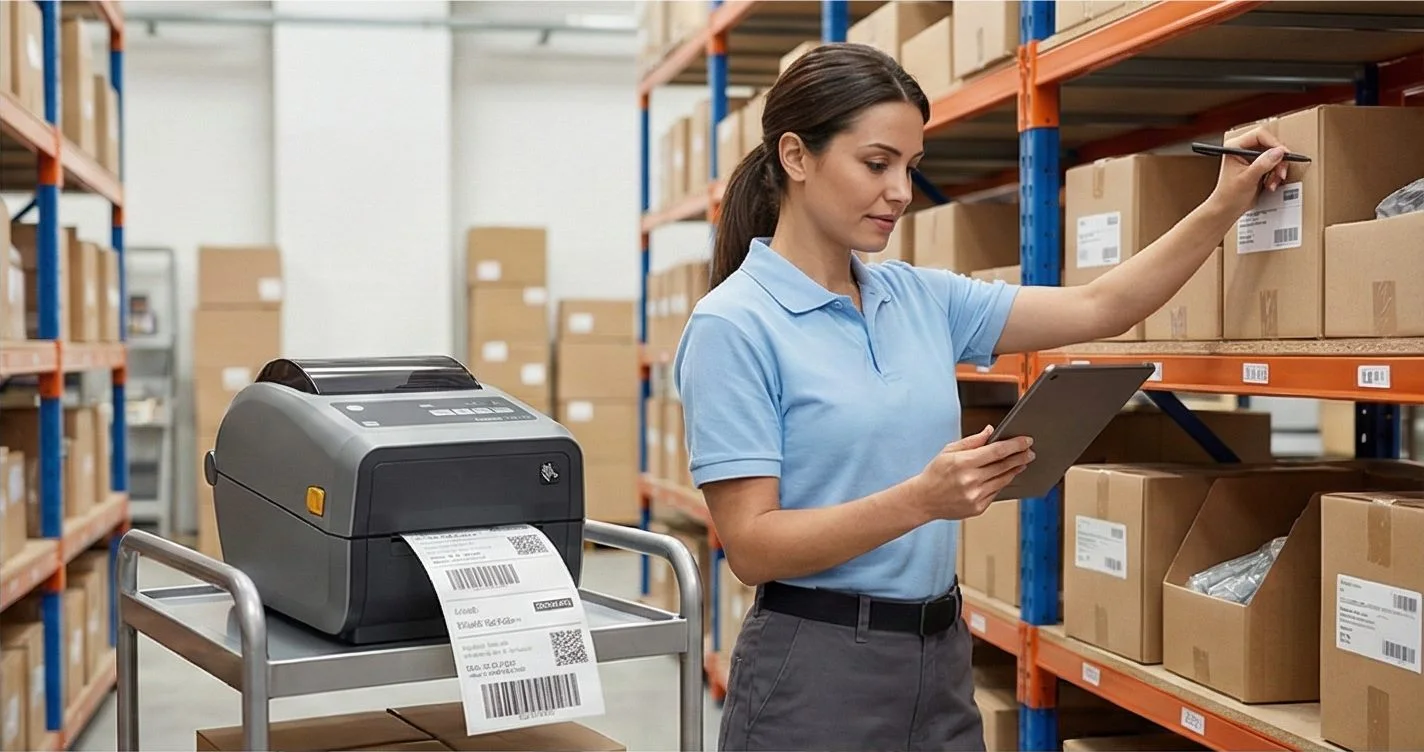
Whether you want to add a barcode to a product, create a tracking barcode for a cargo package, or print inventory labels for warehouse products barcode creation and printing must be done right. A barcode printed in the wrong format or low quality won't scan at the checkout, will get lost in shipment, and will cause problems in the warehouse.
In this guide, we explain which barcode type to use when and how to print them in professional quality.
01
Barcode Types: Which One Should I Use?
1D Barcodes (Line Barcodes)
| Type | Characters | Use Case | Example |
|---|---|---|---|
| EAN-13 | 13 digits | Retail product barcode (Europe/international standard) | Every product in stores |
| EAN-8 | 8 digits | Short barcode for small products | Gum, batteries, small packaging |
| UPC-A | 12 digits | US/Canada retail standard | Amazon FBA products |
| Code 128 | Alphanumeric | Logistics, shipping, inventory | Tracking numbers, serial numbers |
| Code 39 | Alphanumeric | Industrial, military, automotive | Part numbers |
| ITF-14 | 14 digits | Case/pallet barcode, wholesale | Warehouse check-in/out |
| Code 93 | Alphanumeric | Postal and logistics | Carrier barcodes |
2D Barcodes (Square/Matrix Barcodes)
| Type | Capacity | Use Case | Example |
|---|---|---|---|
| QR Code | ~4296 characters | URL, vCard, Wi-Fi, menu | Restaurant menu, website link |
| DataMatrix | ~2335 characters | Healthcare, electronics, part tracking | Medication box, electronic part |
| PDF417 | ~1850 characters | ID, driver's license, ticket | Airplane ticket, cargo document |
| Aztec | ~3832 characters | Transportation, ticketing | Train ticket, event ticket |
02
How to Get a Product Barcode (EAN-13)
You need to obtain an official EAN-13 barcode for products to be sold in retail:
Need to create professional barcodes? LabelInn supports EAN-13, QR Code, Code 128, and 20+ barcode formats — create and print to your thermal printer in seconds. Try free for 14 days →
03
Barcode Creation Methods
Method 1: Online Barcode Generator
Simple and fast but has limitations:
- Sufficient for creating a single barcode
- Cannot create bulk barcodes
- No label design only provides barcode image
- Print quality not guaranteed (image-based)
- No data binding
Method 2: Excel + Barcode Font
You can create barcodes by installing a barcode font in Excel, but:
- Only Code 39 and Code 128 work (EAN-13 is difficult)
- Font installation required
- Low barcode quality scannability not guaranteed
- Font compatibility issues on macOS
Method 3: Professional Barcodes with LabelInn (Recommended)
04
Barcode Print Quality: Why Is It Important?
Creating barcodes is as critical as printing them correctly:
| Problem | Cause | Result |
|---|---|---|
| Barcode not scanning | Low DPI, image-based printing | No beep at checkout, cargo lost |
| Barcode lines merged | Printer calibration broken | Wrong scan, wrong product |
| Barcode too small | Wrong size calculation | Handheld scanner can't read |
| Insufficient contrast | Low print density | Laser scanner can't detect |
05
QR Code Usage Ideas
You don't have to use QR codes only for website links:
| Content | What It Does | Example |
|---|---|---|
| URL | Redirect to web page | Product page, campaign link |
| vCard | Share contact information | QR on business card |
| Wi-Fi | Auto-connect to Wi-Fi | Restaurant, hotel, office |
| Text | Short message/instruction | Product usage instruction |
| Pre-filled email | "Create support request" button | |
| Start WhatsApp chat | Customer support |
06
Bulk Barcode Creation (From Excel)
Got 500 products that all need barcode labels? Do them one by one manually? Absolutely not.
07
Barcode Size Guide
| Barcode Type | Minimum Width | Minimum Height | Recommended |
|---|---|---|---|
| EAN-13 | 31.35 mm | 22.85 mm | 37.29 25.93 mm (100%) |
| EAN-8 | 21.64 mm | 17.05 mm | 26.73 21.64 mm |
| Code 128 | Varies by data length | 5 mm | Width: ?30mm, Height: ?10mm |
| QR Code | 10 10 mm | 10 10 mm | ?15 15 mm |
| DataMatrix | 5 5 mm | 5 5 mm | ?10 10 mm |
QUESTIONS / FAQ
Frequently Asked Questions
Can I create my own barcode numbers?
For internal use (warehouse, inventory), yes. For retail sales, you need to obtain official numbers from your local GS1 organization.
Can a QR code and barcode be on the same label?
Yes. A label can contain both an EAN-13 barcode and a QR code. For example: barcode for the checkout, QR code for a product info page.
What kind of printer do I need for barcode labels?
A thermal label printer is recommended (Zebra, TSC, Xprinter, etc.). You can also print from a regular inkjet/laser printer, but thermal printers are much faster and more cost-effective.
Can I save a barcode as an image?
Yes. You can export barcodes from LabelInn in PNG or SVG format. However, for printing, sending native ZPL commands to the printer produces much higher quality results.
KEEP GOING
Related Articles
NEXT STEP / LABELINN
Create and Print Professional Barcodes
Barcode creation and label design in one app. 14 days free. · 20+ barcode formats (EAN-13, QR, Code 128...) · Bulk barcode printing from Excel · Professional quality with ZPL · macOS & Windows