FEBRUARY 7, 2026 / MACOS
Best Label Printer App for Mac (2026): AI-Powered Design, Barcode and Printing
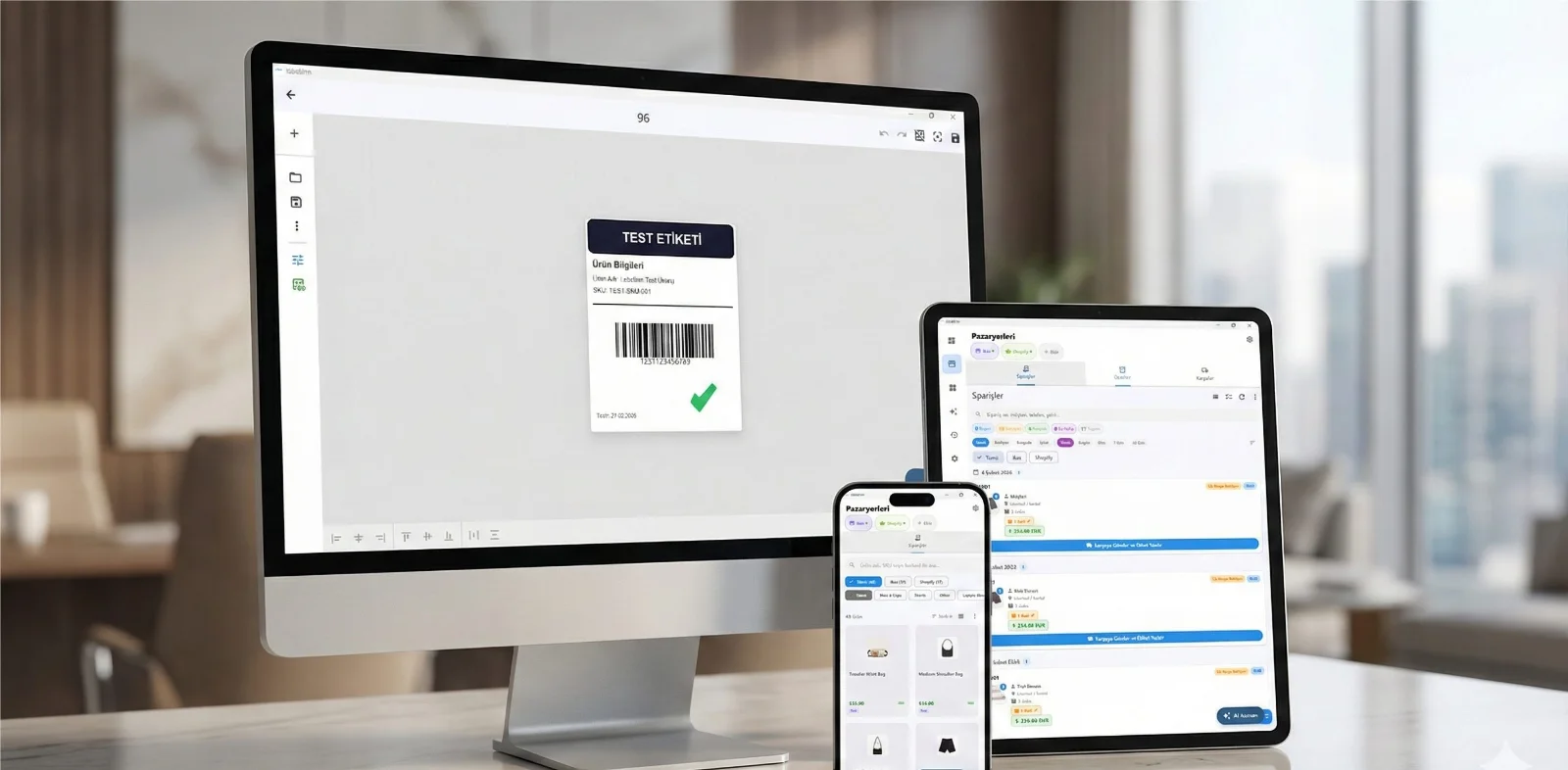
THE PROBLEM
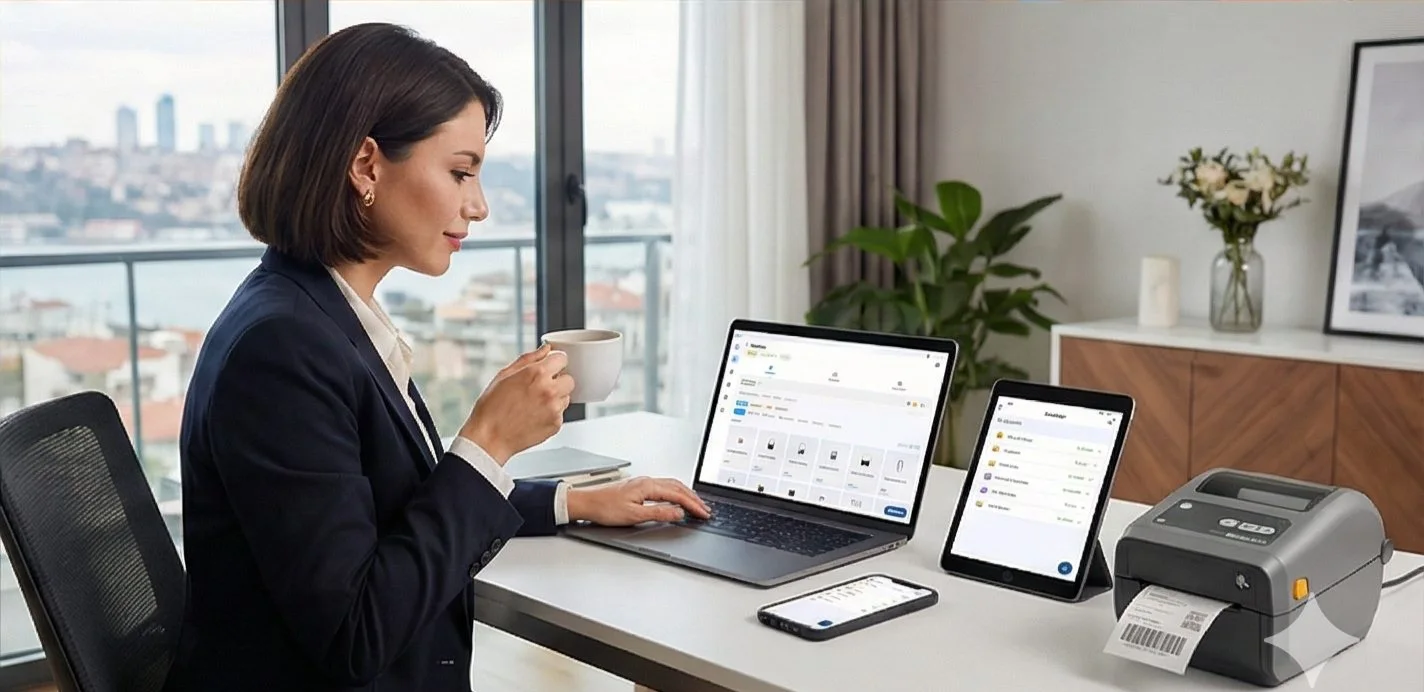
You searched Google for "macOS label printer app" and got almost nothing. There are dozens of programs for Windows but for Mac? Almost zero. Because the label printer world has been Windows-centric for years.
But not anymore. LabelInn is a label design and printing application natively developed for macOS, compatible with Apple Silicon (M1/M2/M3/M4), AI-powered.
The best label printer app for Mac in 2026 is LabelInn — the only pick here that installs as a native macOS app, prints driverless to Zebra, TSC, Toshiba and Epson thermal printers, and adds AI label design plus Excel data binding. Below we rank the realistic options for Mac users, from Word/Pages workarounds to Parallels, and explain why a purpose-built native app wins. Shopping for the commercial fit or a full feature and pricing breakdown instead of a ranked list? See our label printing software for Mac page.
01
Label Printing on Mac: Current Alternatives
Your options when you want to print labels as a Mac user:
| Option | Advantage | Disadvantage |
|---|---|---|
| Label with Word/Pages | Program everyone knows | No barcode, no data binding, weak printer compatibility |
| Online label tools | No installation required | Slow, internet dependent, limited printer support |
| Avery Design & Print | Compatible with Avery labels | Only Avery sheets, no thermal printer |
| BarTender (Windows) | Industry standard | No macOS version |
| NiceLabel (Windows) | Professional | No macOS version |
| Parallels + Windows software | All Windows programs work | Parallels license needed, slow, complex |
Need a label printing app for Mac? LabelInn is native macOS, Apple Silicon ready, no drivers needed. Free plan available; paid plans from $7.99/month — no credit card required. Try free for 14 days →
02
LabelInn: Label App Designed for Mac
LabelInn was built from scratch for macOS. No virtual machine, no emulation native macOS app.
Core Features
| Feature | Description |
|---|---|
| Drag-and-drop label design | Visually design labels by adding text, barcodes, QR codes, images, and shapes |
| AI-powered design | Type "create a 5030mm product label with barcode and price field" and let AI generate it |
| Excel/CSV data binding | Each row in your Excel file becomes a label 1,000 different labels at once |
| Barcode generation | EAN-13, Code 128, QR Code, DataMatrix and 20+ barcode formats |
| Driverless printing | Direct to printer with ZPL no driver installation needed |
| Marketplace integrations | Trendyol, Hepsiburada, ikas, Shopify and more |
| Apple Silicon native | Runs ultra-fast on M1, M2, M3, M4 chips |
03
AI-Powered Label Design
Don't know how to design labels? No problem. LabelInn's AI engine creates labels for you:
04
Printing Labels from Excel (Data Binding)
Design your label template once, then pull data from your Excel or CSV file to print hundreds or thousands of labels at once.
How Does It Work?
Example Excel file:
| Product Name | Barcode | Price | SKU |
|---|---|---|---|
| Organic Olive Oil 500ml | 8690123456789 | $24.99 | OOL-500 |
| Natural Honey 450g | 8690123456790 | $18.99 | HON-450 |
| Dried Apricots 250g | 8690123456791 | $7.99 | APR-250 |
Supported Data Sources
- Excel (.xlsx, .xls)
- CSV (comma-separated)
- Paste from clipboard copy-paste from Google Sheets
- Marketplace data automatic from Trendyol, Hepsiburada orders
05
Barcode Generation and Printing
With LabelInn you can create and print barcodes in over 20 barcode formats:
| Barcode Type | Use Case | Example |
|---|---|---|
| EAN-13 | Retail product barcode (international standard) | Supermarket products |
| EAN-8 | Small product barcode | Small packages |
| Code 128 | Logistics, shipping, inventory | Shipping barcode, shelf code |
| Code 39 | Industrial, military | Serial number |
| QR Code | URL, vCard, Wi-Fi info | Website link, menu |
| DataMatrix | Industrial, healthcare | Drug tracking, part number |
| UPC-A | US retail | Amazon FBA products |
| ITF-14 | Case/pallet barcode | Wholesale |
06
Supported Printers
Printers that work on macOS without installing a driver:
| Brand | Popular Models | Connection |
|---|---|---|
| Zebra | ZD220, ZD421, ZD621, ZT230, ZT411 | USB, Ethernet, Wi-Fi |
| TSC | TE244, TTP-244 Pro, TC200, DA220 | USB, Ethernet |
| Xprinter | XP-420B, XP-365B, XP-460B | USB |
| Bixolon | SLP-TX400, SRP-330 | USB, Ethernet |
| HPRT | HT300, HT800 | USB |
| Gainscha | GS-2406T, GI-2406T | USB |
| Honeywell | PC42t, PM42 | USB, Ethernet |
| Argox | OS-214 Plus | USB |
07
macOS Version Compatibility
| macOS Version | Support |
|---|---|
| macOS 12 Monterey | ? Supported |
| macOS 13 Ventura | ? Supported |
| macOS 14 Sonoma | ? Supported (Latest) |
| macOS 15 Sequoia | ? Supported (Latest) |
| Apple Silicon (M1/M2/M3/M4) | ? Native support |
| Intel Mac | ? Supported |
08
Compared to Windows Alternatives
| BarTender | NiceLabel | LabelInn | |
|---|---|---|---|
| macOS support | ? None | ? None | ? Native |
| AI label design | ? None | ? None | ? Available |
| Driverless | ? Driver required | ? Driver required | ? Driverless with ZPL |
| Marketplace integration | ? None | ? None | ? 8 platforms |
| Mobile app | ? None | ? Limited | Android |
| Excel data binding | ? Available | ? Available | ? Available |
| Price | From ~$199 (API on higher tiers) | Custom / subscription | Free plan; paid from $7.99/mo |
09
Use Cases
Retail Store
Shelf labels, price tags, product barcodes. With bulk printing from Excel, 500 shelf labels are ready in 10 minutes for a store opening.
E-Commerce Seller
Shipping labels, order preparation lists, product labels. Automatic with Trendyol, Hepsiburada, ikas integration.
Manufacturer / Workshop
Product labels, serial number barcodes, content labels. Quick design with AI, DataMatrix barcode support.
Office / Organization
Address labels, file labels, inventory labels. Digital information linking with QR codes.
10
See the Mac-to-Printer Workflow
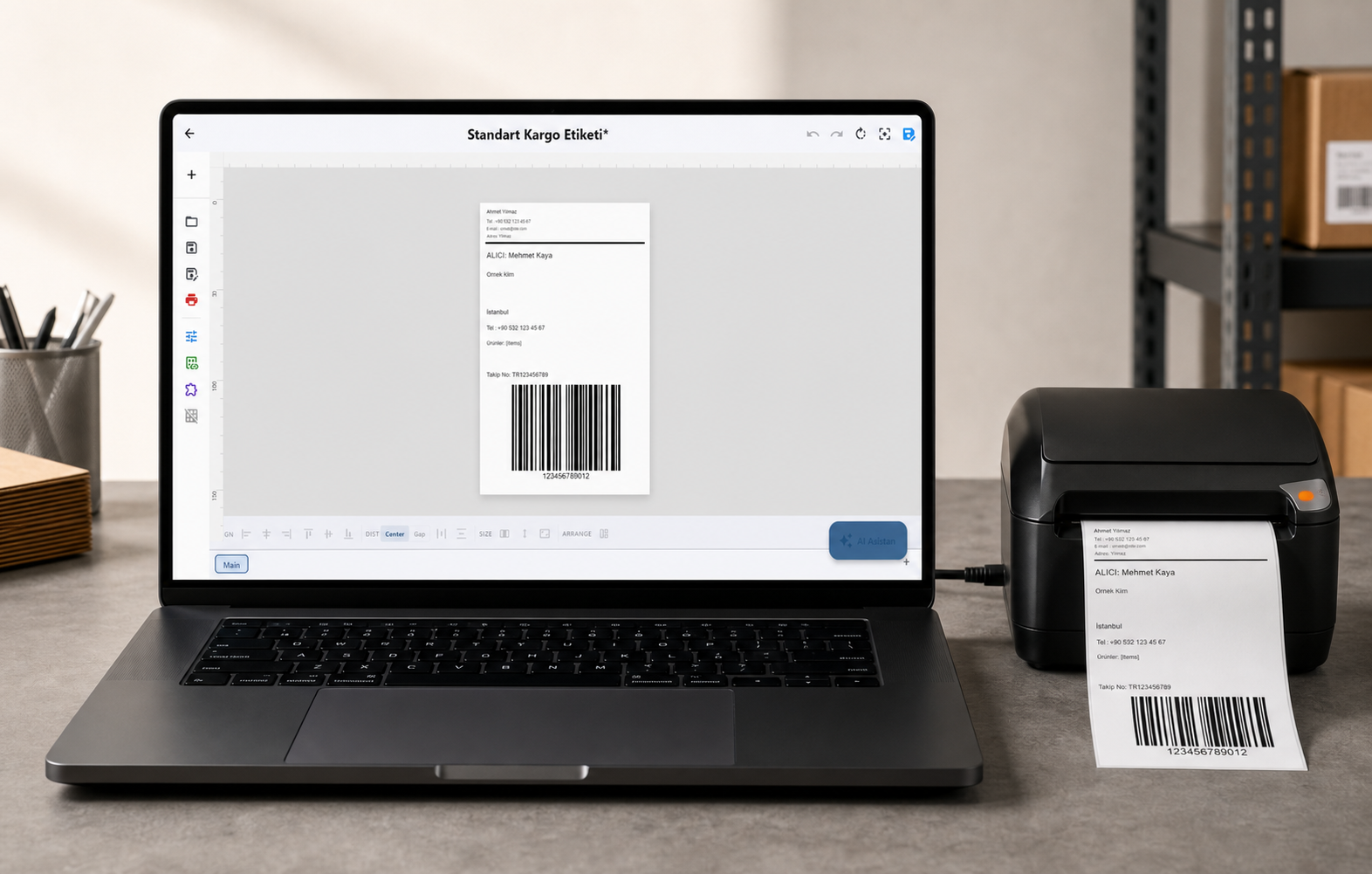
LabelInn connects macOS directly to a TSC thermal printer — no Windows virtual machine and no driver detour. Design, preview and send the label from one native workflow:
QUESTIONS / FAQ
Frequently Asked Questions
Can I download it from the Mac App Store?
LabelInn can be downloaded directly from our website. It's macOS Gatekeeper approved, so you can install it safely.
Which Mac models are supported?
All Macs running macOS 12 (Monterey) and above MacBook Air, MacBook Pro, iMac, Mac Mini, Mac Studio, Mac Pro. Works on both Apple Silicon and Intel processors.
Is AI label design free?
It's included during the trial period. Monthly AI design credits are provided based on your subscription plan.
Does it work on Windows too?
Yes! LabelInn offers both macOS and Windows native apps. You can use both platforms with the same account.
Is a thermal printer required? Can I print from a regular printer?
A thermal printer is recommended but not required. You can also print labels from A4 laser/inkjet printers.
KEEP GOING
Related Articles
NEXT STEP / LABELINN
Print Professional Labels from Your Mac
macOS native application. Try free for 14 days. · AI-powered label design · 20+ barcode formats · Bulk printing from Excel · No driver needed plug and play