AUGUST 8, 2026 / MOBILE
Printing Labels from Android
Design and print thermal labels from an Android phone or tablet. Bluetooth SPP/BLE and Wi-Fi, native ZPL and TSPL, no vendor app required.
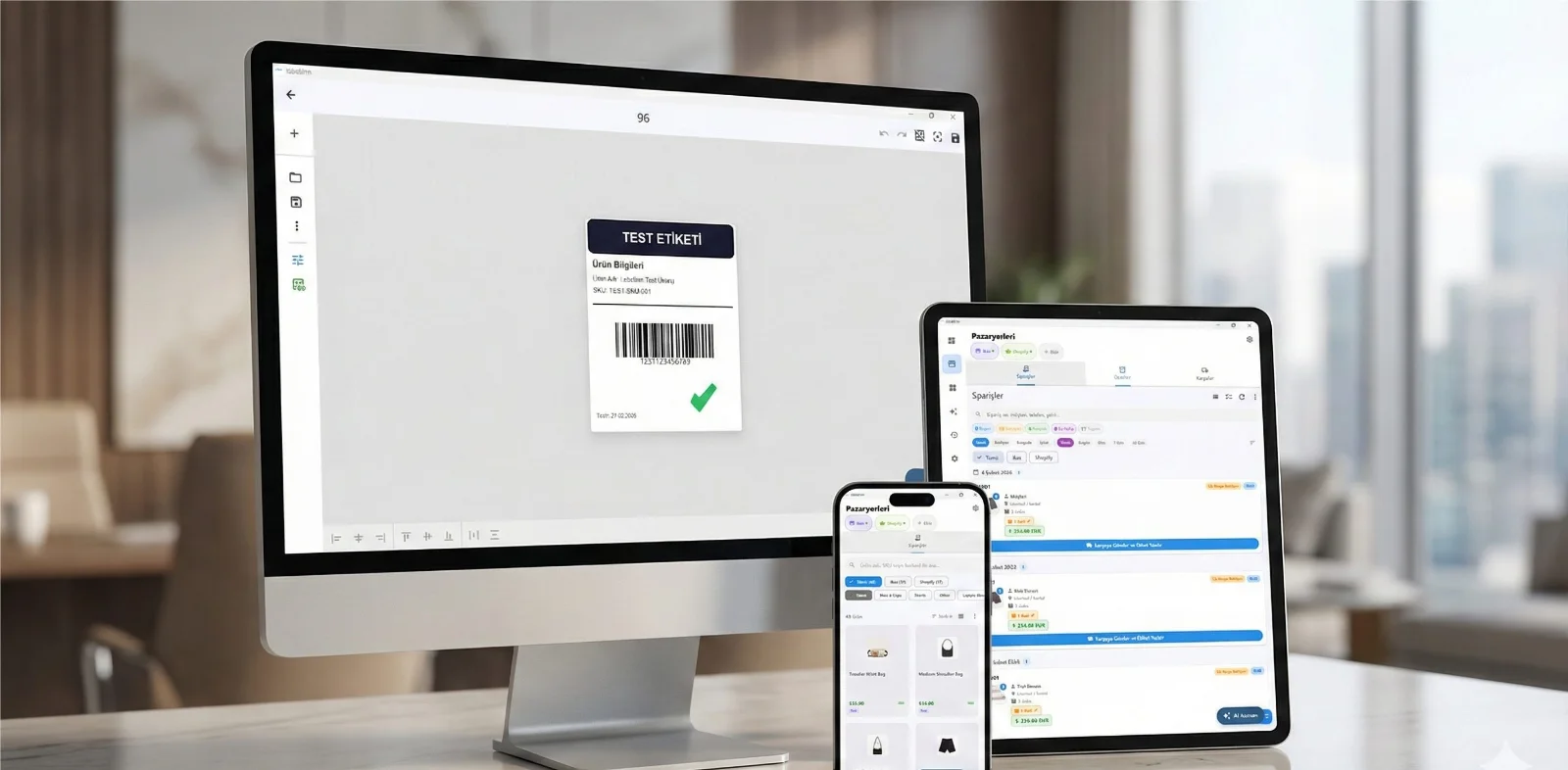
THE PROBLEM
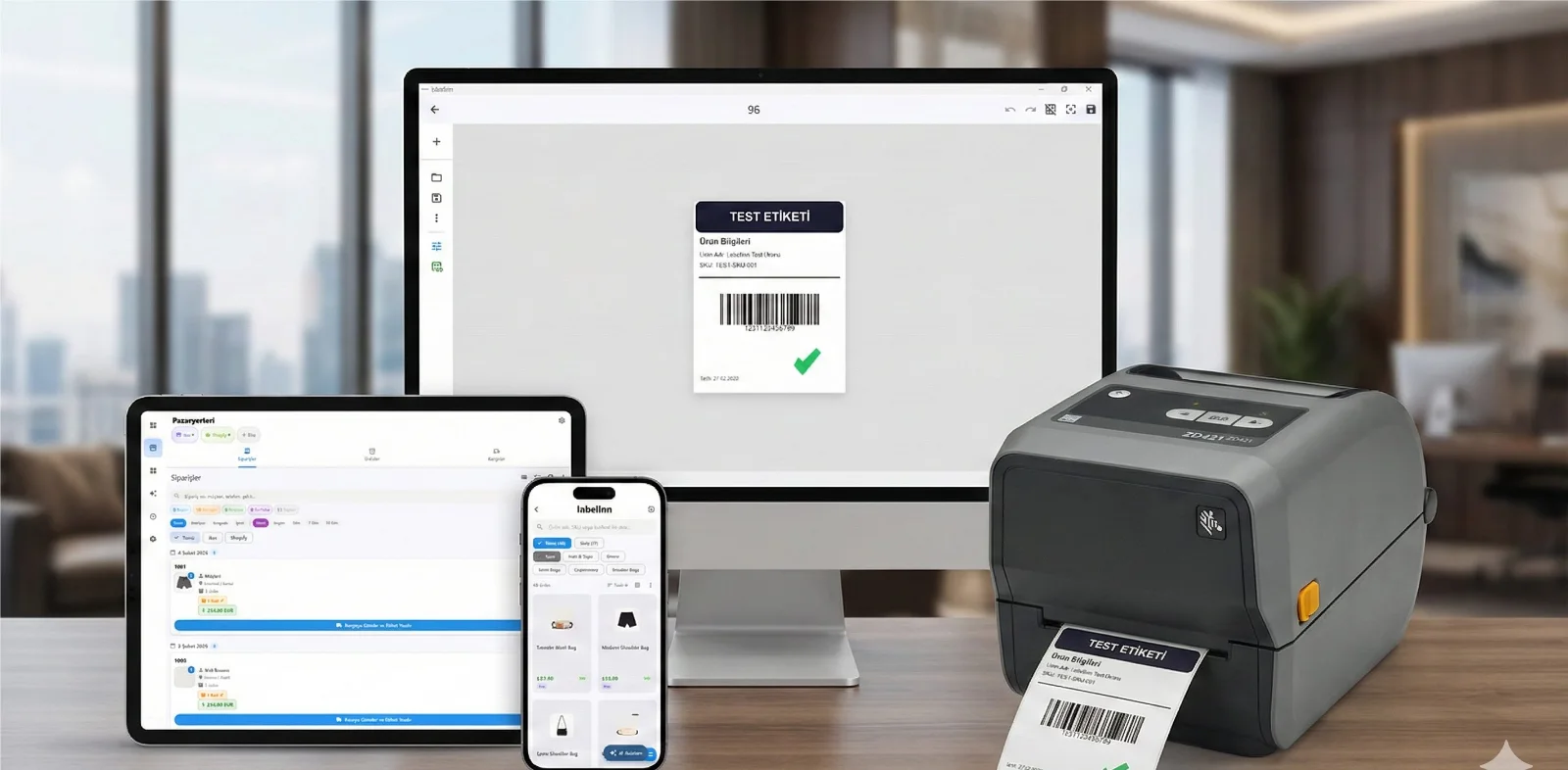
Label printing on Android is usually a dead end. Each printer manufacturer ships its own app, each app handles only its own hardware, and none of them import a spreadsheet or connect to a store. Change printer brand and you change app.
Your printer almost certainly already works. Native ZPL, TSPL/TSPL2, TPCL, ESC/Label, EZPL and PPLB — the languages behind 50+ printer brands. Compatible brands →
HOW IT WORKS
Three screens from data to printed label.
No copy-paste, no hunting for templates. The same flow repeats for every record.

Printer status, quick actions and recent work in one place.

Text, barcodes, QR and images placed on the real media size.

See the label, the printer state and the copy count before it prints.
01
Why one app can cover every brand
Because the app writes the printer's language rather than talking to a vendor SDK. ZPL and TSPL go out over Bluetooth SPP, BLE or Wi-Fi exactly as they would over USB from a desktop. A Zebra, a TSC and an Xprinter all accept the same output.
02
Where a phone is genuinely the right tool
- Field service — asset tags printed at the install, not back at the office
- Market stalls and pop-ups — price and barcode labels with no laptop
- Warehouse aisles — reprint a damaged location label on the spot
- Deliveries — a mobile printer on the belt of a courier
03
Designed once, printed anywhere
Templates live in your account, not on a device. Design on the desktop where it is comfortable, then print from the phone. The same template prints identically on a 203 dpi mobile unit and a 300 dpi desktop printer because the label is rendered for each printer's resolution.
04
What still needs a real printer
A phone is a print terminal, not a printhead. Bluetooth throughput is lower than USB, so very large batches are still better sent to a networked desktop printer — which you can do from the phone by addressing that printer by name.
ANY PRINTER
Design it, bind your data, print on the printer you already own.
Zebra, TSC, Toshiba, Epson and more — over USB, network or Bluetooth, with no driver to install.
PRICING
Start free. Pay when it earns its keep.
KEEP GOING
Related
NEXT STEP / LABELINN
Turn your phone into a print terminal