AUGUST 8, 2026 / E-COMMERCE
From Order to Printed Shipping Label, Automatically
Turn marketplace and store orders into printed shipping labels automatically. Aras, Yurtiçi, MNG, PTT plus Trendyol, Hepsiburada, Shopify, WooCommerce and eBay.
THE PROBLEM
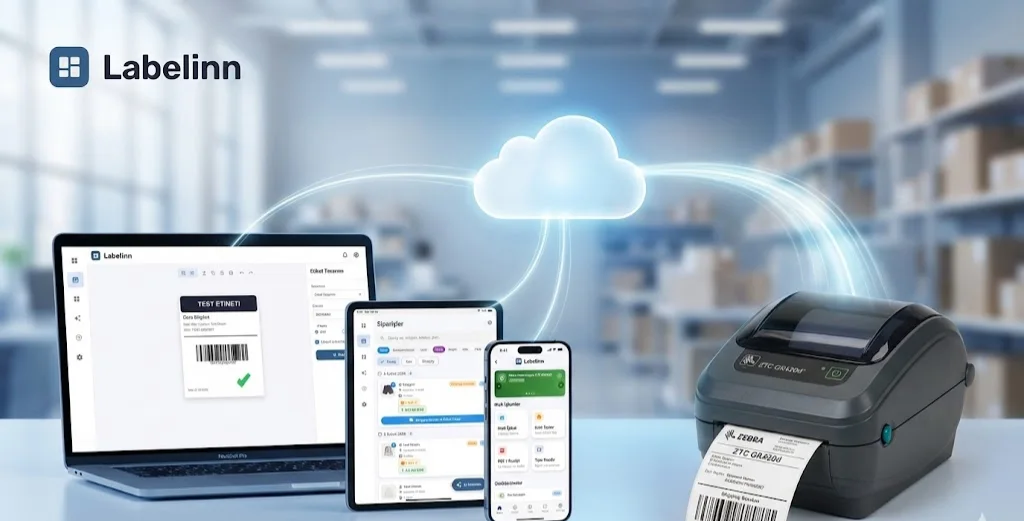
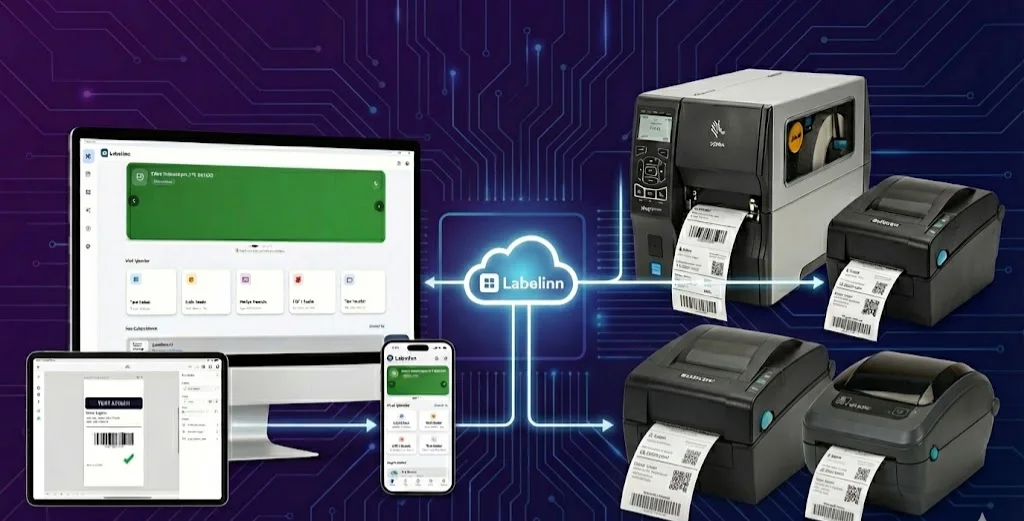
The shipping label is the most repeated print in e-commerce and usually the least automated. An order arrives, someone opens the marketplace panel, downloads a PDF, opens it, scales it, prints it, and repeats — several hundred times a week.
Every field on that label already exists in structured form the moment the order lands. The manual steps exist because the label was treated as a document instead of data.
Your printer almost certainly already works. LabelInn writes native ZPL, TSPL/TSPL2, TPCL, ESC/Label, EZPL and PPLB — the languages behind 50+ printer brands. See compatible brands →
HOW IT WORKS
Three screens from data to printed label.
No copy-paste, no hunting for templates. The same flow repeats for every record.
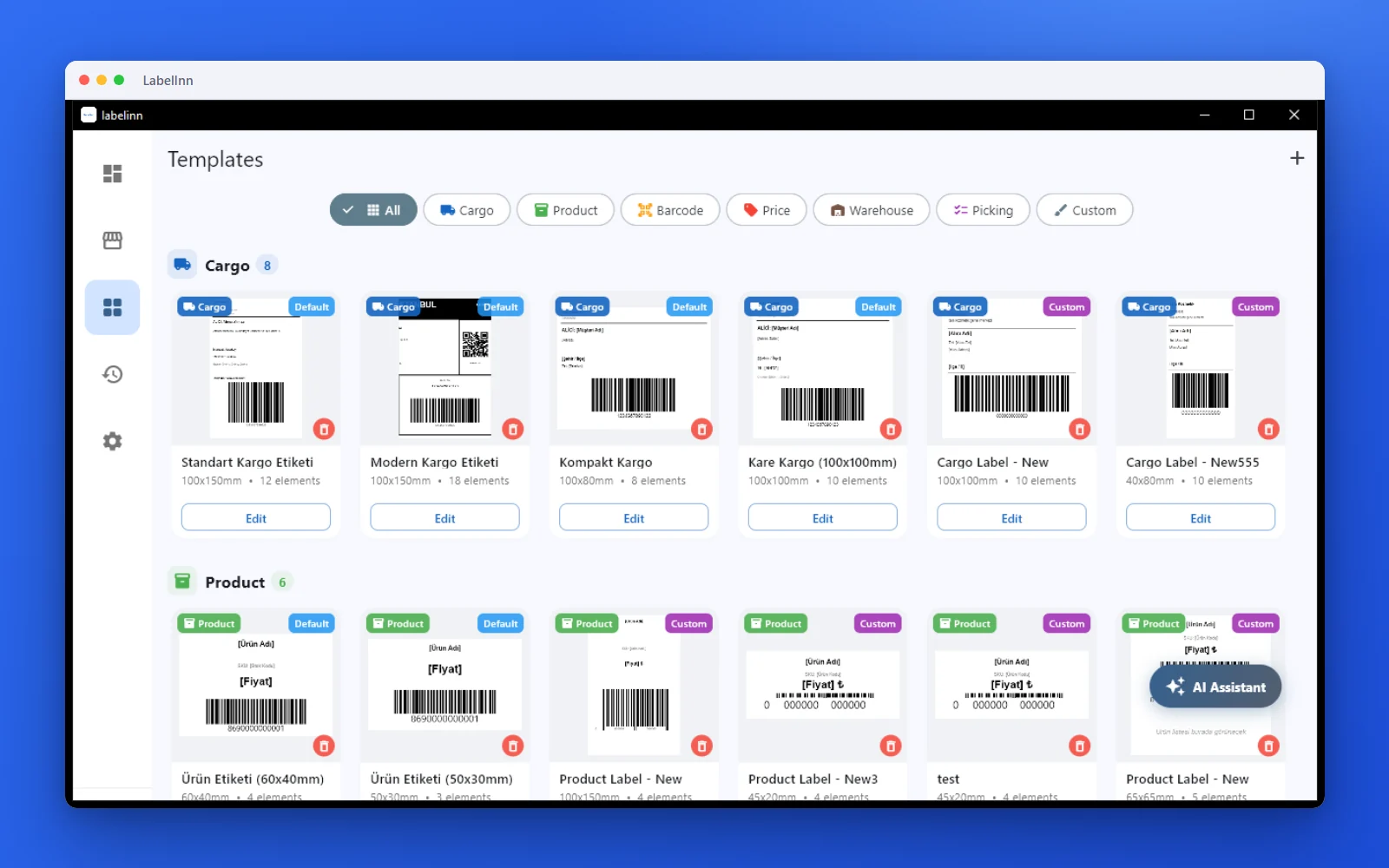
Pick a cargo label from the gallery or design one on a blank canvas.

Recipient, address, tracking barcode: map once, every label fills itself.
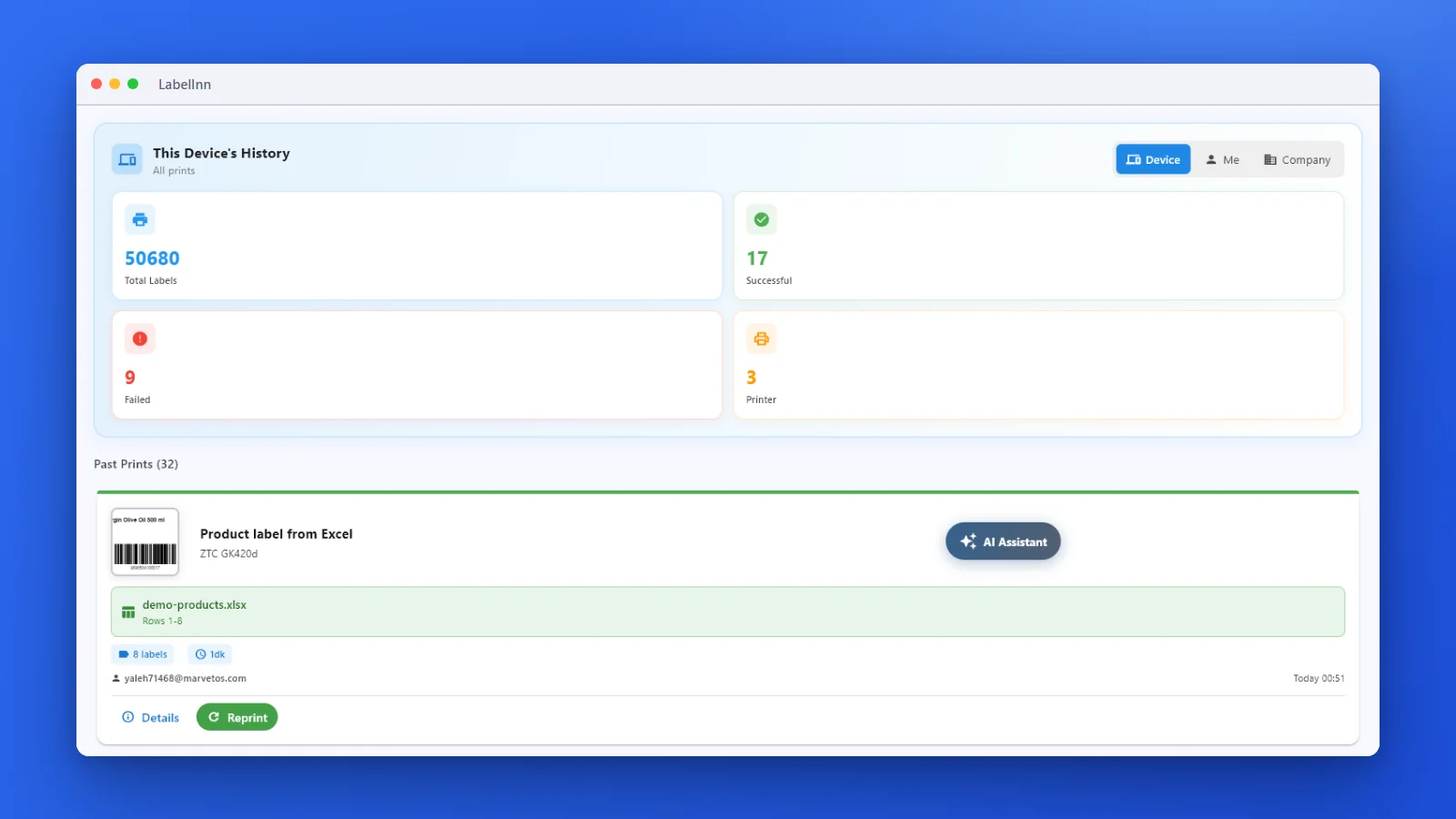
Every job is recorded. See what failed and reprint in one click.
01
Order in, label out
A workflow connects the trigger to the printer: order arrives → map fields → choose template → print to the pack bench → notify on failure. No panel, no PDF, no scaling.
02
Why PDF shipping labels cause trouble
A marketplace PDF is laid out for A4. Printing it on a 100×150 mm thermal printer means scaling, which softens the barcode — the single element that must scan first time. Rendering the label natively for the printer's own resolution keeps the barcode at full fidelity, and LabelInn preserves the carrier's required layout and barcode symbology while doing it.
03
Connections
- Marketplaces and stores: Trendyol, Hepsiburada, ikas, Shopify, WooCommerce, eBay, AliExpress
- Cargo: Aras, Yurtiçi, MNG, PTT
- Anything else: REST API or a watched CSV/XLSX folder
04
The details that decide whether it survives a busy day
- Out of paper is a reported fault, not a silent gap in the run
- Labels print in order, so a wave matches the pick list
- Reprints come from the audit record — the exact original label, not a rebuild
- Remote printing lets customer service reprint to the warehouse bench without walking there
05
Starting small
You do not need the full chain on day one. Most operations start with a watched folder — export orders to CSV, print the batch — and move to a live connection once the label format is settled.
THE PROBLEM, THEN THE FIX
A carrier label from a script still needs a good design behind it
The data arrives from your system. What it prints onto is a designed label with the barcode in the right place.
The problemThe API returns data, not a label that fits your roll.
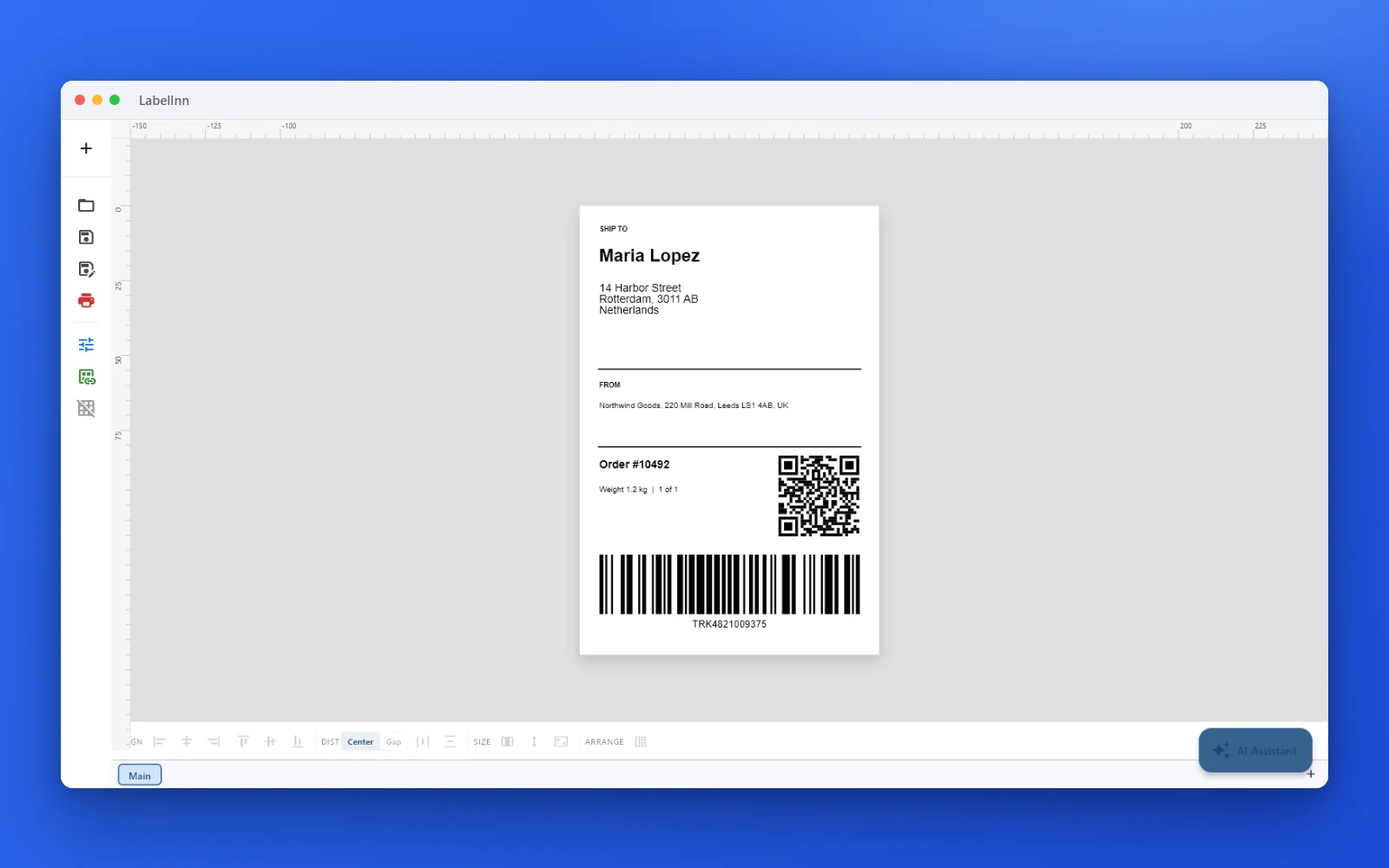 1A shipping label, ready to printRecipient, sender, order number, a QR code and a Code 128 tracking barcode on a 100 x 150 mm label.
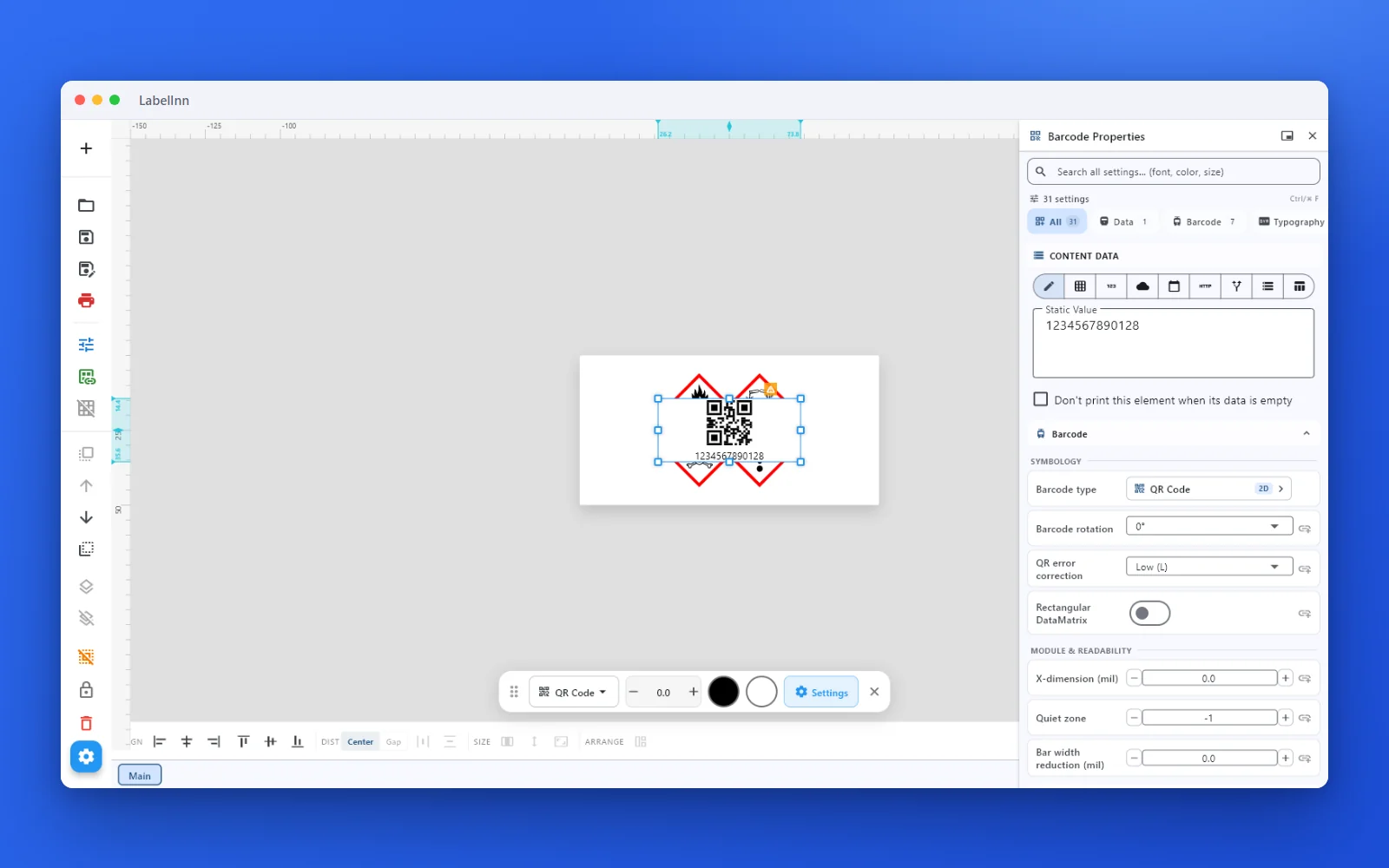 2Set the data and the readability rulesStatic value, spreadsheet column, database field or counter, plus X-dimension and quiet zone.
 3Preview, then printCheck the real label, choose the printer and the number of copies, and print.
The fixDesign once, bind each field to a data source, then print from the app or from your system.Get LabelInn free
ANY PRINTER
Design it, bind your data, print on the printer you already own.
Zebra, TSC, Toshiba, Epson and more — over USB, network or Bluetooth, with no driver to install.

PRICING
Start free. Pay when it earns its keep.
KEEP GOING
Related
NEXT STEP / LABELINN
Stop downloading shipping PDFs