AUGUST 8, 2026 / ERP INTEGRATION
Connect Oracle, SAP or NetSuite to a Thermal Printer
Print Zebra, TSC and Toshiba labels straight from Oracle, SAP, NetSuite, Dynamics or Odoo. REST API, watched folder or direct database read. No print server.
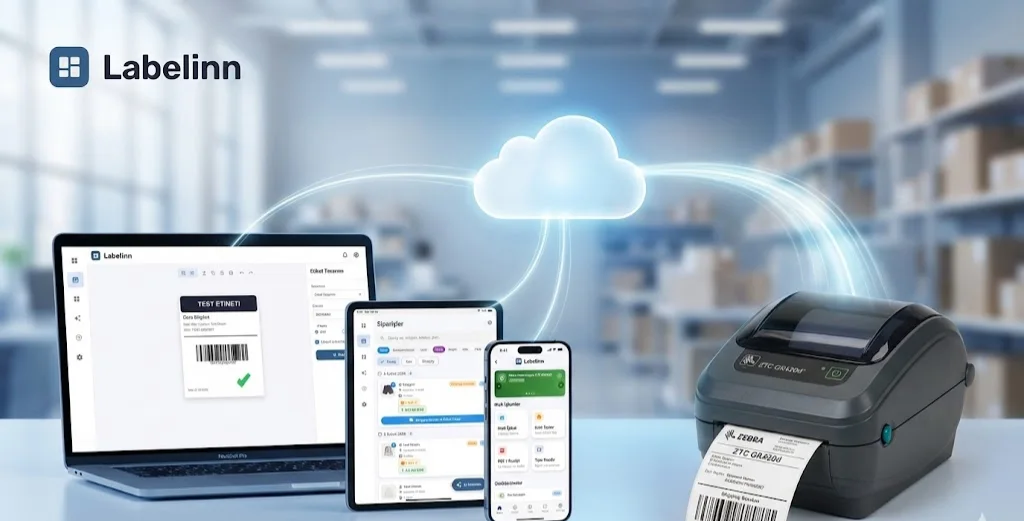
THE PROBLEM
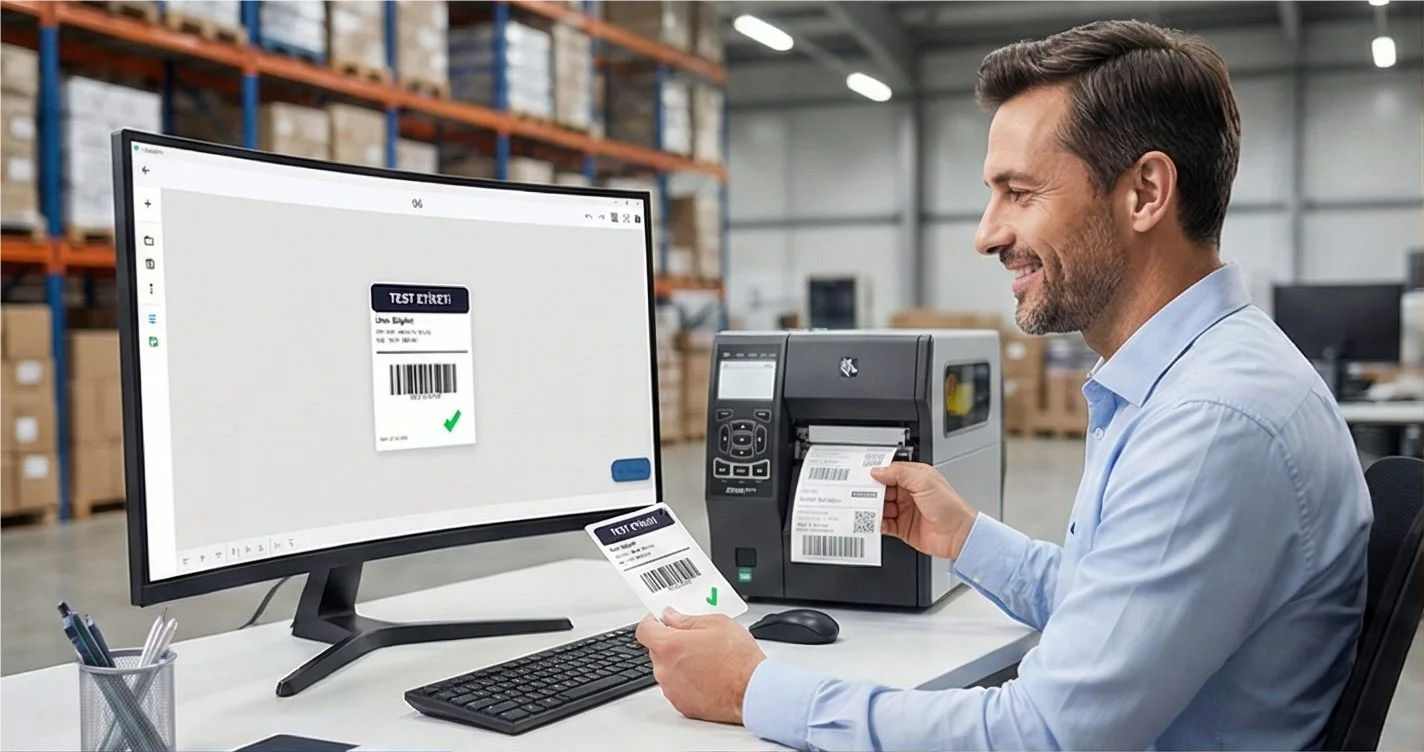
Every ERP knows exactly what should be on the label. Getting those fields onto a 4×6 thermal label is where it goes wrong — output management modules, device types, print servers, per-model drivers, and a middleware layer nobody wants to own.
The integration is smaller than the traditional stack suggests. Your ERP already has the data; the printer already speaks a command language. What is needed is a translator, not a print infrastructure project.
Your printer almost certainly already works. LabelInn writes native ZPL, TSPL/TSPL2, TPCL, ESC/Label, EZPL and PPLB — the languages behind 50+ printer brands, from Zebra, TSC, Honeywell, SATO and Toshiba to Xprinter, Gprinter, HPRT, iDPRT and Postek. See compatibility by language →
HOW IT WORKS
Three screens from data to printed label.
No copy-paste, no hunting for templates. The same flow repeats for every record.
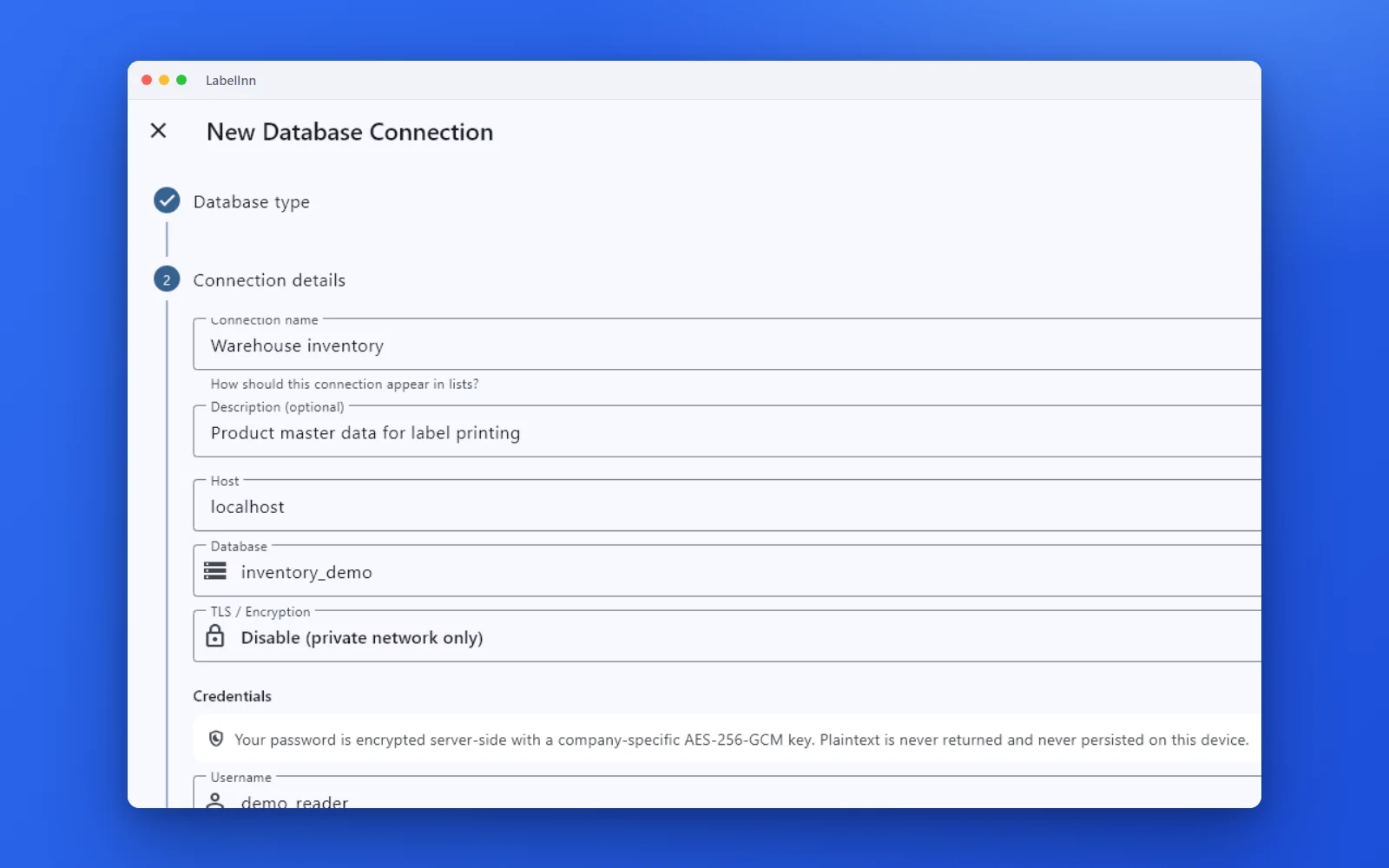
Choose the engine, test the connection and browse the schema.
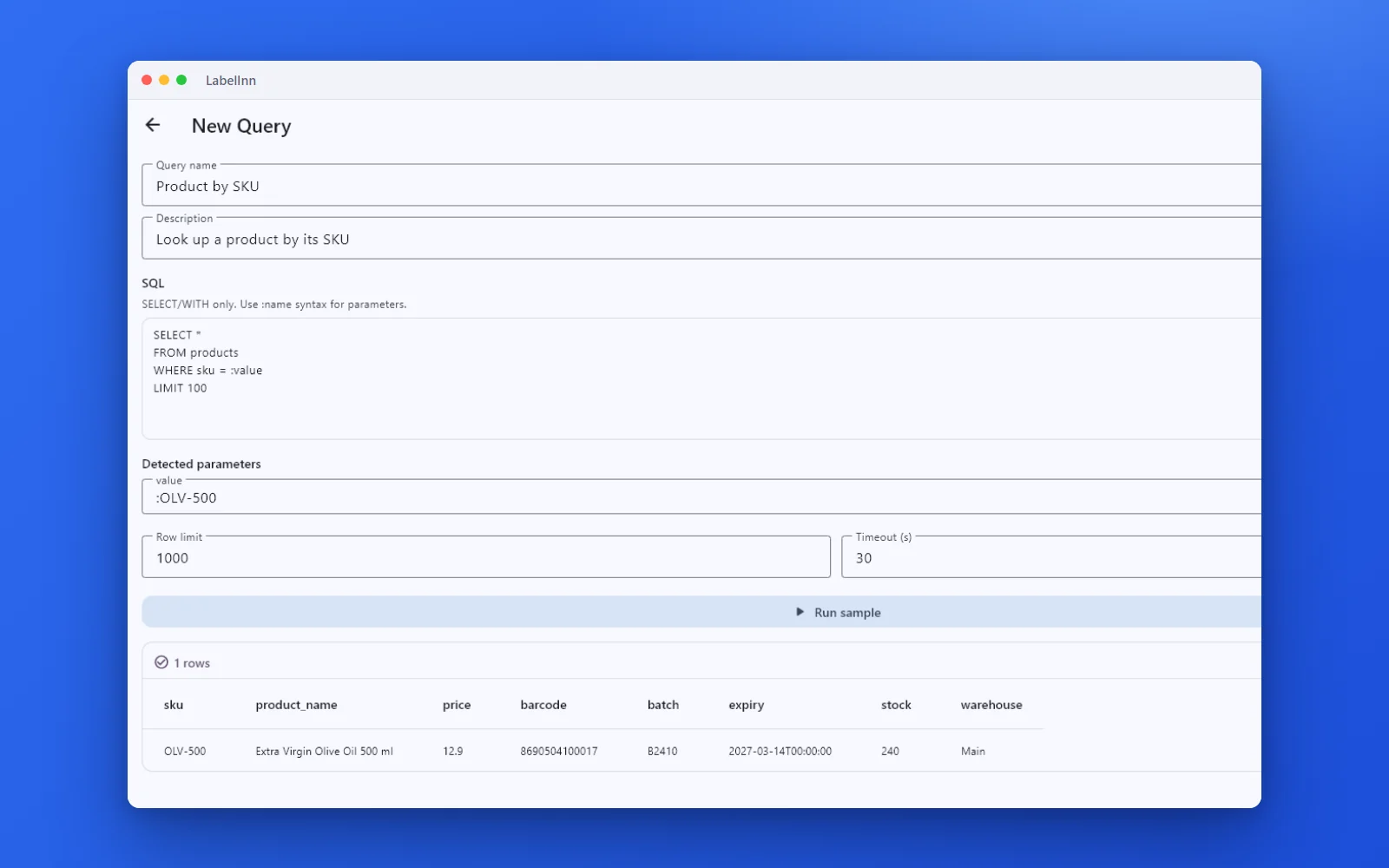
A named, parameterised query returns the rows a label needs.

Preview, pick the printer and print the result.
01
Pick the path your ERP can actually take
Option A — REST API (cleanest)
Post to /v1/print/jobs with the field values, a template id and a printer name. Works from any system that can make an outbound HTTPS call: Oracle via PL/SQL or OIC, SAP via an ABAP HTTP client or CPI, NetSuite via SuiteScript, Dynamics via Power Automate, Odoo via a server action.
Option B — Watched folder (most compatible)
The ERP writes a CSV or XLSX to a folder or share. LabelInn reads it, maps columns to label fields and prints one label per row. This is usually the fastest route when the ERP team has no appetite for a new outbound integration.
Option C — Direct database read
Point LabelInn at a table or view. Map columns once. It pulls the rows and prints. No export step and no middleware.
02
Where the driver problem disappears
Traditional ERP label printing needs a device type or a vendor driver per printer model, which is why adding a printer becomes a ticket. LabelInn writes the printer's native language — ZPL, TSPL/TSPL2, TPCL, ESC/Label — straight to the device over raw USB, TCP/IP port 9100 or Bluetooth. Adding a printer means registering it, not provisioning a driver.
03
Labels as records, not output
In a regulated operation a label is part of the record. Every print writes a hash-chained, HMAC-signed audit entry: the source system, the data used, the template version, the operator or service account, the printer, and the outcome. When someone asks what was on the label that shipped on a given date, the answer is a query.
04
Handling the parts ERPs are bad at
- Serial allocation — issued server-side, so parallel print stations never collide
- Barcode symbologies — around 140 including GS1-128, Data Matrix, PDF417 and QR
- GS1 application identifiers — composed and validated at print time
- Multi-up layouts — several labels per media sheet with correct fill order
- Reprints — reprint an exact historical label from the audit record, not a rebuild
05
Printers do not need to be near the ERP
Jobs are addressed to a printer by name and delivered to whichever machine hosts it, so a job raised centrally prints at the site that needs it. See remote thermal printing.
ANY PRINTER
Design it, bind your data, print on the printer you already own.
Zebra, TSC, Toshiba, Epson and more — over USB, network or Bluetooth, with no driver to install.

PRICING
Start free. Pay when it earns its keep.
KEEP GOING
Related
NEXT STEP / LABELINN
Wire your ERP to the printer