AUGUST 8, 2026 / REMOTE PRINTING
Remote Thermal Printing: Print to a Label Printer Anywhere
Send a label to a thermal printer in another building, city or country. Cloud print queue, REST API, offline-safe. Zebra, TSC, Toshiba, Epson.
THE PROBLEM
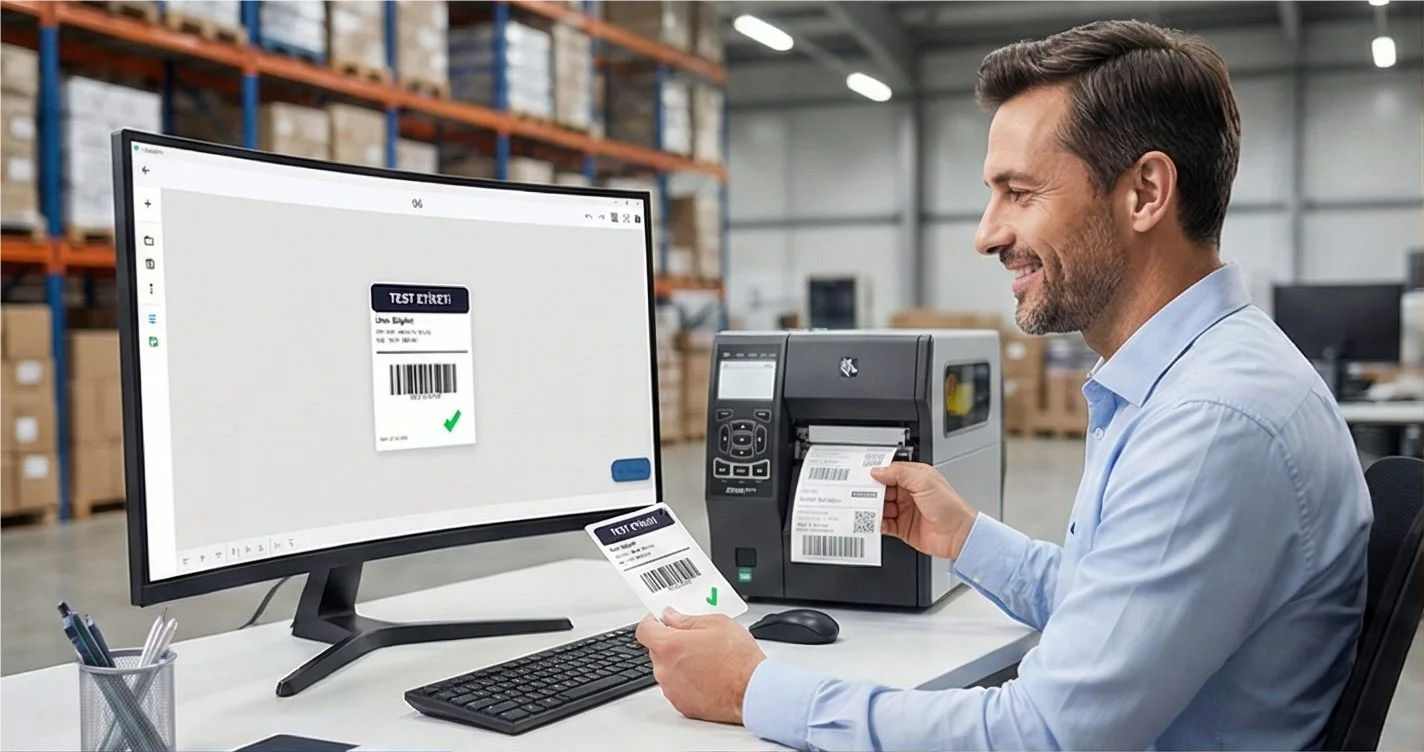
The usual assumption about a thermal printer is that someone stands next to it. That assumption quietly shapes every workflow around it: labels get printed where the data is, then walked, posted or re-keyed to where they are needed.
Decoupling the two is straightforward once the print job and the printer stop being the same thing.
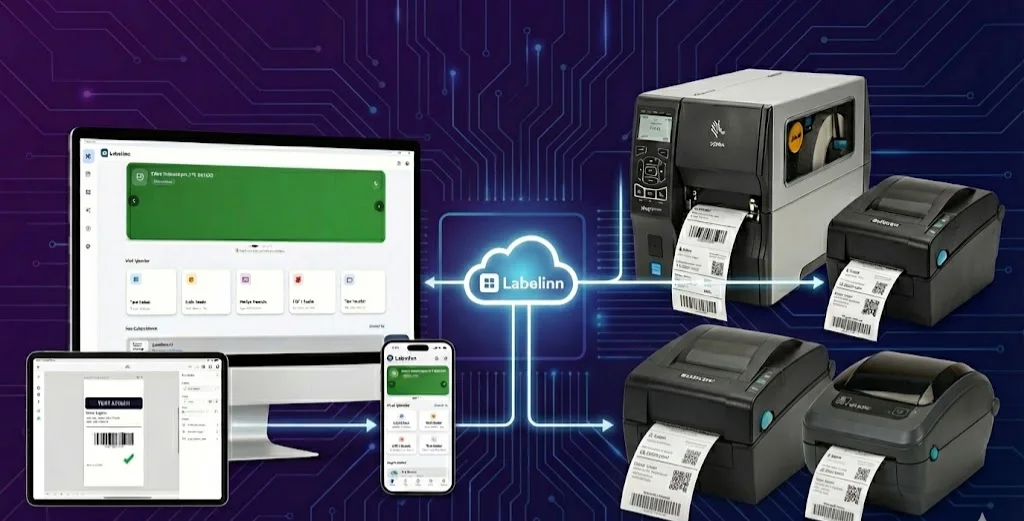
Your printer almost certainly already works. LabelInn writes native ZPL, TSPL/TSPL2, TPCL, ESC/Label, EZPL and PPLB — the languages behind 50+ printer brands, from Zebra, TSC, Honeywell, SATO and Toshiba to Xprinter, Gprinter, HPRT, iDPRT and Postek. See compatibility by language →
HOW IT WORKS
Three screens from data to printed label.
No copy-paste, no hunting for templates. The same flow repeats for every record.

Printer status, quick actions and recent work in one place.

Text, barcodes, QR and images placed on the real media size.

See the label, the printer state and the copy count before it prints.
01
How it works
A machine with a printer attached — a warehouse PC, a Mac in the back office, a mini PC bolted under a bench — registers that printer with LabelInn and listens for work. Jobs are submitted to the printer by name, from anywhere:
- From the desktop or web app by a person
- From your ERP or WMS over the REST API
- From a workflow triggered by a marketplace order
- From an AI agent over the MCP server
The host picks the job up, renders it and pushes native command bytes to the printer. Because the host dials out, there is no port forwarding, no static IP and no inbound firewall rule.
02
What makes it survivable
Queued, not fire-and-forget
If the remote machine is asleep, offline or mid-reboot, jobs queue and drain in order when it returns. A print job is a durable record with a status, not a UDP packet you hope lands.
Status you can actually read
LabelInn reads the printer back — cover open, out of paper, head open, paused, ribbon out — over USB, TCP and Bluetooth alike. A remote print that fails because the media ran out reports exactly that, instead of appearing to succeed.
Ordered output
Multi-label jobs come out in the order submitted. That sounds obvious until you have watched a serialised batch print in random order because the queue had no ordering guarantee.
03
What people use it for
- Head office → warehouse. Customer service reprints a shipping label; it appears at the pack bench.
- Server → shop floor. An ERP job posts labels to the line printer with no operator involved.
- 3PL and multi-site. One account, many sites, each printer addressable by name.
- Unattended kiosks. A machine prints on a schedule or a trigger with nobody logged in.
04
Permissions and audit
Printers can be restricted to specific users, and every job is written to a hash-chained audit log — who submitted it, what data, which printer, when, and whether it succeeded. Remote printing without that record is how labels quietly go missing.
ANY PRINTER
Design it, bind your data, print on the printer you already own.
Zebra, TSC, Toshiba, Epson and more — over USB, network or Bluetooth, with no driver to install.
PRICING
Start free. Pay when it earns its keep.
KEEP GOING
Related
NEXT STEP / LABELINN
Print to a printer you are not standing next to