AUGUST 8, 2026 / ERP & WMS
ERP & WMS Label Printing on macOS Without a Windows VM
Print SAP, Oracle, NetSuite and WMS labels from a Mac to Zebra, TSC and Toshiba thermal printers. Native ZPL/TSPL/TPCL, no vendor driver, no Parallels.

THE PROBLEM
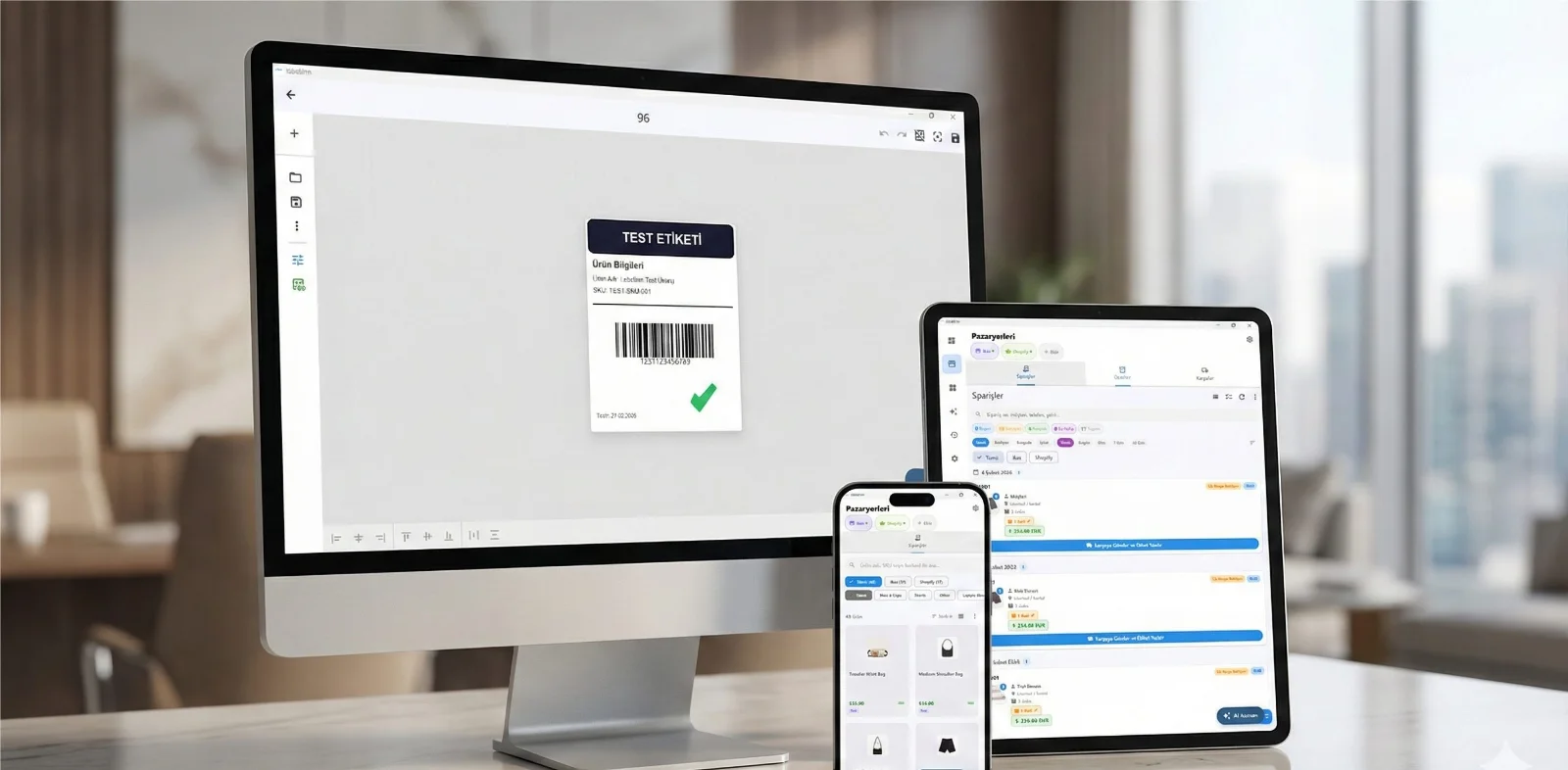
If your ERP or WMS runs the warehouse and your team runs Macs, you have probably been told the same thing three times: install Windows, install the vendor driver, and print from there. That answer is a decade old, and it is the reason so many Mac-based operations still keep one grim Windows box in the corner purely to print labels.
It is not a technical necessity. The barrier was never macOS — it was the assumption that a label printer needs a per-model driver.
Your printer almost certainly already works. LabelInn writes native ZPL, TSPL/TSPL2, TPCL, ESC/Label, EZPL and PPLB — the languages behind 50+ printer brands, from Zebra, TSC, Honeywell, SATO and Toshiba to Xprinter, Gprinter, HPRT, iDPRT and Postek. See compatibility by language →
HOW IT WORKS
Three screens from data to printed label.
No copy-paste, no hunting for templates. The same flow repeats for every record.

Printer status, quick actions and recent work in one place.
Text, barcodes, QR and images placed on the real media size.

See the label, the printer state and the copy count before it prints.
01
Why the Windows VM exists at all
Traditional label software talks to printers through a Windows print driver — usually a Seagull driver, one per model. The driver rasterises the label and hands it to the spooler. Because those drivers are Windows-only, everything downstream inherits the constraint, and a Mac-based team ends up running Parallels for a single 4×6 shipping label.
LabelInn skips that layer entirely. It speaks the printer's own command language:
- ZPL / ZPL II — Zebra and every ZPL-compatible printer
- TSPL / TSPL2 — TSC and compatibles
- TPCL — Toshiba TEC, with TOPIX compression
- ESC/Label — Epson ColorWorks colour printers
- EZPL, PPLB, ZSim — Godex, Argox and emulation modes
The command bytes go straight out over raw USB, TCP/IP port 9100 or Bluetooth. No driver is involved, so there is nothing that has to be Windows.
02
Three ways to wire an ERP to a label printer
1. REST API — the system calls us
Your ERP posts to /v1/print/jobs with the data and a template id. LabelInn renders and prints to a named printer. This is the cleanest option when the ERP can make an outbound HTTPS call, and it is the path most WMS integrations take.
2. Watched folder / virtual printer — the system exports
Older ERPs often cannot call a web hook, but every one of them can write a file or print to a queue. LabelInn watches a folder for CSV/XLSX drops, or presents a Windows virtual printer that captures spool output. Each row becomes a label.
3. Direct database read
Point LabelInn at the table or view, map the columns to label fields, and let it pull. No middleware, no export step.
03
Where the labels actually come out
The printer does not have to be attached to the machine running the ERP — or on the same continent. A job submitted from head office can surface on the warehouse printer, because the print job and the printer are decoupled through the cloud queue. That is the same mechanism described in remote thermal printing.
04
What this replaces
| Traditional stack | LabelInn on macOS |
|---|---|
| Windows VM or a dedicated PC | Native macOS app (Apple Silicon included) |
| One vendor driver per printer model | Native ZPL / TSPL / TPCL / ESC-Label |
| Per-seat label software licence | Free plan; paid tiers for teams |
| Print only from the machine holding the printer | Print from anywhere to any registered printer |
| No record of what was printed | Hash-chained audit log of every label |
05
Audit trail, because ERP prints are records
Every print writes an immutable, HMAC-signed entry: who printed, which template, which data row, which printer, when. For regulated operations that is the difference between "we think it printed" and being able to prove it.
ANY PRINTER
Design it, bind your data, print on the printer you already own.
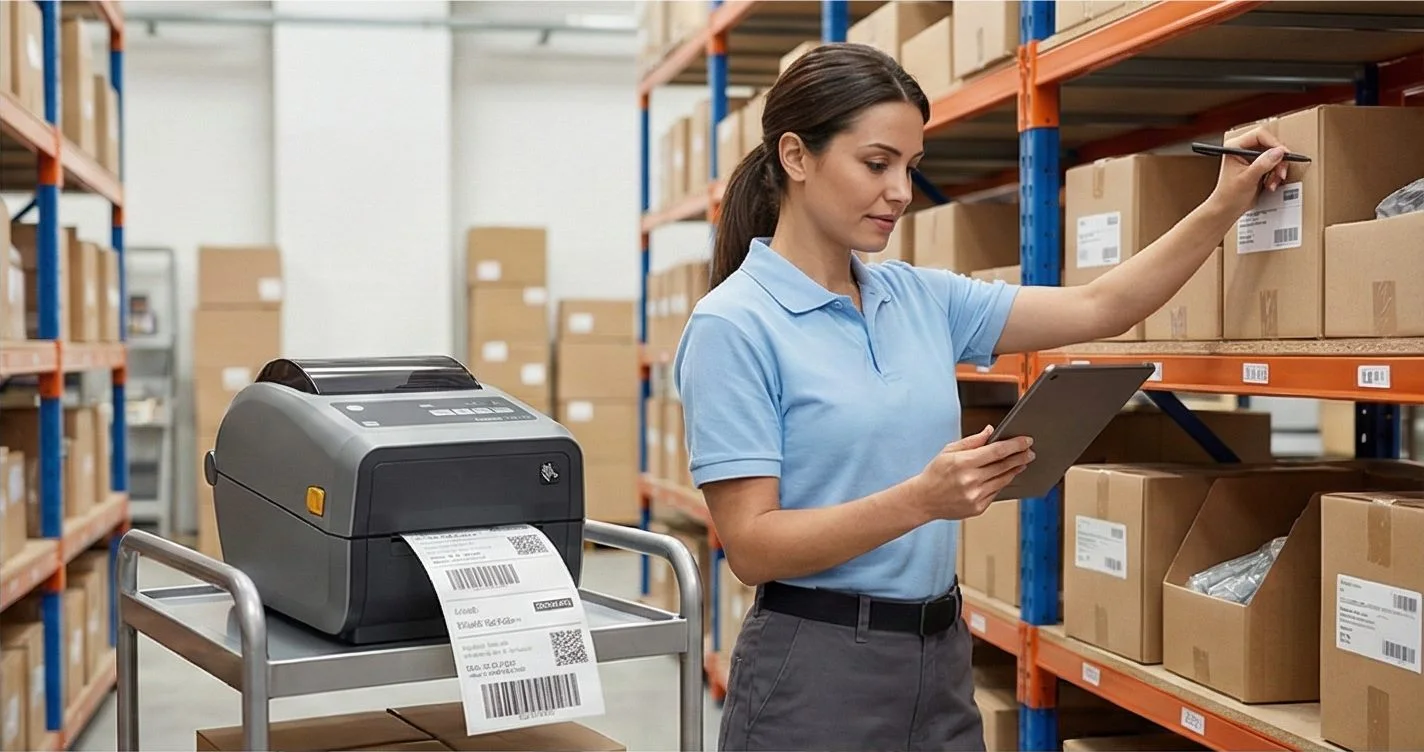
Zebra, TSC, Toshiba, Epson and more — over USB, network or Bluetooth, with no driver to install.
PRICING
Start free. Pay when it earns its keep.
KEEP GOING
Related
NEXT STEP / LABELINN
Retire the Windows box