Download TSC Diagnostic Tool from the TSC support page and connect the printer via USB
JULY 1, 2026 / PRINTER ISSUES
TSC TTP-244 Not Printing, Skipping Labels, or Printing Blank? Here's the Real Fix
TSC TTP-244 not printing or skipping labels? Fix it fast: calibrate the gap sensor, set the print method, and match the driver size. Free 2026 guide.
FREE PLAN · NO CREDIT CARD · WINDOWS / MAC / LINUX / WEB
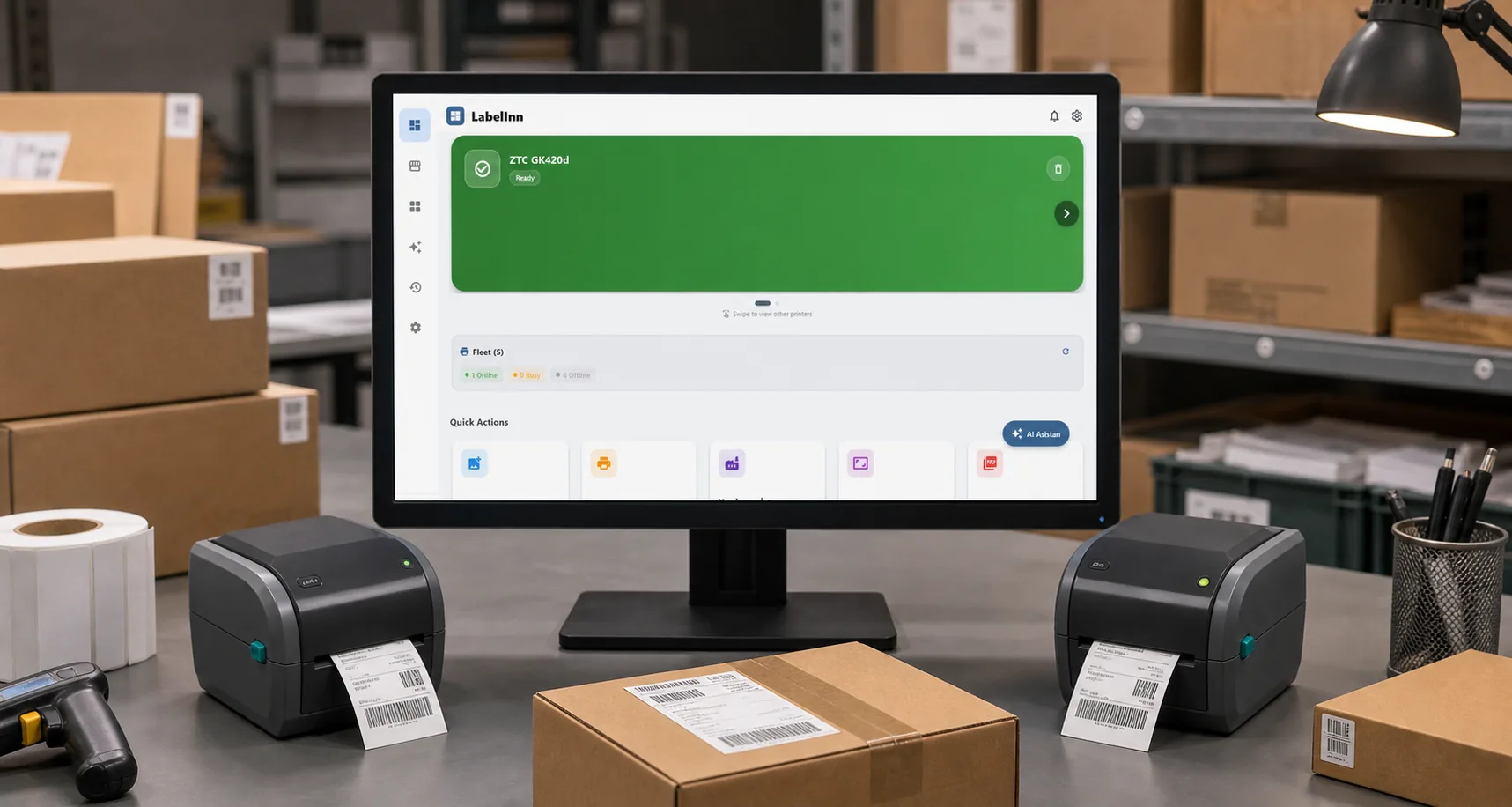
THE PROBLEM

The TSC TTP-244 is one of the most popular budget label printers in the world — which means its two classic failures, skipping labels and printing blank, get searched constantly. If yours feeds a blank label for every print, skips every other label, prints one label and stops, or comes out completely empty, don't assume the printhead is dead. In the overwhelming majority of cases it's calibration, the wrong print method, or a driver size mismatch — all fixable in a few minutes.
Unlike a pure direct-thermal desktop printer, the TTP-244 is a thermal-transfer printer, so it can print with a ribbon or with direct-thermal labels. That flexibility is also the #1 source of "it prints blank" confusion, so we'll deal with it head-on. Let's go fastest-fix-first.
Fighting the TSC driver — or stuck on a Mac? LabelInn speaks TSPL directly to the TTP-244, setting sensor type, print method and label size correctly every time — on macOS and Windows. Try free for 14 days →
01
Symptoms: What This Looks Like
- Feeds blank labels for every print job
- Skips every other label — prints one, feeds past the next
- Label comes out completely blank even though the printer is feeding
- Prints one label and stops, or content is shifted / split across the gap
- The error/ready LED blinks red and the printer pauses
- It worked, then broke after changing labels, swapping a ribbon, or a Windows update
Fix 1: Calibrate the Gap Sensor (Start Here)
Calibration teaches the printer your label length and the size of the gap. It fixes the majority of skipping and blank-feed problems on its own — always run it after changing label size or media.
Method A: TSC Diagnostic Tool (recommended)
Open the Calibrate Sensor panel
Choose Gap for die-cut labels (or Black Mark if your labels have a black mark on the back), enter your paper height and gap, and click Calibrate
The printer feeds and measures. Send a test print to confirm.
Method B: FEED-button calibration
- Power off the TTP-244
- Hold the FEED button and power it back on
- Keep holding until the printer feeds several labels to measure the gap, then release
- Print a test label to confirm it lands correctly
Fix 2: Match the Print Method (The Blank-Label Trap)
This is the single biggest cause of "TTP-244 prints blank." The printer must be told how it's making marks:
| Your setup | Print Method | Watch out for |
|---|---|---|
| Ribbon installed + plain (coated) labels | Thermal Transfer | No ribbon = blank output |
| Direct-thermal (heat-sensitive) labels, no ribbon | Direct Thermal | Labels upside down = blank output |
Set Print Method in TSC Diagnostic Tool (Printer Configuration) or on the driver's Options tab
If Direct Thermal, confirm the labels are loaded with the heat-sensitive side up (scratch test: the side that darkens is printable)
If Thermal Transfer, confirm the ribbon is installed and winding correctly, ink side facing the labels
Raise the darkness/density a few steps if print is faint but present
Fix 3: Set the Correct Label Size in the Driver
If the TTP-244 prints one label and stops, or shifts content onto the next label, the driver's label dimensions don't match your physical media.
Open Printer Properties → Preferences (or the TSC driver's Page Setup / Stock tab)
Set the label width, height, and gap to match your physical labels to the millimeter
Confirm the driver's sensor type (Gap vs Black Mark) matches Fix 1
Print a Windows test page. If it's correct but your own app still fails, the app's page size is the problem, not the printer.
Fix 4: Clean the Gap Sensor
If calibration and settings are all correct and it still skips, label dust or adhesive may be blocking the gap sensor — common on high-volume machines.
- Power off and unplug the printer
- Open the cover, remove the roll, and find the gap sensor in the label path
- Wipe the sensor and the platen roller with a swab dampened in 99% isopropyl alcohol
- Let it dry 1–2 minutes, reload, and recalibrate (Fix 1)
02
The Common Thread: The Windows Driver
Look at how often the fix comes back to the driver — wrong size, wrong sensor type, wrong print method. On Windows that's a nuisance; on macOS, where TSC ships no full driver, it's a dead end. The TTP-244 itself is a reliable little printer; the command pipeline feeding it is what usually breaks.
That's why some teams cut the driver out entirely. The TTP-244 understands TSPL, TSC's own printer language, directly. Driverless label software like LabelInn sends TSPL straight to the printer — it sets sensor type, print method, and label dimensions on every job, so calibration sticks and blank prints stop. It runs the same on macOS and Windows, and you can design labels visually or print them in bulk from Excel.
QUESTIONS / FAQ
Frequently Asked Questions
How do I calibrate a TSC TTP-244 Pro or Plus?
Use TSC Diagnostic Tool → Calibrate Sensor → Gap (or Black Mark), enter paper height and gap, and calibrate. Or power off, hold FEED, power on, and release when it feeds a few labels. Both teach the printer your label geometry so it stops skipping.
Why is my TTP-244 printing blank labels?
Usually the Print Method is Thermal Transfer with no ribbon installed, or you're using direct-thermal labels loaded upside down. Match the print method to your media, check label orientation with a scratch test, and raise the darkness if needed.
My TTP-244 skips every other label. What fixes it?
Run a Gap sensor calibration, confirm the sensor type matches your media, and set the correct label size in the driver. If it still misreads, clean the gap sensor with isopropyl alcohol and recalibrate.
The TTP-244 prints one label and stops. Why?
The label height/gap in the driver doesn't match your physical labels, so the printer ends the job after one. Set the exact width, height, and gap in the driver, recalibrate, and reprint.
Can I use the TSC TTP-244 on a Mac?
TSC doesn't ship a full macOS driver for it, so the normal driver path won't work. Because the TTP-244 speaks TSPL, a driverless app like LabelInn can print to it directly from macOS and Windows, handling sensor type, print method, and label size.
KEEP GOING
Related Articles
NEXT STEP / LABELINN
Skip the Driver Headaches on Your TTP-244
LabelInn talks to your TSC TTP-244 in native TSPL, so the printer always knows your label size, sensor type, and print method. Design visually or pull data straight from Excel, and print without the driver guesswork. Free tier available; paid plans from $7.99/month. · Direct TSPL — no Windows driver in the middle · Correct sensor, method & size every job · Works on macOS & Windows