Industrial Batch PrintingThe C7500 is built for high-volume production. LabelInn handles thousands of variable-data labels from Excel/CSV with unique barcodes, images, and text per label.
EPSON COLORWORKS INDUSTRIAL
Epson ColorWorks C7500 Label Software
Industrial-grade color label printing. 600x1200 DPI, driverless on macOS, batch variable-data printing for food, chemical, and pharmaceutical labels.
FREE PLAN · NO CREDIT CARD · WINDOWS / MAC / LINUX / WEB
HOW IT WORKS
Three screens from data to printed label.
No copy-paste, no hunting for templates. The same flow repeats for every record.

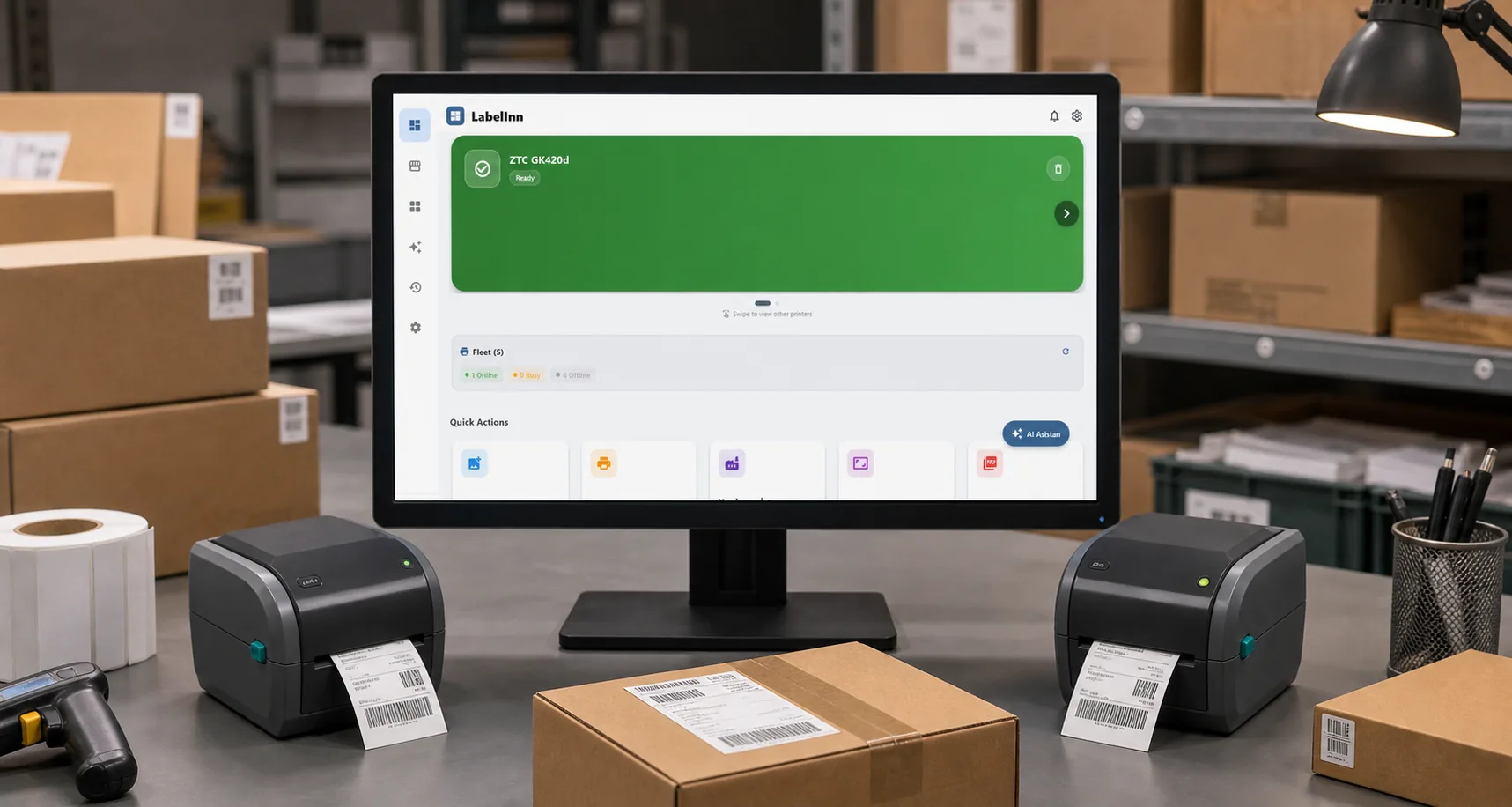
Printer status, quick actions and recent work in one place.

Text, barcodes, QR and images placed on the real media size.

See the label, the printer state and the copy count before it prints.
01
Epson ColorWorks C7500 Specifications
- DPI Resolution — 600x1200
- Max Print Width (104mm) — 4.09"
- Print Speed — 300 mm/s
- Connectivity — USB + Ethernet
- Pigment Ink Technology — Inkjet (CMYK)
- Continuous Operation Class — Industrial
02
Why LabelInn for Epson C7500?
Food & Beverage LabelsDesign FDA-compliant food labels with nutrition facts, ingredients, allergen warnings, and full-color product images. CMYK color accuracy for brand consistency.
GHS Chemical LabelsPrint GHS-compliant hazard labels with proper color-coded pictograms, signal words, hazard statements, and precautionary text — all at 1200 DPI.
Driverless macOS SupportEpson ColorWorks drivers on macOS are problematic. LabelInn bypasses the driver entirely for reliable, consistent printing without compatibility issues.
Color Profile ManagementAutomatic ICM and AdobeRGB1998 color profile optimization ensures your labels match your design — consistent colors across every print run.
Pharmaceutical CompliancePrint serialized pharmaceutical labels with unique DataMatrix codes, lot numbers, and expiry dates. Variable data from database or Excel integration.
03
How to Print with Epson C7500
- Download LabelInn Get from labelinn.com/download. Available for Windows, macOS, Android, iOS.
- Connect Your C7500 USB or Ethernet connection. LabelInn auto-discovers and configures media settings automatically.
- Design Your Label Full-color WYSIWYG editor. Add product photos, nutrition panels, barcodes, regulatory icons, and dynamic data fields.
- Batch Print Import your product database from Excel/CSV. LabelInn prints each label with unique data at full C7500 speed — 300mm/s.
04
Related Guides
ANY PRINTER
Design it, bind your data, print on the printer you already own.
Zebra, TSC, Toshiba, Epson and more — over USB, network or Bluetooth, with no driver to install.

QUESTIONS / FAQ
Epson C7500 FAQ
Does LabelInn support Epson C7500?
Yes. Full support including driverless macOS printing, color profile optimization, and industrial batch printing capabilities.
C7500 vs C7500G — which should I choose?
C7500 uses pigment ink for matte/semi-gloss media. C7500G uses a different pigment for glossy media. LabelInn works identically with both.
Can I print food labels with nutrition facts?
Yes. LabelInn supports full-color label design with nutrition panels, ingredient lists, allergen warnings, and FDA-compliant layouts.
How fast does C7500 print with LabelInn?
The C7500 prints at up to 300mm/s. LabelInn sends optimized print data to maintain maximum throughput.
NEXT STEP / LABELINN
Industrial Color Labeling Made Simple
Download LabelInn for your Epson C7500 — driverless, cross-platform, production-ready.