AUGUST 8, 2026 / FOOD SERVICE
Kitchen Prep and Use-By Labels
Print kitchen prep labels, use-by dates and HACCP day dots on a thermal printer. Auto-calculated dates, allergen text, works on tablets.
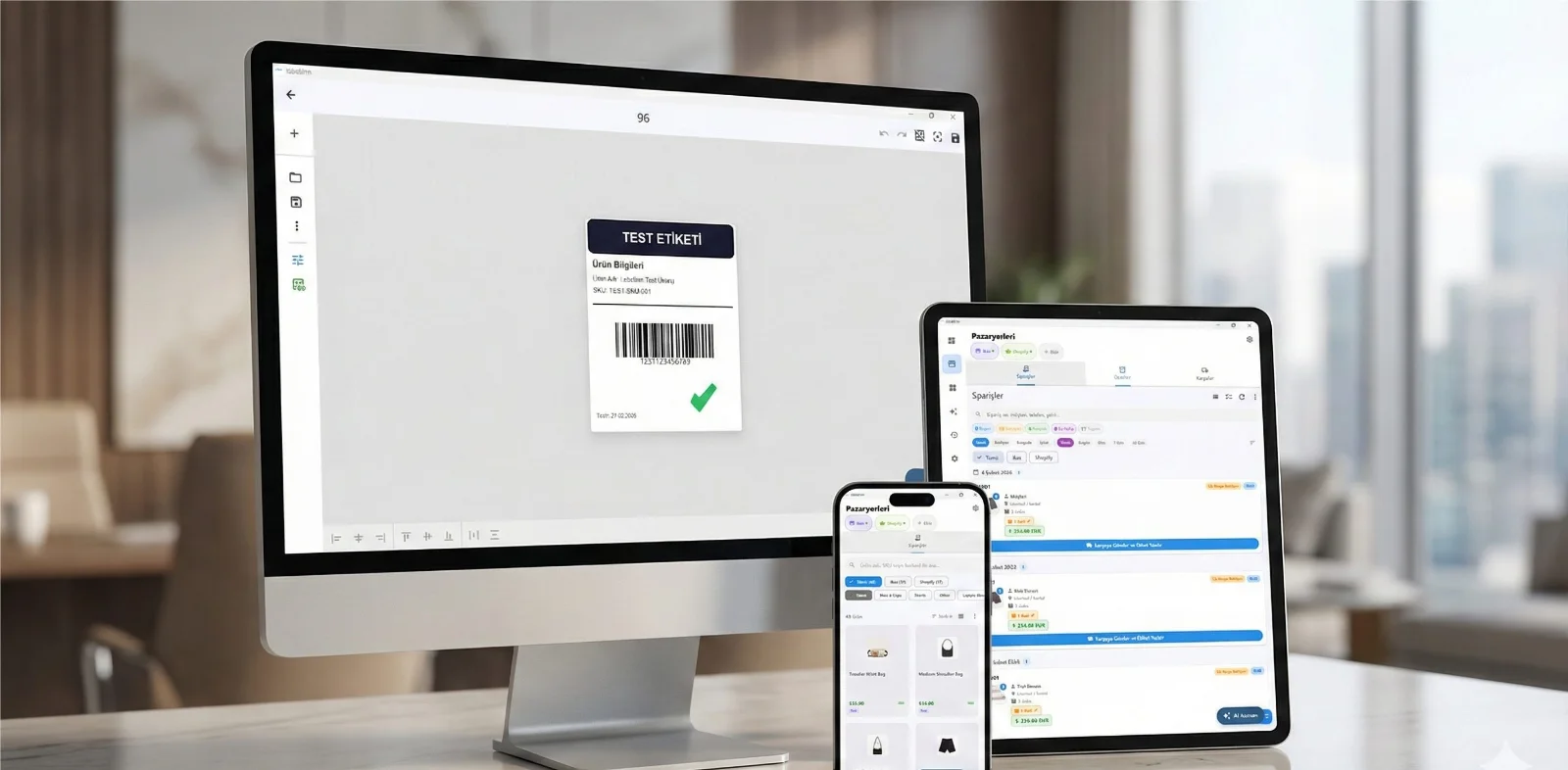
THE PROBLEM
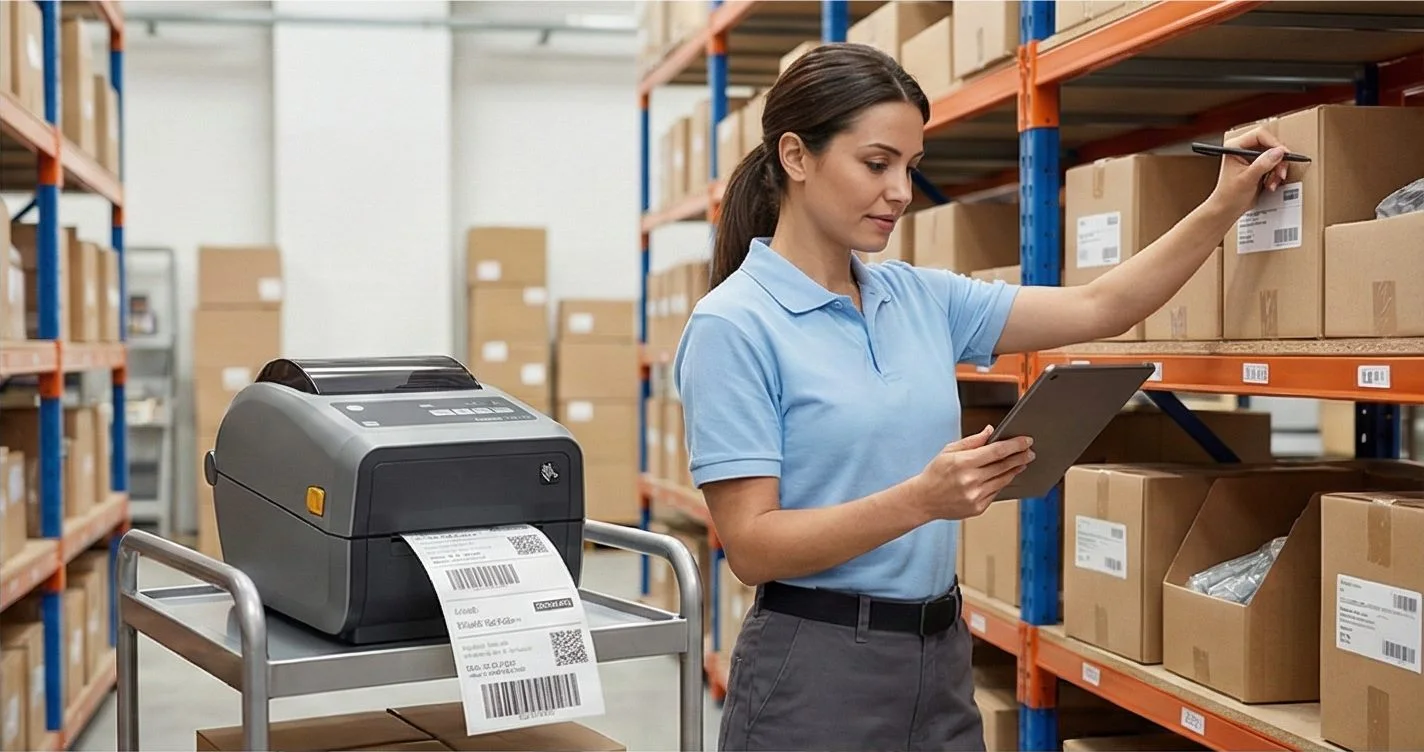
Kitchen labelling runs on masking tape and marker pen in most places, and it works right up to an inspection. The problems are always the same: handwriting nobody can read, dates calculated wrong in a rush, and no record that anything was labelled at all.
Your printer almost certainly already works. Native ZPL, TSPL/TSPL2, TPCL, ESC/Label, EZPL and PPLB — the languages behind 50+ printer brands. Compatible brands →
HOW IT WORKS
Three screens from data to printed label.
No copy-paste, no hunting for templates. The same flow repeats for every record.

Printer status, quick actions and recent work in one place.

Text, barcodes, QR and images placed on the real media size.

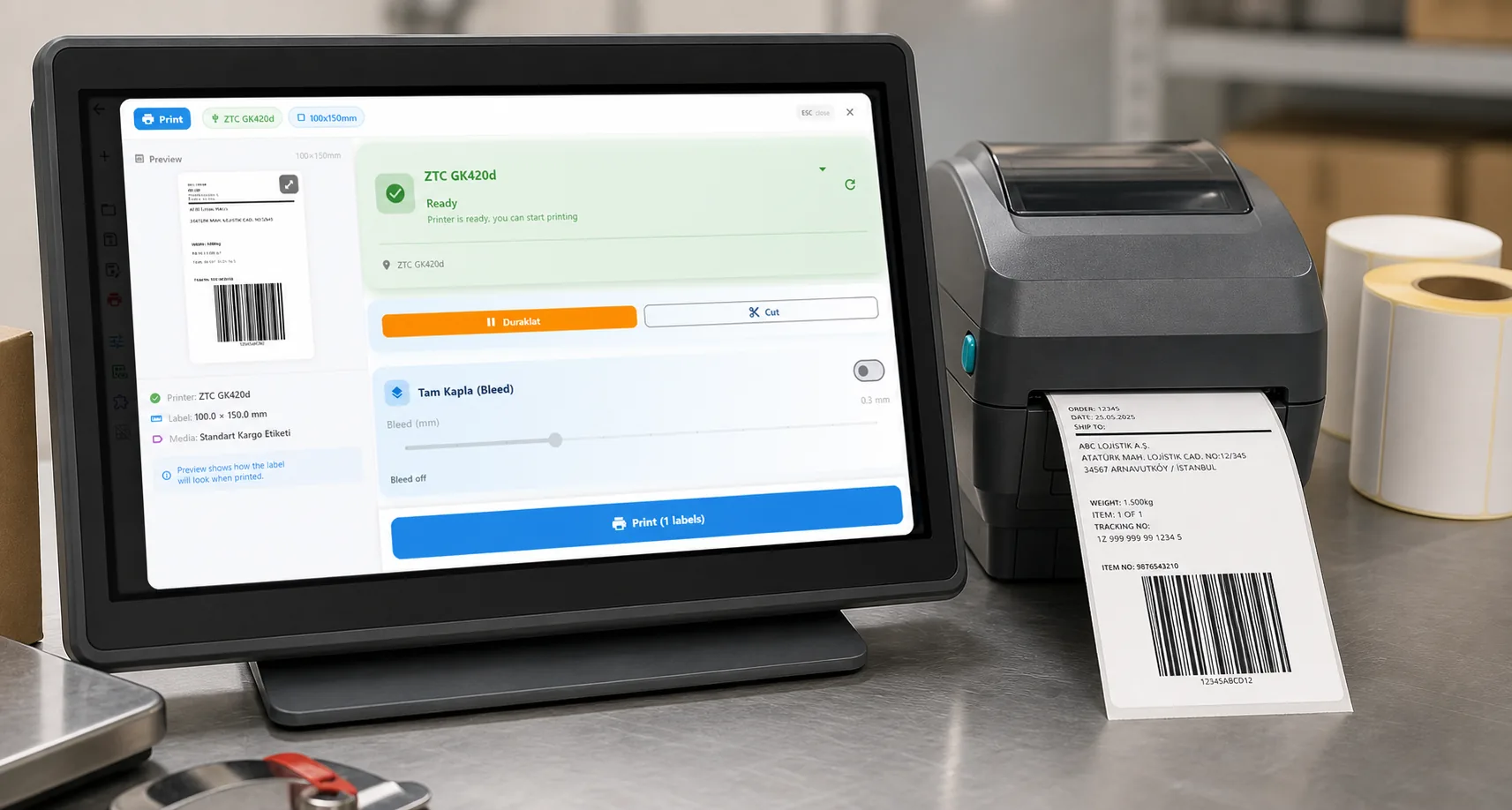
See the label, the printer state and the copy count before it prints.
01
Day dots without the arithmetic
Prep labels are date-driven, and the date is the part people get wrong at the end of a shift. Set the shelf life once per item — 3 days for a prepped sauce, 24 hours for defrosted product, 4 hours for a hot hold — and every label computes its own use-by from the print moment.
02
A tablet is the right terminal
Kitchens are wet, fast and short on counter space. A tablet on the wall with a Bluetooth thermal printer beside it beats a PC: staff tap the item, the label prints with today's date already correct.
03
What goes on a prep label
- Item name, in text large enough to read across a fridge
- Prep date and time, and the computed use-by
- Who prepped it — initials or a selected staff member
- Allergens, where the item carries them
- Optional barcode or QR for stock systems
04
Records an inspector will accept
Every label writes an audit entry, so "we always label" becomes a list with timestamps. For HACCP documentation that is the difference between a claim and evidence.
05
Choosing the label stock
For chilled and frozen use, thermal transfer with a resin or wax-resin ribbon holds up. Direct thermal is cheaper but fades with moisture and cold — fine for same-day labels, poor for a walk-in freezer.
ANY PRINTER
Design it, bind your data, print on the printer you already own.
Zebra, TSC, Toshiba, Epson and more — over USB, network or Bluetooth, with no driver to install.
PRICING
Start free. Pay when it earns its keep.
KEEP GOING
Related
NEXT STEP / LABELINN
Replace the marker pen