FREE / NO SIGNUP / RUNS IN YOUR BROWSER
ZPL inspector
Paste ZPL and see the label size, the fields it prints, what each command does and what is wrong with it. Free, and nothing leaves your browser.
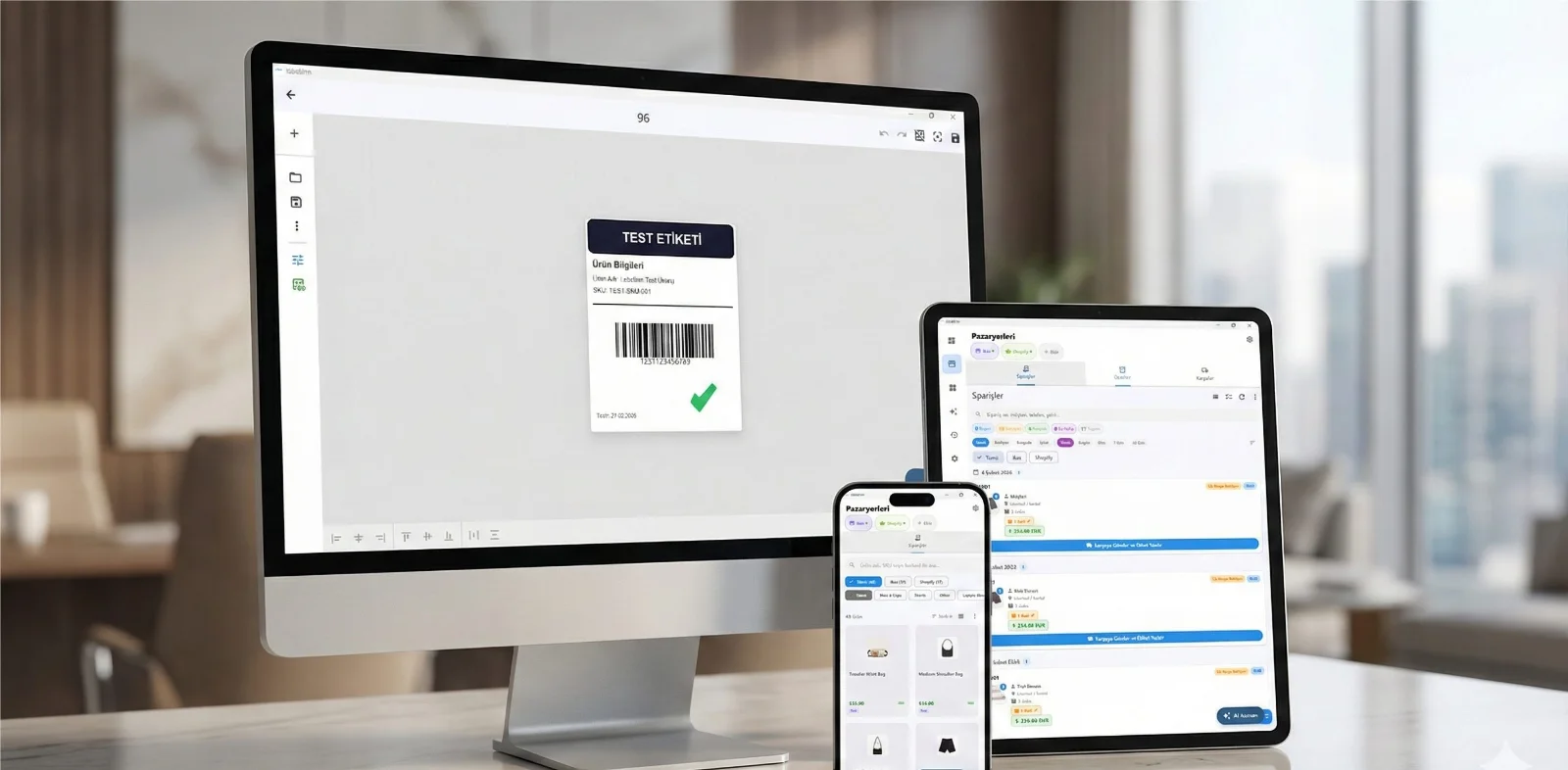
HOW IT WORKS
Three screens from data to printed label.
No copy-paste, no hunting for templates. The same flow repeats for every record.

Printer status, quick actions and recent work in one place.

Text, barcodes, QR and images placed on the real media size.

See the label, the printer state and the copy count before it prints.
01
How to use it
- Paste the ZPL between ^XA and ^XZ.
- Pick the resolution your printer runs at, so dots convert to millimetres correctly.
- Read the warnings first — they are ordered by how often they cause a blank or clipped label.
02
When you need this
- A ZPL file from an ERP or a supplier prints nothing and you need to see whether it is even a valid label format.
- You inherited a label template and want to know what it actually contains before changing it.
- A field is missing from the printed label and you suspect it falls outside the print width.
03
Frequently asked questions
ANY PRINTER
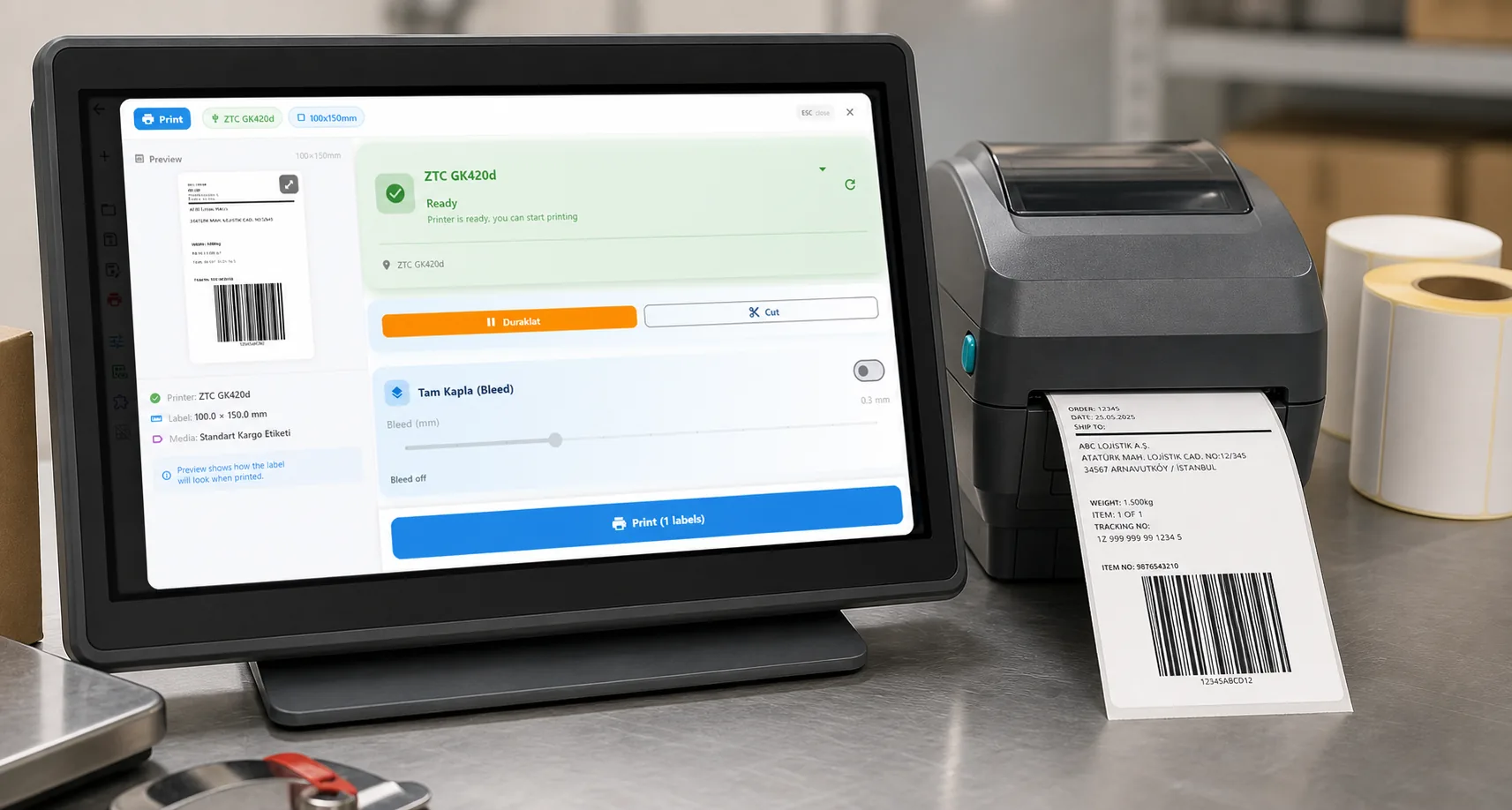
Design it, bind your data, print on the printer you already own.
Zebra, TSC, Toshiba, Epson and more — over USB, network or Bluetooth, with no driver to install.
PRICING
Start free. Pay when it earns its keep.
QUESTIONS / FAQ
Frequently asked questions
Does this draw the label?
No, and that is deliberate. Rendering ZPL means guessing at font metrics a browser cannot verify, and a picture that is subtly wrong is more dangerous than no picture. This tells you what the printer is being instructed to do instead.
Is my ZPL uploaded anywhere?
No. It is parsed in your browser. Label formats often carry customer names, addresses and order numbers, so it stays on your machine.
Why does it care about ^PW?
^PW sets the print width in dots. Without it the printer uses whatever width it was last configured with, which is a common reason a label prints fine on one machine and clipped on another.
KEEP GOING
Related calculators
NEXT STEP / LABELINN
Do this on real labels
The calculators answer one number at a time. LabelInn applies the same maths across a whole design, a whole spreadsheet and a whole print run — and sends it to the printer without a driver. · Free · No signup · Runs in your browser