MARCH 2, 2026 / BARCODES
Free Barcode Software: Design, Print & Bulk-Generate From Excel
Free barcode software for Windows & Mac: design labels, print to thermal printers, and bulk-generate from Excel. 20+ types, no watermark. Download free.
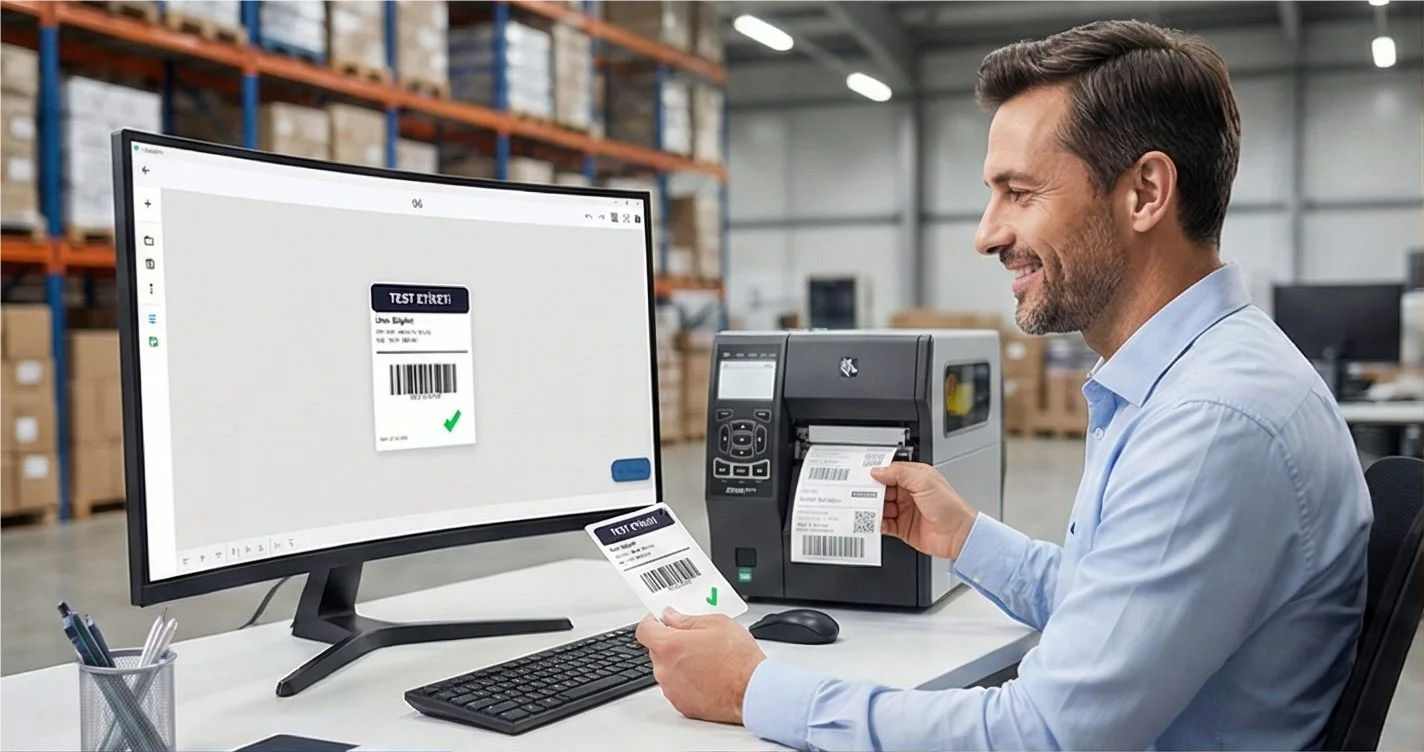
THE PROBLEM
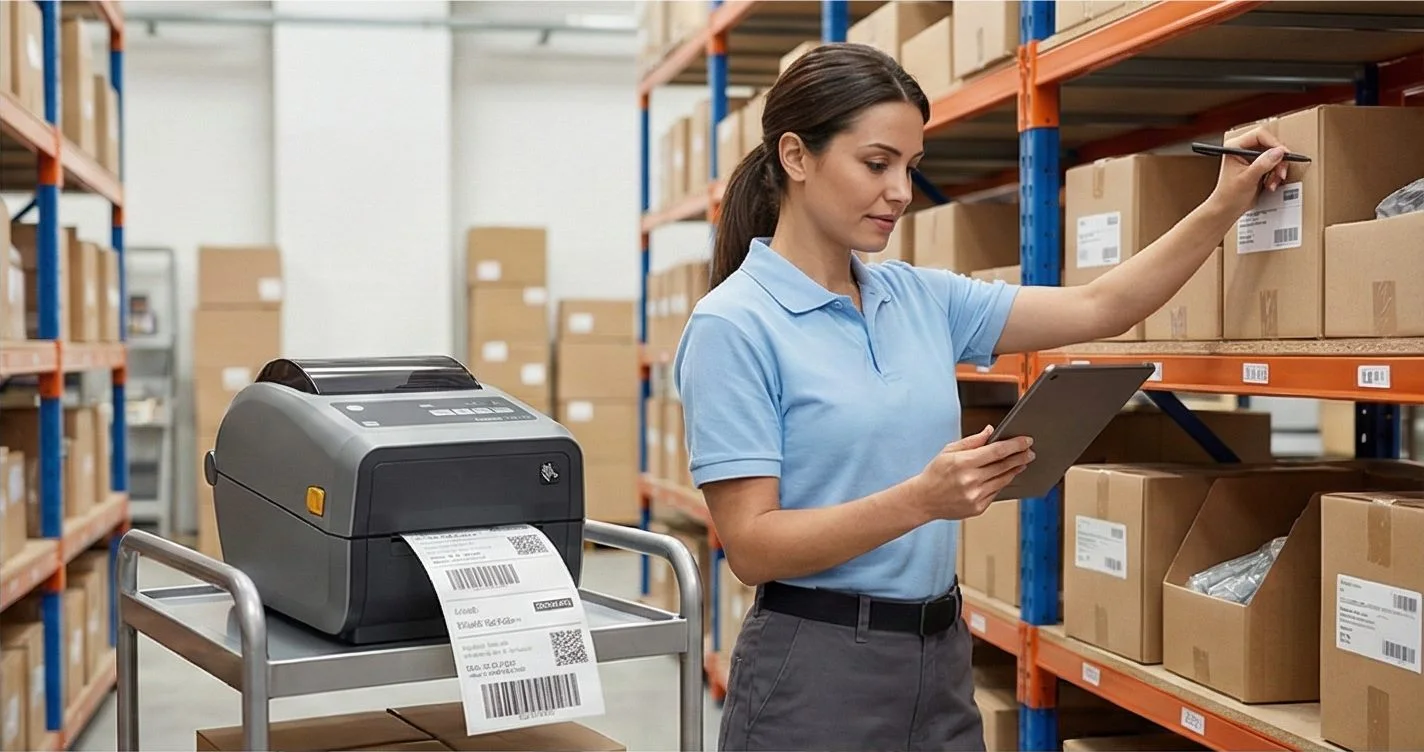
LabelInn is free barcode software for Windows and Mac that designs full labels, prints any barcode type directly to thermal printers, and bulk-generates hundreds of barcodes from an Excel or CSV file — with no watermark and no per-code fee. That is the difference between barcode software and a one-off online generator: it owns the whole workflow, from data to printed label.
Need EAN-13 for retail products, QR codes for packaging, or Code 128 for warehouses? Most online generators give you a tiny watermarked image with no print control, and most desktop tools cost hundreds of dollars. LabelInn prints directly to your Zebra, TSC, Brother, or any thermal printer — for free.
Just need a quick barcode, not the desktop app? Use our free online barcode generator — Code 128, EAN-13, Data Matrix and 17+ types, downloadable as PNG, SVG or PDF, no signup. For a URL or Wi-Fi code, try the dedicated QR code generator.
Need professional barcodes? LabelInn generates 20+ barcode types and prints them directly — free plan, no watermark, no credit card. Download Free →
HOW IT WORKS
Three screens from data to printed label.
No copy-paste, no hunting for templates. The same flow repeats for every record.
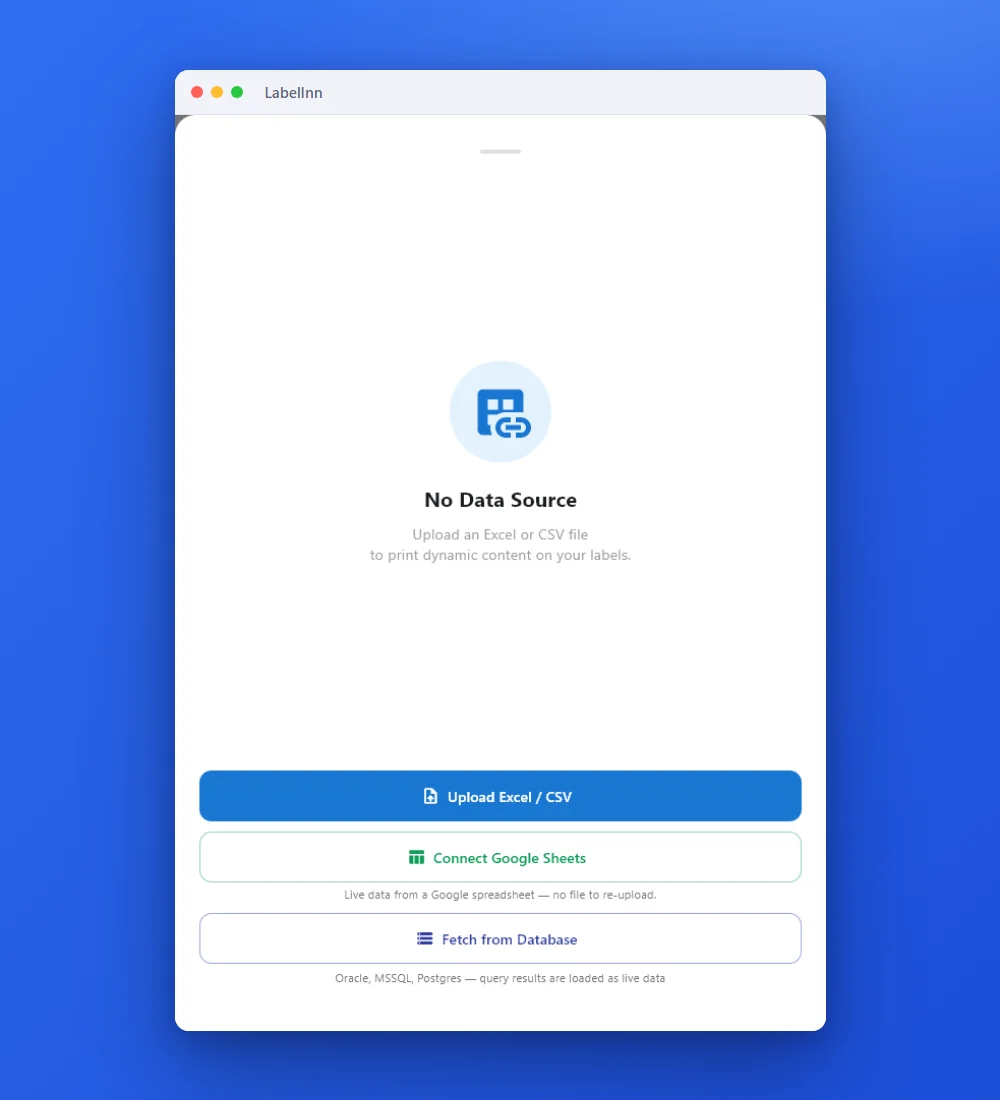
Add the Excel or CSV file as the data source; no export step.
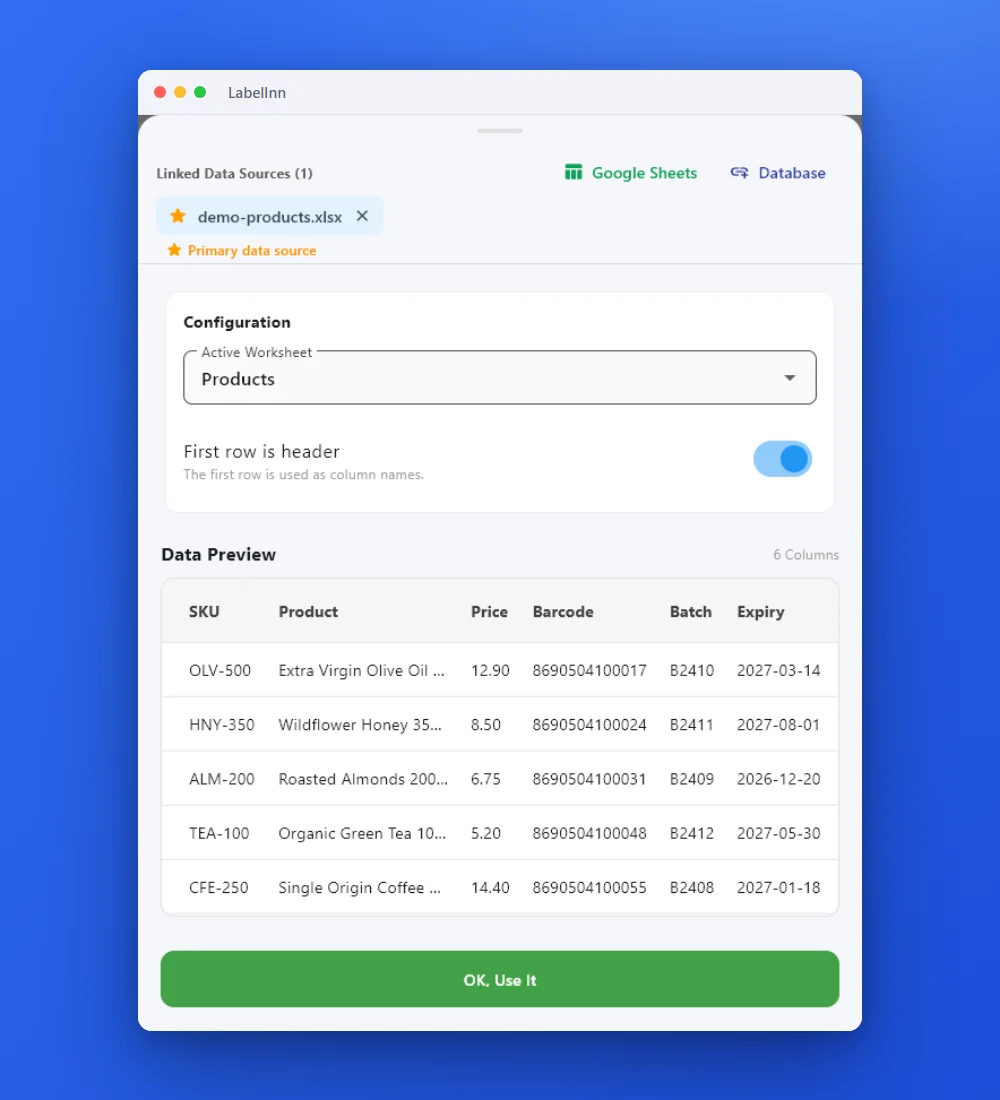
Preview the data, then drop a column onto a text, barcode or QR field.

Rows × copies = total labels, shown before you press print.
01
Barcode Types Supported
| Barcode Type | Use Case | Format |
|---|---|---|
| EAN-13 | Retail products, supermarkets, GS1 | 1D linear |
| EAN-8 | Small products | 1D linear |
| UPC-A | North American retail | 1D linear |
| Code 128 | Logistics, warehouses, shipping | 1D linear |
| Code 39 | Industrial, government, healthcare | 1D linear |
| Code 93 | High-density encoding | 1D linear |
| ITF-14 | GS1, outer packaging, cartons | 1D linear |
| QR Code | URLs, text, vCards, product pages | 2D matrix |
| Data Matrix | Small components, electronics, pharma | 2D matrix |
| PDF417 | IDs, boarding passes, large data | 2D stacked |
| Aztec | Transit tickets, small labels | 2D matrix |
| GS1-128 | Supply chain, healthcare, expiry dates | 1D with AI elements |
02
Why Desktop Barcode Software Beats Online Generators
Online barcode generators are fine for quick tests. But for actual business use, you need more:
| Online Generators | LabelInn (Desktop) | |
|---|---|---|
| Print directly to printer | ✗ Download PNG only | ✓ Direct print to any printer |
| Bulk generation from Excel | ✗ One at a time | ✓ 1,000+ barcodes in one batch |
| Label design combined | ✗ Barcode only | ✓ Full label with text, logo, barcode |
| Watermark | Most have watermarks | ✓ No watermark ever |
| Works offline | ✗ Needs internet | ✓ Fully offline |
| Data validation | ✗ No | ✓ Check digit validation, format check |
03
Bulk Barcode Generation from Excel
For businesses printing product labels, price tags, or inventory stickers — generating one barcode at a time is not practical. LabelInn connects directly to your Excel or CSV file:
- Prepare your spreadsheet — one row per product: product name, SKU, barcode number, price
- In LabelInn, open your label template and connect the Excel file as a data source
- Map columns — drag "barcode_no" column to the barcode element on your label
- Print all — 500 unique product labels in one print job, each with a different barcode
04
Common Barcode Use Cases
- Retail Product Labels: EAN-13 + product name + price, print from your product catalog spreadsheet
- Warehouse Bin Labels: Code 128 or QR Code with location code, scan to navigate
- Shipping Labels: Code 128 tracking barcode, auto-generated from order data
- Asset Tracking: QR Codes linking to asset records, equipment manuals
- Food Labels: EAN-13 + Data Matrix (GS1) for expiry dates and lot numbers
- Event Tickets & Badges: QR Code with attendee data for quick check-in
05
How to Generate a Barcode in LabelInn
- Download LabelInn — free, Windows and Mac
- Create a new label — set your size (e.g., 50×30mm)
- Add a barcode element — drag from the element panel
- Select barcode type — EAN-13, QR Code, Code 128, etc.
- Enter your data — or connect to Excel/CSV for bulk
- Print — directly to any thermal or regular printer
THE PROBLEM, THEN THE FIX
Barcode Software: Design, Print & Bulk-Generate From Excel: it looks right on screen, so why will it not scan?
A code that is slightly too small, too tight or the wrong type is the usual reason a scanner refuses it.
The problemThe code is drawn at a size that suits the screen, not the scanner.
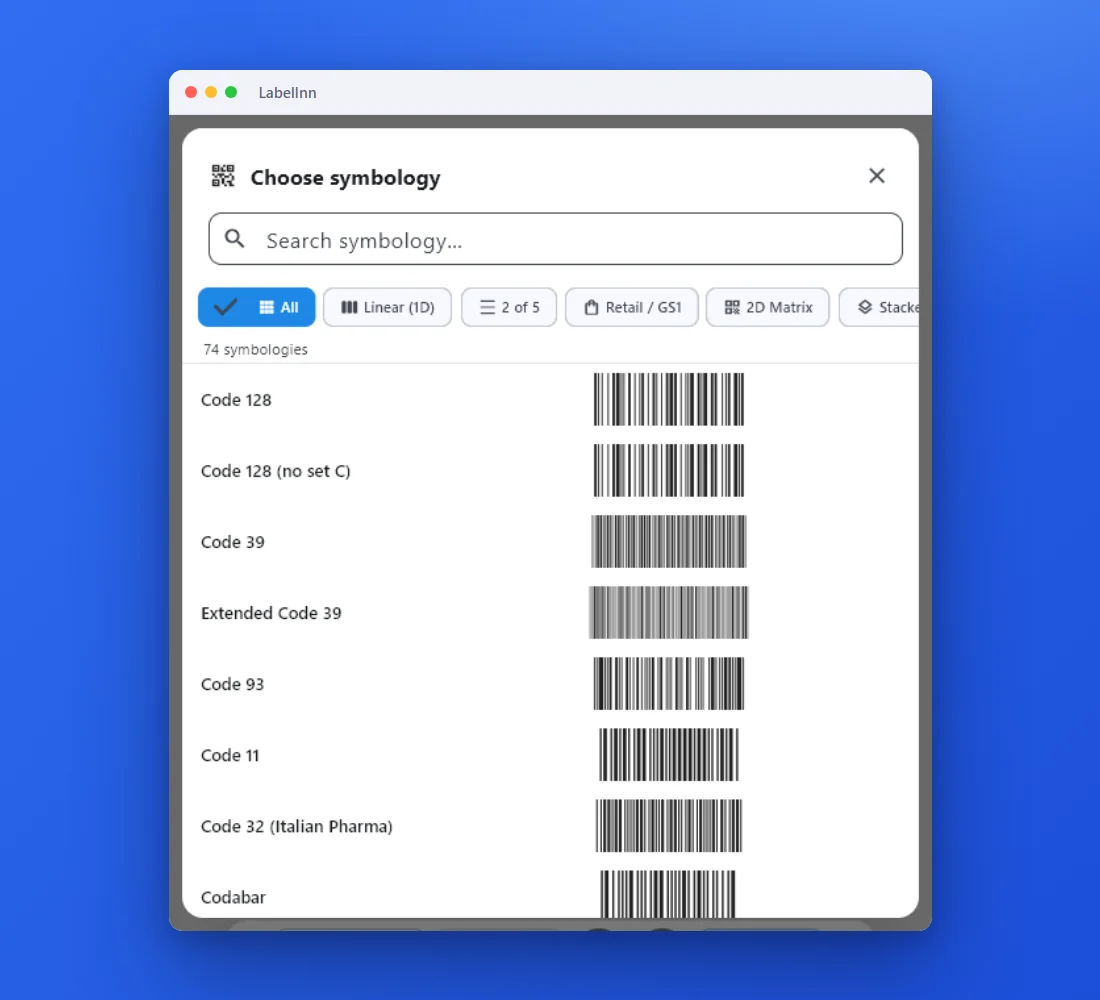 1Choose from 74 symbologiesEvery entry shows a live preview, so you pick the code by sight instead of by name.
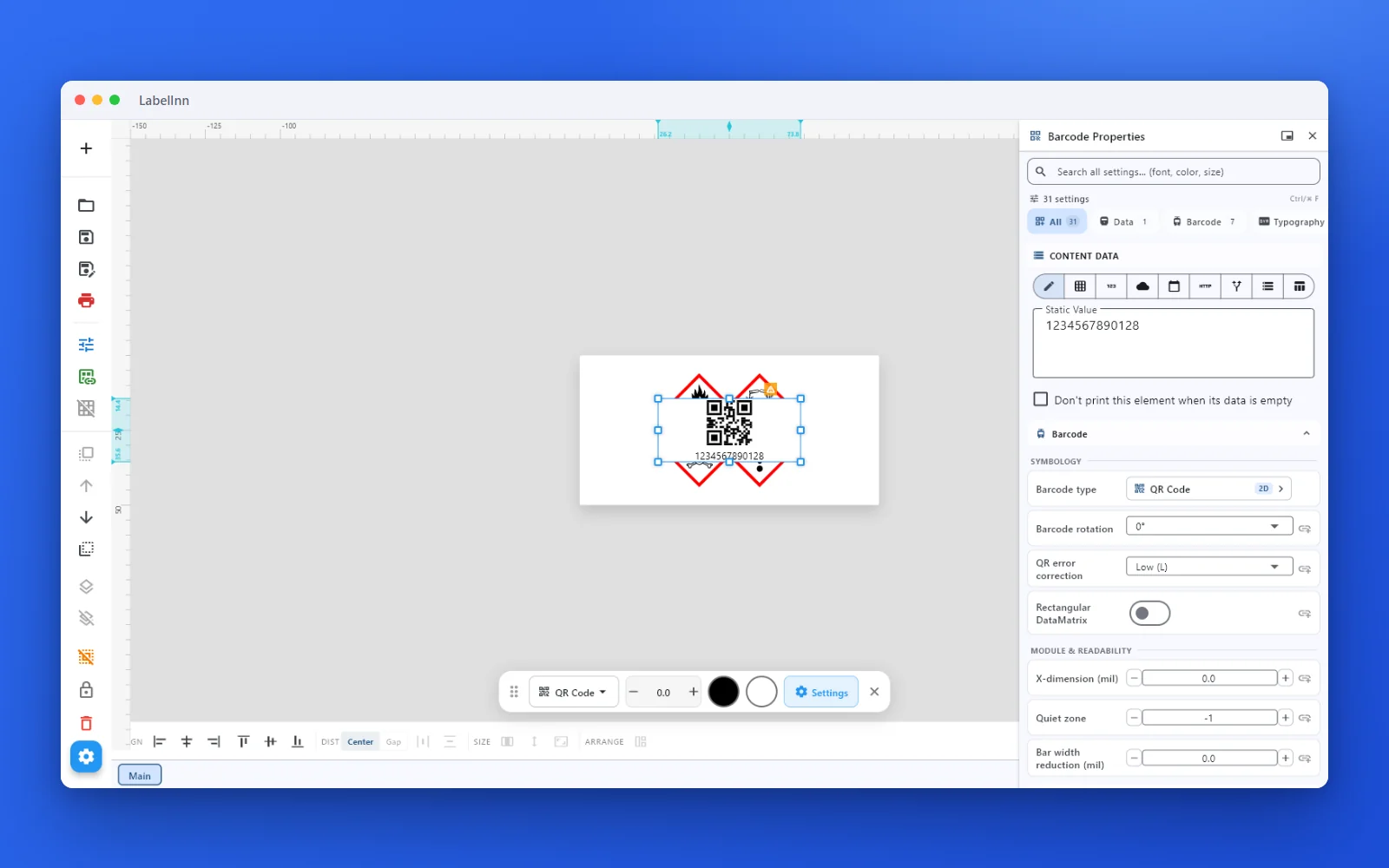 2Set the data and the readability rulesStatic value, spreadsheet column, database field or counter, plus X-dimension and quiet zone.
- 3Preview, then printCheck the real label, choose the printer and the number of copies, and print.
The fixPick the symbology from a preview list, set the module width and quiet zone, and check the real label before you print.Get LabelInn free
ANY PRINTER
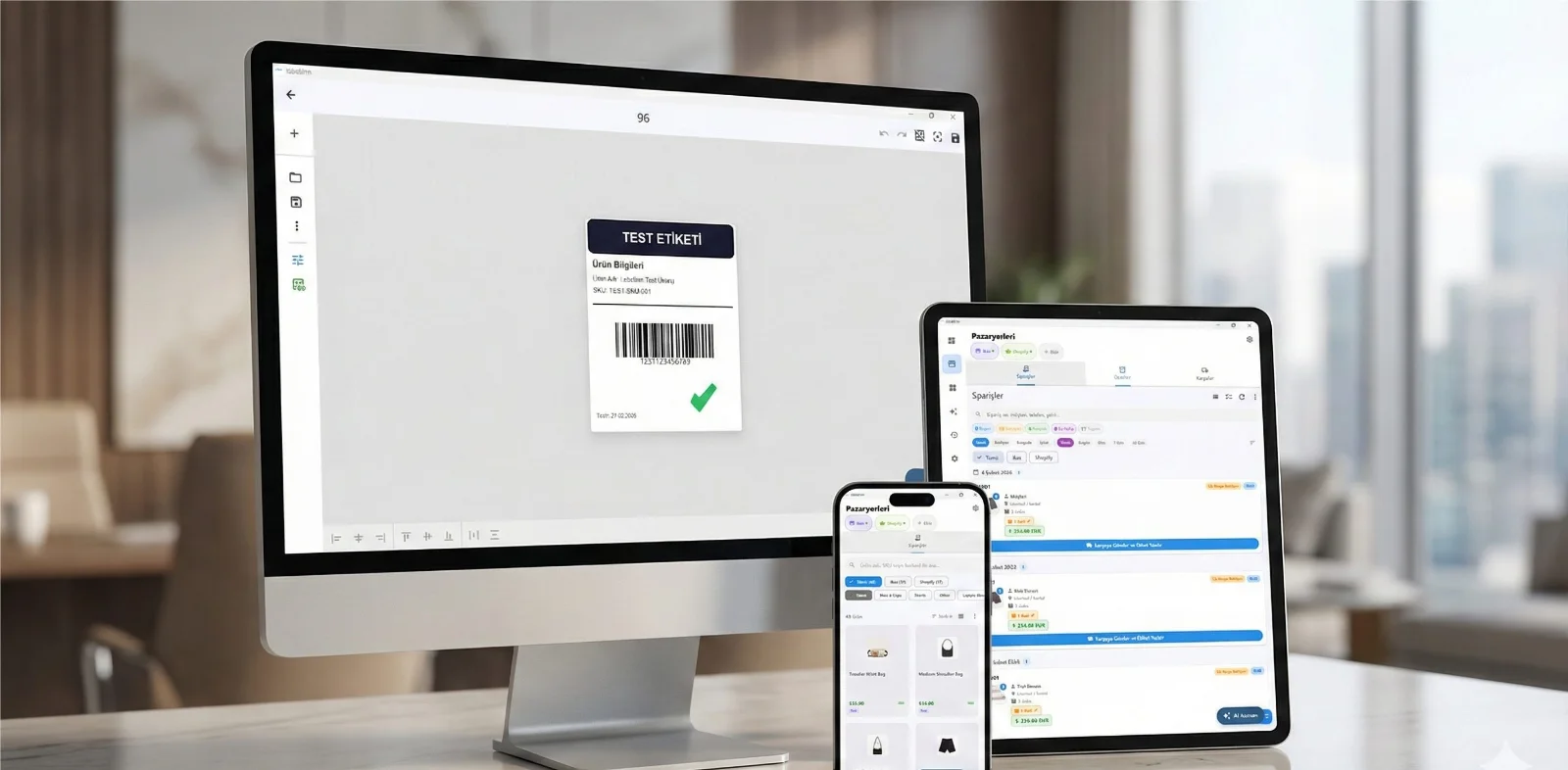
Design it, bind your data, print on the printer you already own.
Zebra, TSC, Toshiba, Epson and more — over USB, network or Bluetooth, with no driver to install.
PRICING
Start free. Pay when it earns its keep.
QUESTIONS / FAQ
Frequently Asked Questions
What is the best free barcode generator software?
LabelInn is the best free barcode generator that also lets you print to thermal printers directly. It supports 20+ types, has no watermark, and works on Windows and Mac. The free plan covers all basic use cases.
How do I generate an EAN-13 barcode?
In LabelInn: create a label → add barcode element → select EAN-13 → enter your 12-digit GS1 code (check digit auto-calculated). Print or export. For GS1 prefix, you need a GS1 membership — LabelInn supports all valid GS1 prefixes.
Can I generate 1,000 barcodes at once?
Yes. Connect your Excel or CSV file in LabelInn, map the barcode number column to the barcode element, and select all rows. One print job generates all 1,000 unique barcodes on individual labels.
Does it work without internet?
Yes — LabelInn is a desktop application that works fully offline. No internet connection required for barcode generation or printing.
Can I print barcodes to a Zebra or TSC printer?
Yes — LabelInn prints directly to Zebra (ZD220, ZD420, GK420d, etc.), TSC, Xprinter, Brother, Bixolon, and any thermal printer. No driver installation needed.
KEEP GOING
Related
NEXT STEP / LABELINN
Free Barcode Generator — Print Ready, No Watermark
Stop downloading watermarked PNGs. Generate real, print-ready barcodes in a real label designer — for free. · 20+ barcode types · Bulk from Excel/CSV · Direct print to thermal printers