AUGUST 8, 2026 / INFRASTRUCTURE
Replace the Label Print Server
Retire the Windows print server for label printing. Named printers, cloud queue, REST API and audit trail — without a spooler, PPDs or per-model drivers.
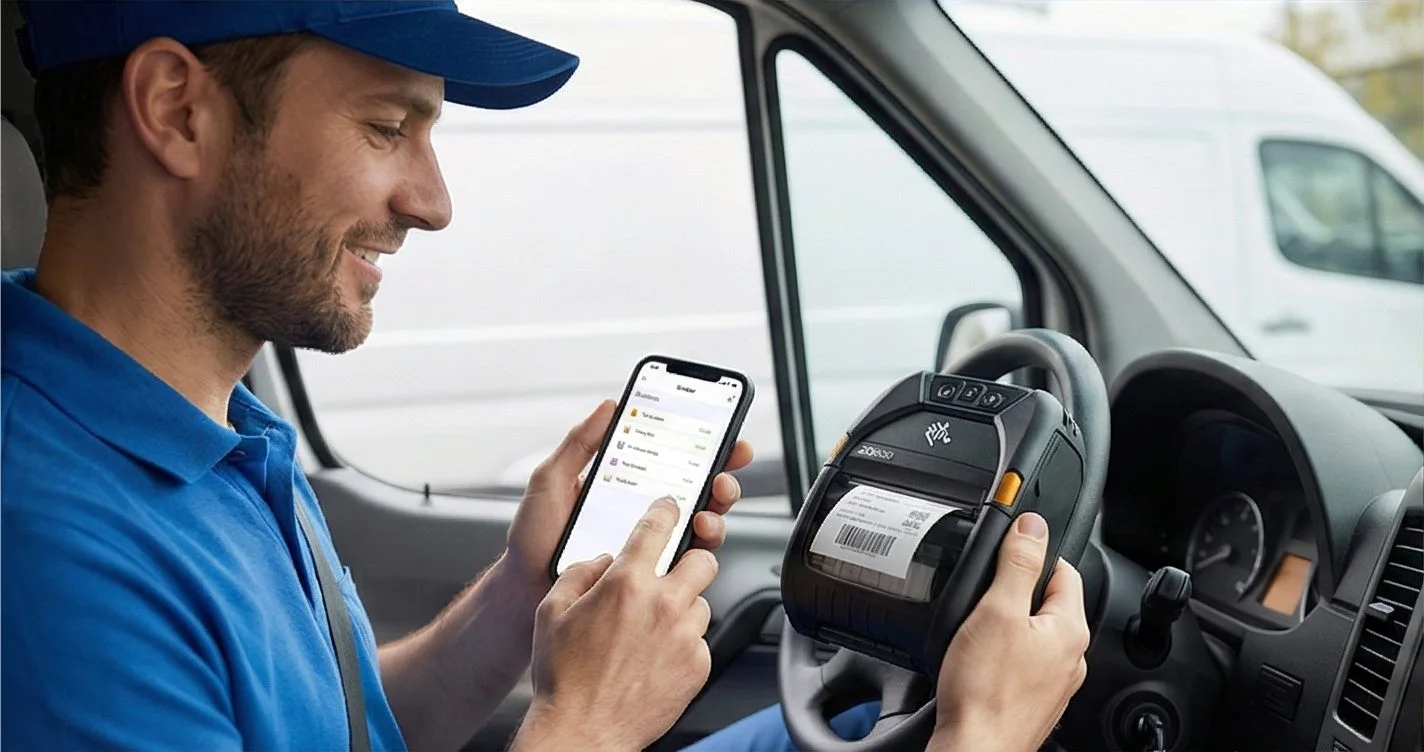
THE PROBLEM
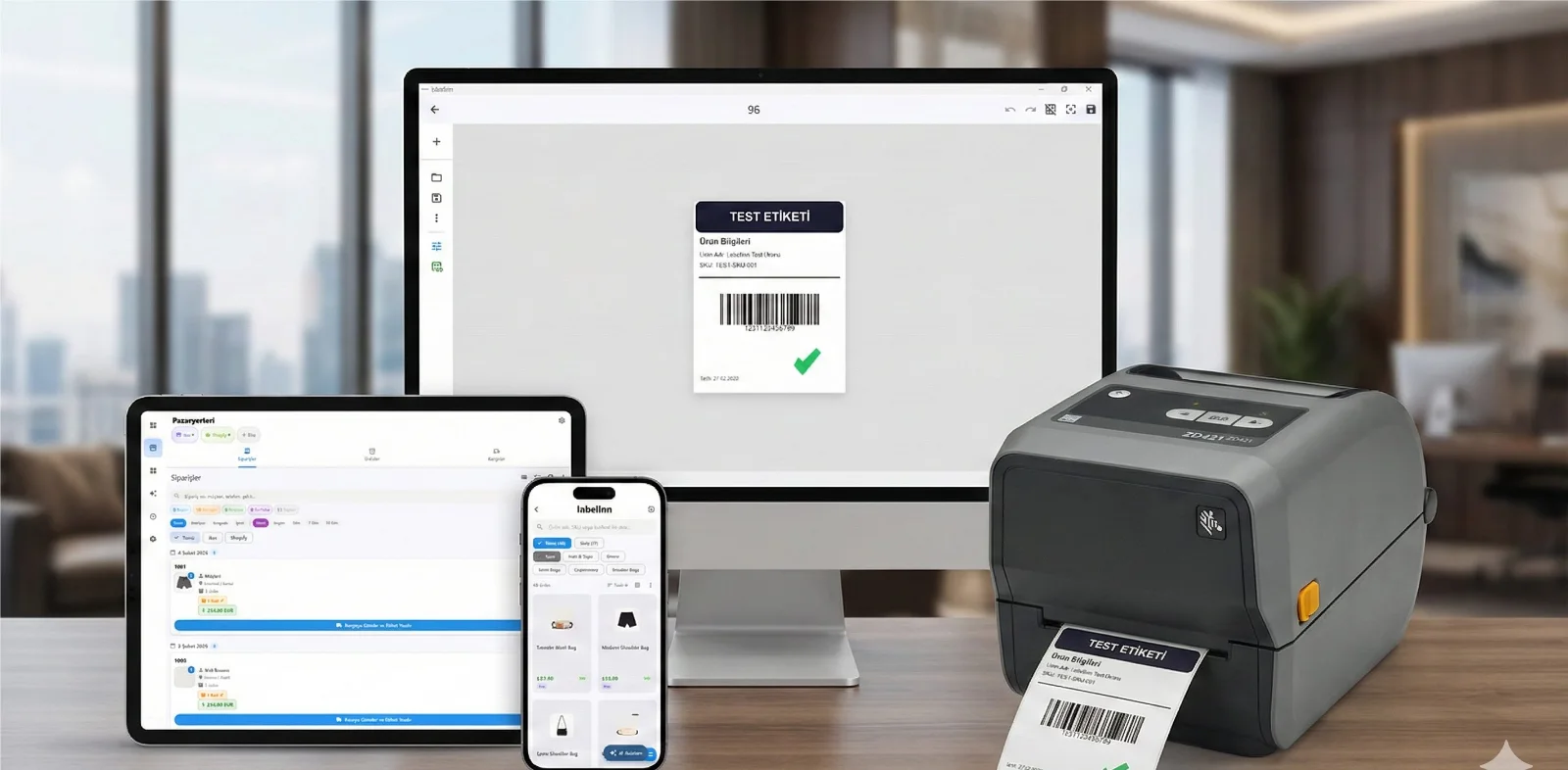
The label print server is a piece of infrastructure most teams inherited rather than chose. It exists because Windows printing needs a spooler and a driver, and because someone had to centralise both. Then it becomes the thing that breaks: a stuck queue, a driver that will not deploy to the new model, a server nobody wants to patch because printing stops when it reboots.
Your printer almost certainly already works. LabelInn writes native ZPL, TSPL/TSPL2, TPCL, ESC/Label, EZPL and PPLB — the languages behind 50+ printer brands. See compatible brands →
HOW IT WORKS
Three screens from data to printed label.
No copy-paste, no hunting for templates. The same flow repeats for every record.

Printer status, quick actions and recent work in one place.

Text, barcodes, QR and images placed on the real media size.

See the label, the printer state and the copy count before it prints.
01
What the print server was actually doing
Three jobs, bundled together by accident of history:
- Holding drivers so clients did not each need one
- Queueing so jobs survived a busy or offline printer
- Naming so people could pick "Warehouse 2" instead of an IP
Only two of those are still necessary — and neither requires a server you maintain.
02
Driver: removed, not relocated
LabelInn writes the printer's native language directly. There is no driver to host, deploy or version, so the first job the print server did simply stops existing. Adding a printer model is not a deployment.
03
Queue: durable, not a spooler
Jobs are records with a status — queued, claimed, printed, failed — rather than spool files. A host that is offline does not drop work; the queue holds and drains in order when it returns. Failures carry a reason instead of vanishing.
04
Naming: kept, and improved
Printers keep friendly names, and those names are global rather than per-server. A job addressed to Pack Bench 3 reaches it whether submitted from the app, an ERP, a workflow or an AI agent — from any site.
05
What you stop maintaining
| Print server | LabelInn |
|---|---|
| A Windows server to patch and licence | The machine already attached to the printer |
| Per-model driver deployment | Native ZPL / TSPL / TPCL / ESC-Label |
| Stuck spooler queues | Durable job records with status |
| VPN or open ports for remote sites | Outbound connection, nothing exposed |
| No record of what printed | Hash-chained audit entry per label |
ANY PRINTER
Design it, bind your data, print on the printer you already own.
Zebra, TSC, Toshiba, Epson and more — over USB, network or Bluetooth, with no driver to install.
PRICING
Start free. Pay when it earns its keep.
KEEP GOING
Related
NEXT STEP / LABELINN
Retire the print server